ubuntu出现The System is running in low graphics mode问题解决
当ubuntu出现“The System is running in low graphics modeYour Screen, graphics card,and input device settings could not be detected correctly. You will need to configure this yourself.”解决方法1:cd /...
·
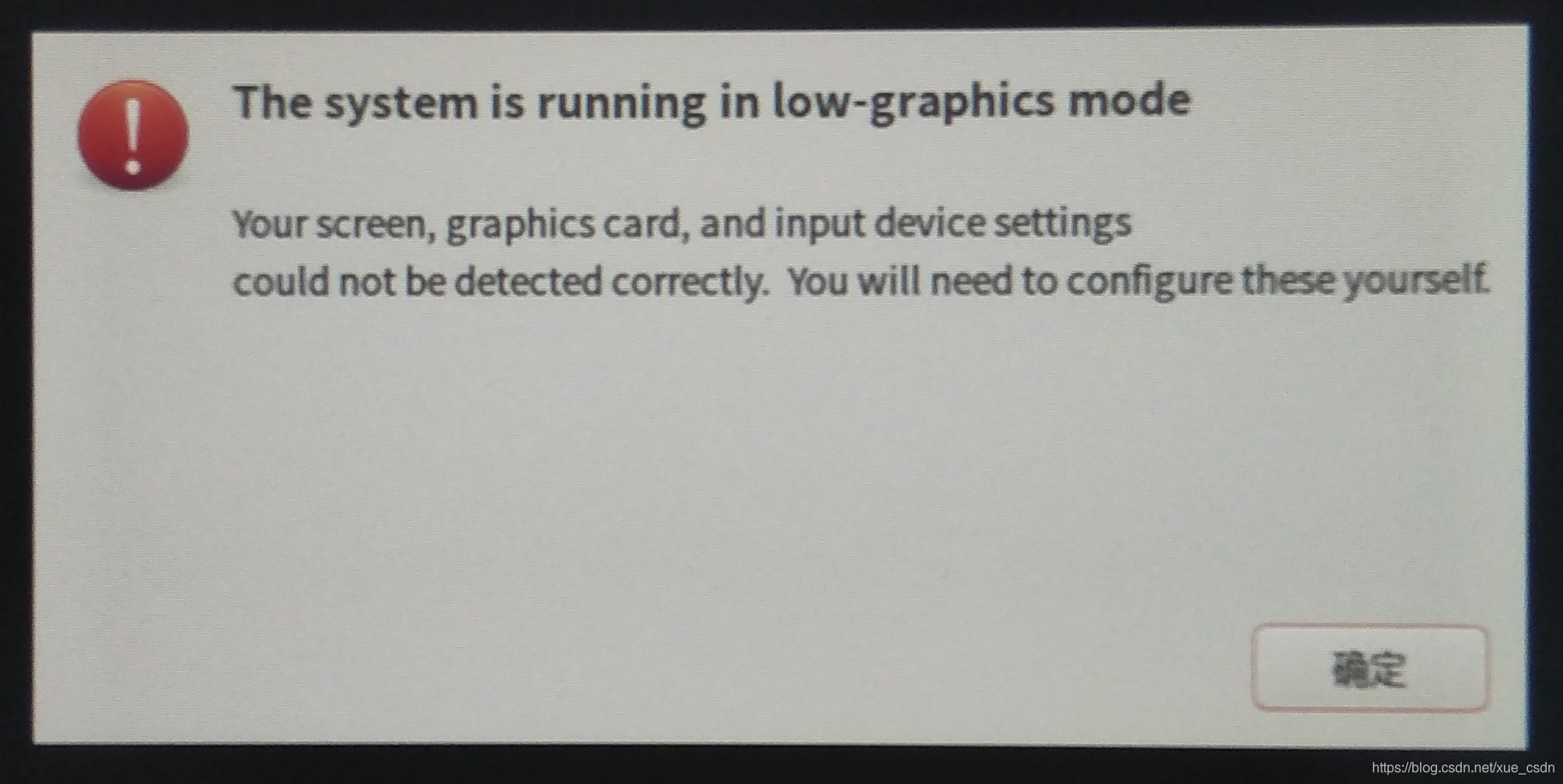
当ubuntu出现“The System is running in low graphics mode
Your Screen, graphics card,and input device settings could not be detected correctly. You will need to configure this yourself.”
解决方法1:
cd /etc/X11
sudo cp xorg.conf.failsafe xorg.conf
解决方法2:
sudo apt-get install nvidia-current

sudo apt-get install --reinstall ubuntu-desktop
sudo apt-get install gdm
reboot
再一次ctrl+alt+F1输入用户名和密码进入文字界面
sudo service lightdm stop
sudo dpkg-reconfigure gdm3
sudo reboot
目前只尝试用了方法1进行了测试,已经跑了24小时还没出现问题,后期试过之后再回来反馈。

魔乐社区(Modelers.cn) 是一个中立、公益的人工智能社区,提供人工智能工具、模型、数据的托管、展示与应用协同服务,为人工智能开发及爱好者搭建开放的学习交流平台。社区通过理事会方式运作,由全产业链共同建设、共同运营、共同享有,推动国产AI生态繁荣发展。
更多推荐



 1
1 0
0- 0


 已为社区贡献3条内容

所有评论(0)