macOS版本vs code编译c++怎么用万能头文件?万能头文件总是有曲线怎么办?我来教你!
VScode如何使用万能头文件?#include<bits/stdc++.h>总是有曲线?_vscode中能不能使用万能头-CSDN博客。在这个文件夹内新建一个名为“bits”的文件夹。右击新出来的标签页,选择复制路径。复制任意一个后缀名为.h的文件。”键单击”iostream“保存退出后把这个文件命名为“先在一个.cpp文件中写“全程都会要求输入登陆密码。好了,去编译一下试试吧!粘贴到bits文
·
先在一个.cpp文件中写“#include<iostream>”
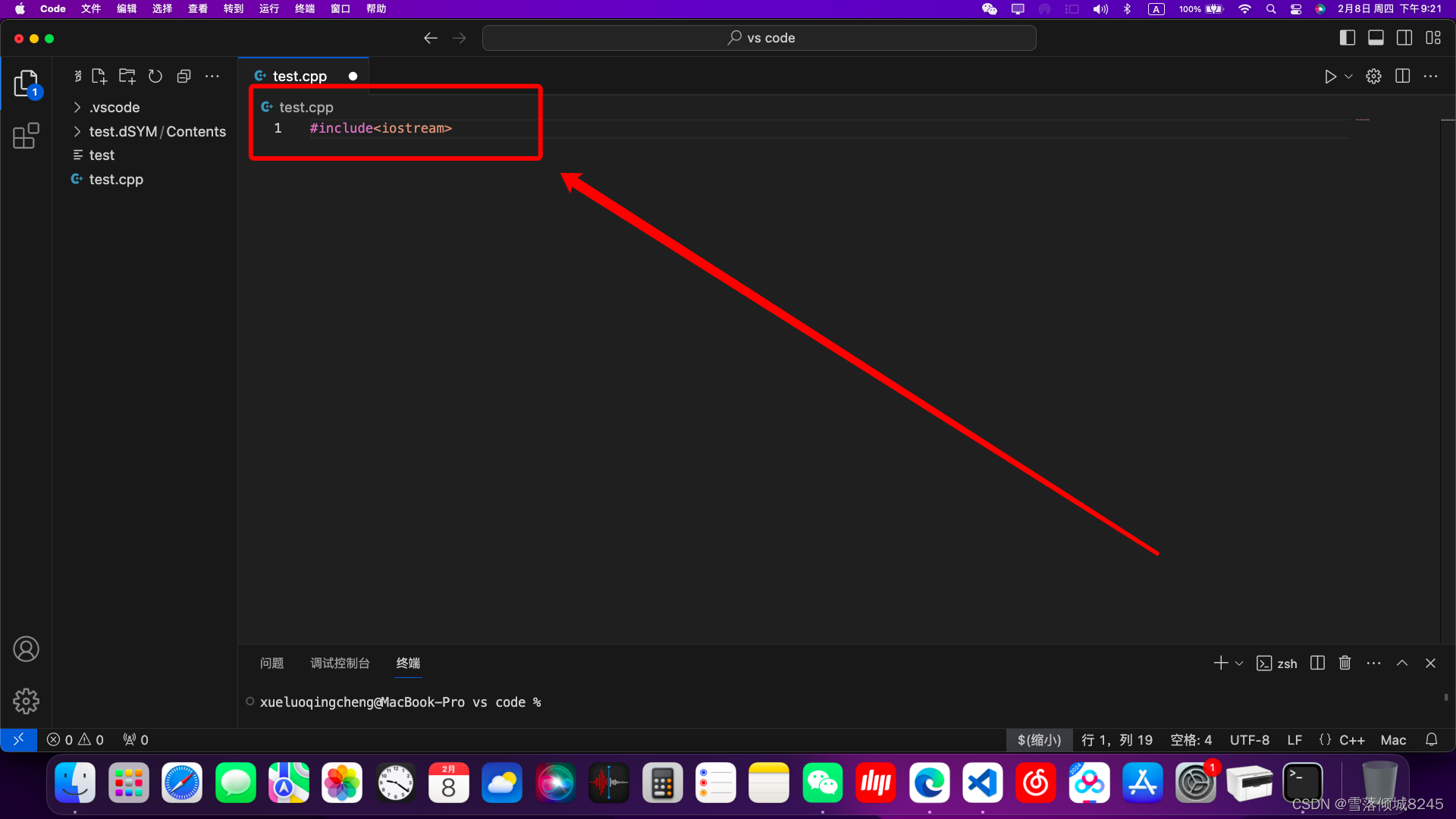
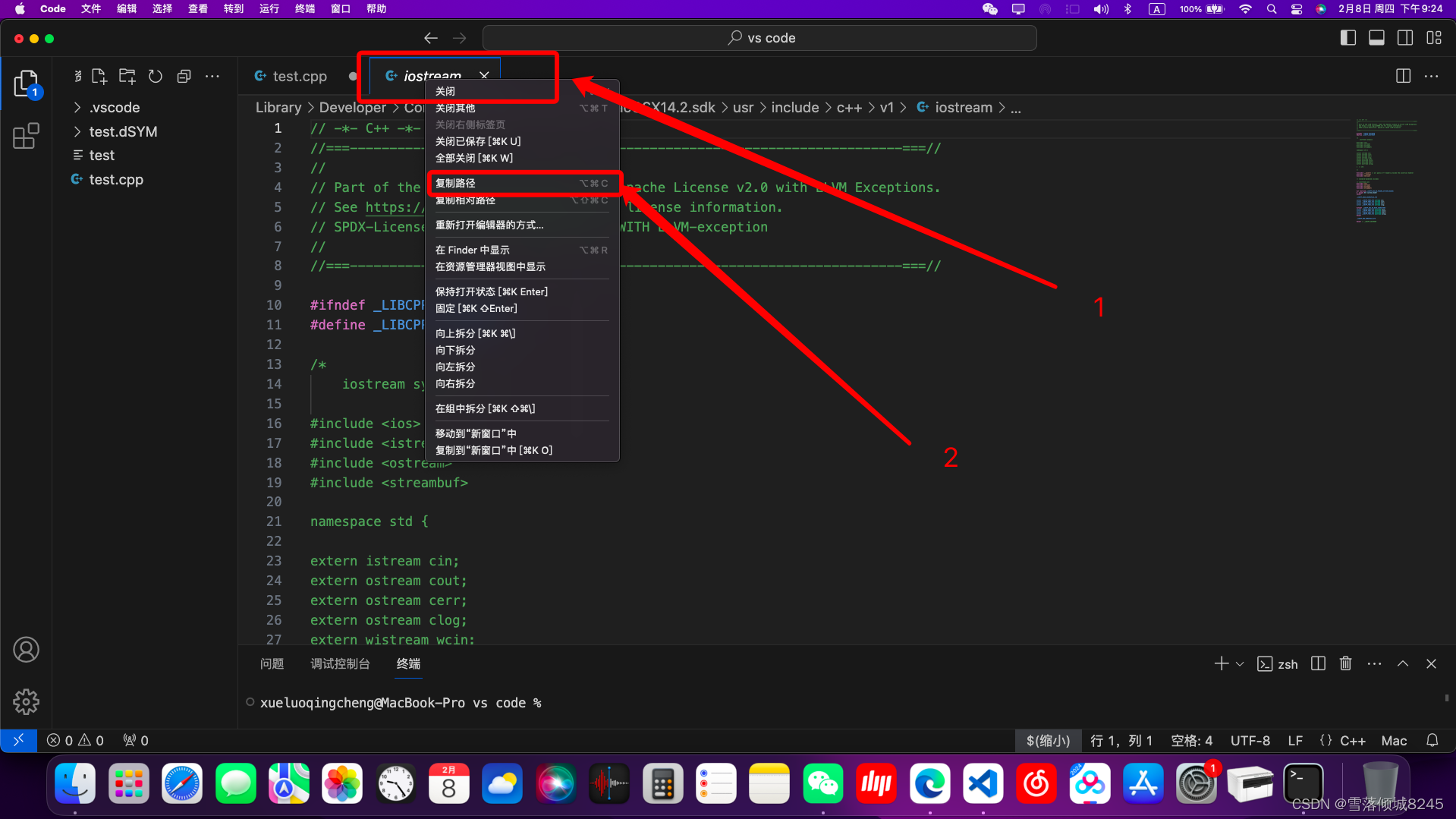
然后按住“Command⌘”键单击”iostream“
右击新出来的标签页,选择复制路径
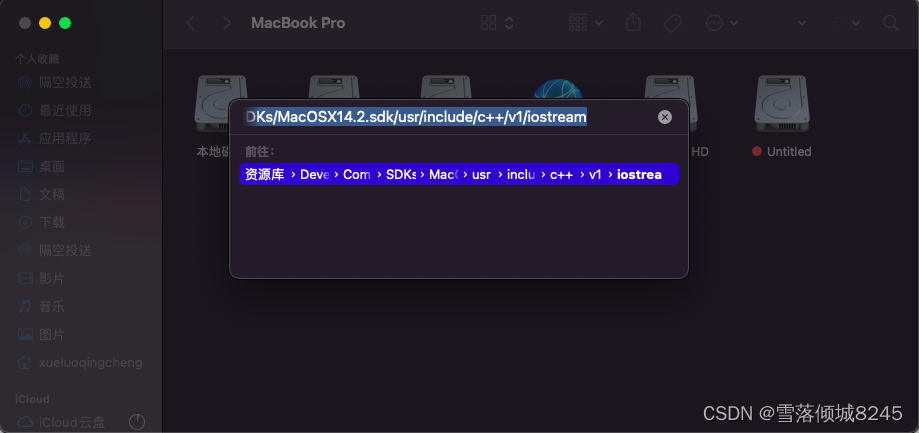
然后在访达中按下“Command⌘+Shift⇧+G”
粘贴刚才复制的路径
会来到这个“v1”文件夹:
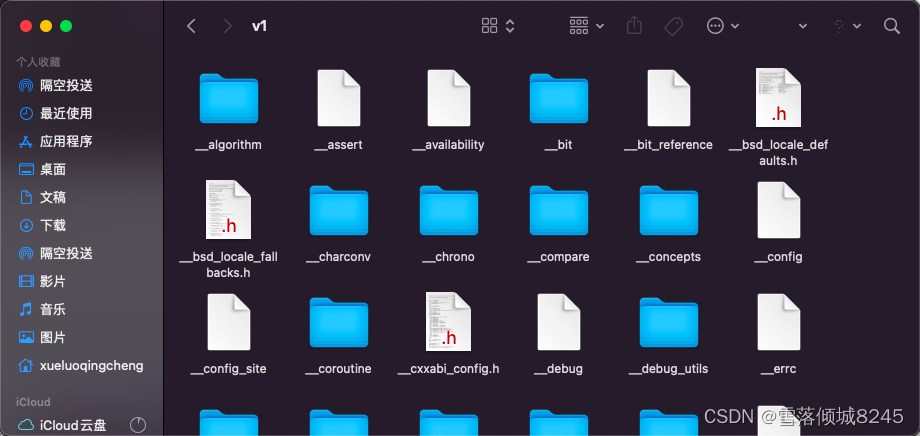 在这个文件夹内新建一个名为“bits”的文件夹
全程都会要求输入登陆密码
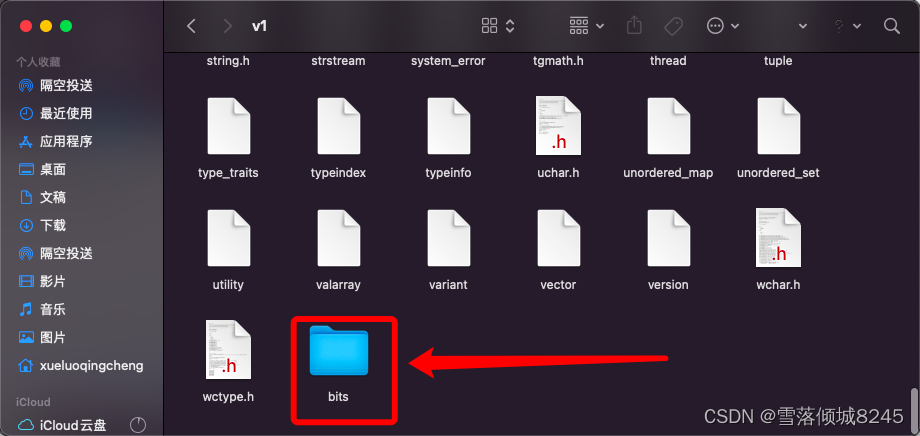
复制任意一个后缀名为.h的文件
粘贴到bits文件夹里
然后用打开它,选择信任
把里面的内容全部删除,改为如下内容:
// C++ includes used for precompiling -*- C++ -*-

// Copyright (C) 2003-2014 Free Software Foundation, Inc.
//
// This file is part of the GNU ISO C++ Library.  This library is free
// software; you can redistribute it and/or modify it under the
// terms of the GNU General Public License as published by the
// Free Software Foundation; either version 3, or (at your option)
// any later version.

// This library is distributed in the hope that it will be useful,
// but WITHOUT ANY WARRANTY; without even the implied warranty of
// MERCHANTABILITY or FITNESS FOR A PARTICULAR PURPOSE.  See the
// GNU General Public License for more details.

// Under Section 7 of GPL version 3, you are granted additional
// permissions described in the GCC Runtime Library Exception, version
// 3.1, as published by the Free Software Foundation.

// You should have received a copy of the GNU General Public License and
// a copy of the GCC Runtime Library Exception along with this program;
// see the files COPYING3 and COPYING.RUNTIME respectively.  If not, see
// <http://www.gnu.org/licenses/>.

/** @file stdc++.h
 *  This is an implementation file for a precompiled header.
 */

// 17.4.1.2 Headers

// C
#ifndef _GLIBCXX_NO_ASSERT
#include <cassert>
#endif
#include <cctype>
#include <cerrno>
#include <cfloat>
#include <ciso646>
#include <climits>
#include <clocale>
#include <cmath>
#include <csetjmp>
#include <csignal>
#include <cstdarg>
#include <cstddef>
#include <cstdio>
#include <cstdlib>
#include <cstring>
#include <ctime>

#if __cplusplus >= 201103L
#include <ccomplex>
#include <cfenv>
#include <cinttypes>
#include <cstdbool>
#include <cstdint>
#include <ctgmath>
#include <cwchar>
#include <cwctype>
#endif

// C++
#include <algorithm>
#include <bitset>
#include <complex>
#include <deque>
#include <exception>
#include <fstream>
#include <functional>
#include <iomanip>
#include <ios>
#include <iosfwd>
#include <iostream>
#include <istream>
#include <iterator>
#include <limits>
#include <list>
#include <locale>
#include <map>
#include <memory>
#include <new>
#include <numeric>
#include <ostream>
#include <queue>
#include <set>
#include <sstream>
#include <stack>
#include <stdexcept>
#include <streambuf>
#include <string>
#include <typeinfo>
#include <utility>
#include <valarray>
#include <vector>

#if __cplusplus >= 201103L
#include <array>
#include <atomic>
#include <chrono>
#include <condition_variable>
#include <forward_list>
#include <future>
#include <initializer_list>
#include <mutex>
#include <random>
#include <ratio>
#include <regex>
#include <scoped_allocator>
#include <system_error>
#include <thread>
#include <tuple>
#include <typeindex>
#include <type_traits>
#include <unordered_map>
#include <unordered_set>
#endif保存退出后把这个文件命名为“stdc++.h”:
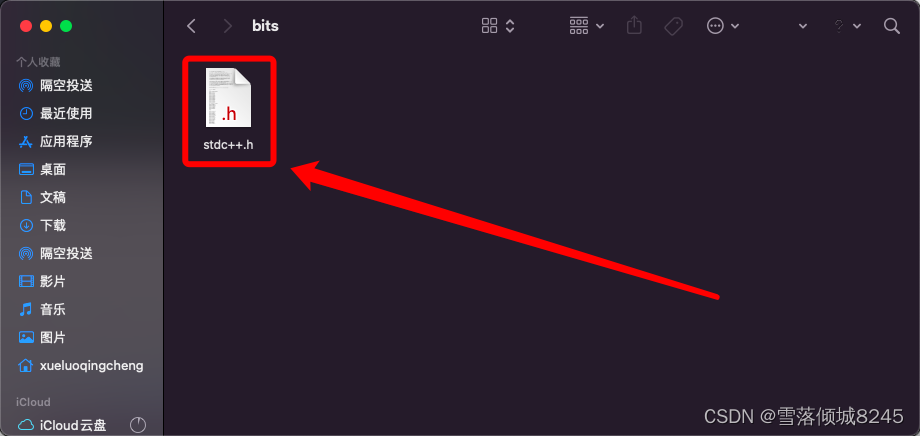
好了,去编译一下试试吧!
关于Windows系统vs code怎么用万能头文件,可以看我的博客:
 https://blog.csdn.net/xlqc8245/article/details/132245998
魔乐社区(Modelers.cn) 是一个中立、公益的人工智能社区,提供人工智能工具、模型、数据的托管、展示与应用协同服务,为人工智能开发及爱好者搭建开放的学习交流平台。社区通过理事会方式运作,由全产业链共同建设、共同运营、共同享有,推动国产AI生态繁荣发展。
更多推荐


 18
18 0
0- 0


 已为社区贡献3条内容

所有评论(0)