数据可视化的web工具 apache-superset
·
简介
Superset是一款由Airbnb开源的、目前由Apache孵化的,基于Flask-appbuilder搭建的“现代化的企业级BI(商业智能)Web应用程序”,它通过创建和分享dashboard,为数据分析提供了轻量级的数据查询和可视化方案。
安装
官网仅仅提供了linux、macos、docker的安装
apache-superset
window10
- 创建一个目录superset_,内部创建python虚拟环境(python3.9)
# superset_目录
python -m venv superset_venv

# 激活虚拟环境
cd superset_venv/Scripts/
activate # 激活
- 下载源码
在superset_目录下(虚拟环境的同级目录),下载superset的源码。
# git 克隆
git clone https://github.com/apache/superset.git

# 若无法拉取,则直接打开网址,直接复制
然后解压,并进入superset项目目录。
- 打开一个终端,并安装superset
# 安装依赖
pip install -e .
- 设置配置文件
在superset项目根目录下,创建superset_config.py配置文件,内部编辑如下。
- 重点修改 SECRET_KEY,使用openssl rand -base64 42 生成随机秘钥。
- 重点修改SQLALCHEMY_DATABASE_URI
#
# Superset specific config
ROW_LIMIT = 5000
# 服务端口
SUPERSET_WEBSERVER_PORT = 8088

# Flask App Builder configuration
# Your App secret key will be used for securely signing the session cookie
# and encrypting sensitive information on the database
# Make sure you are changing this key for your deployment with a strong key.
# You can generate a strong key using `openssl rand -base64 42`.
# Alternatively you can set it with `SUPERSET_SECRET_KEY` environment variable.
SECRET_KEY = 'xQyq5JVwd7q6cw1yXjE/P+YyirBzP7hEWTn+S0ux6GuUkPzDyPoVLhp7'

# The SQLAlchemy connection string to your database backend
# This connection defines the path to the database that stores your
# superset metadata (slices, connections, tables, dashboards, ...).
# Note that the connection information to connect to the datasources
# you want to explore are managed directly in the web UI
SQLALCHEMY_DATABASE_URI = 'sqlite:///C:\\Users\\lenovo\\Desktop\\superset_/superset.db'

# Flask-WTF flag for CSRF
WTF_CSRF_ENABLED = True
# Add endpoints that need to be exempt from CSRF protection
WTF_CSRF_EXEMPT_LIST = []
# A CSRF token that expires in 1 year
WTF_CSRF_TIME_LIMIT = 60 * 60 * 24 * 365

# Set this API key to enable Mapbox visualizations
MAPBOX_API_KEY = ''
- 设置环境变量,并初始化数据库
# 终端下
set FLASK_APP=superset  # 本身就是一个flask应用
# 初始化数据库
superset db upgrade
如下表示半成功,数据库配置不正确;修改数据库配置后,再次执行superset db upgrade会输出大量的日志,表示成功。
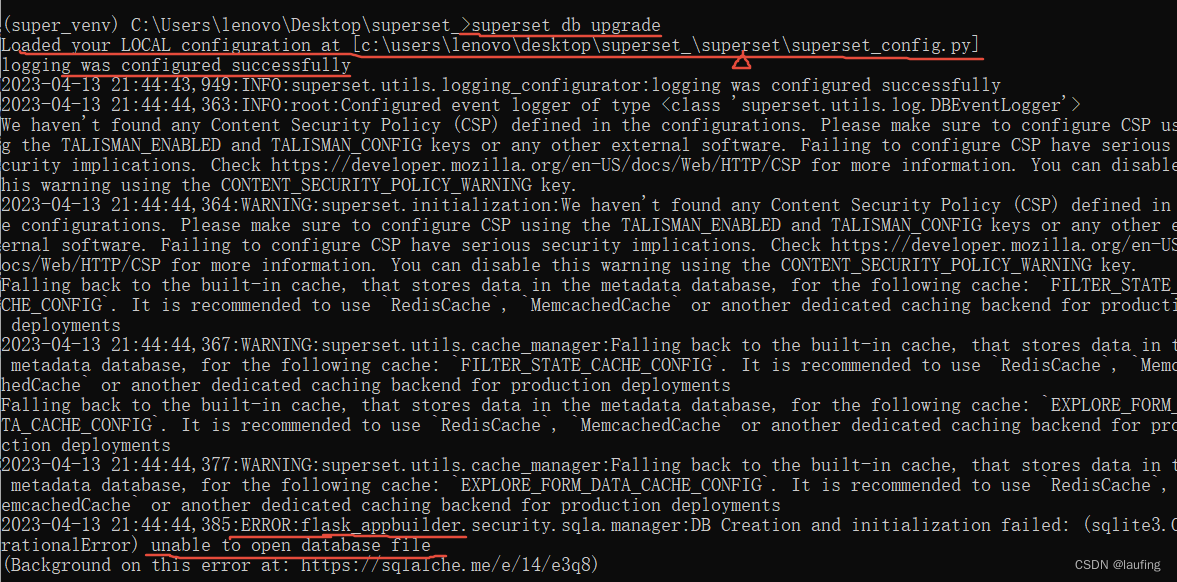
初始化失败的情况:
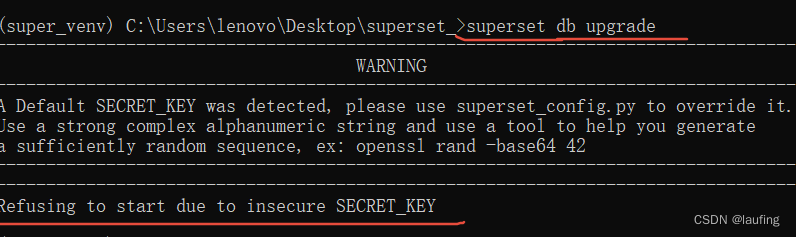
因为默认的秘钥不安全,必须自己在superset项目下使用superset_config.py进行配置。
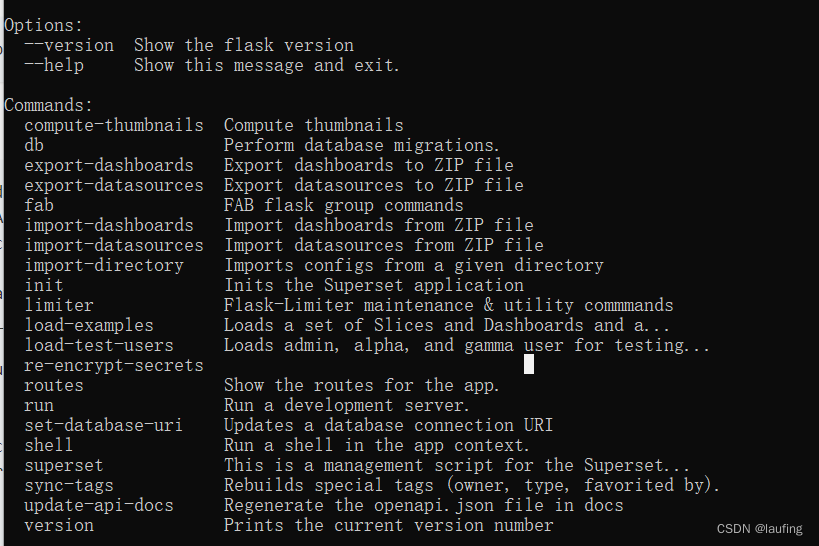
可以查看superset命令的帮助信息:superset --help
- 创建用户,并初始化
# 终端下,创建管理用户
superset fab create-admin

# 下载 superset 案例
superset load-examples  # 下载失败不影响使用

# 创建默认的角色、权限
superset init
- 启动superset这个flask应用程序
启动应用程序,并在浏览器中访问。
# 运行后端flask项目
superset run -p 5000 --with-threads --reload --debugger
浏览器访问,http://localhost:5000/
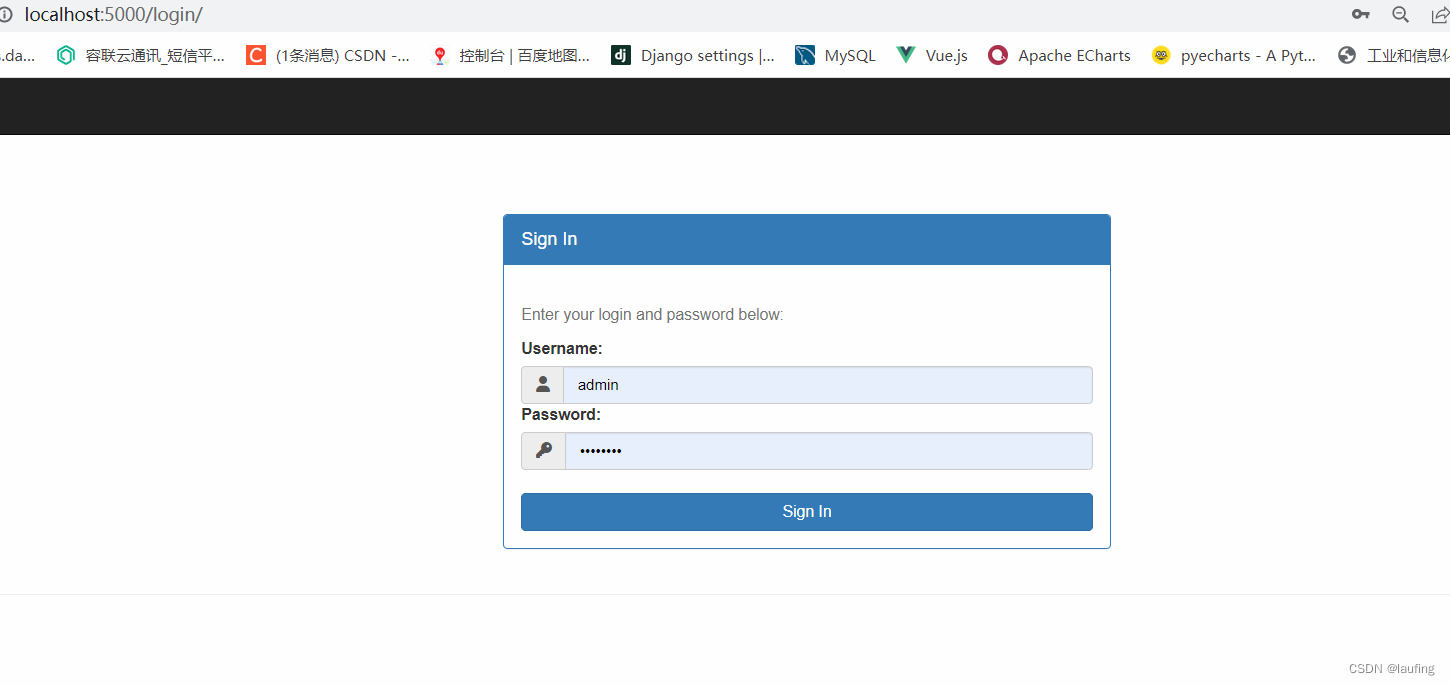
使用创建的管理员账户登录。
此时发现没有页面数据。
- 处理前端项目
# 进入前端项目
cd superset-frontend
# 安装依赖
npm install

# 报错可以尝试升级,然后再次安装
npm install -g npm
npm install

# 安装完成,确保可以启动前端项目
npm run dev
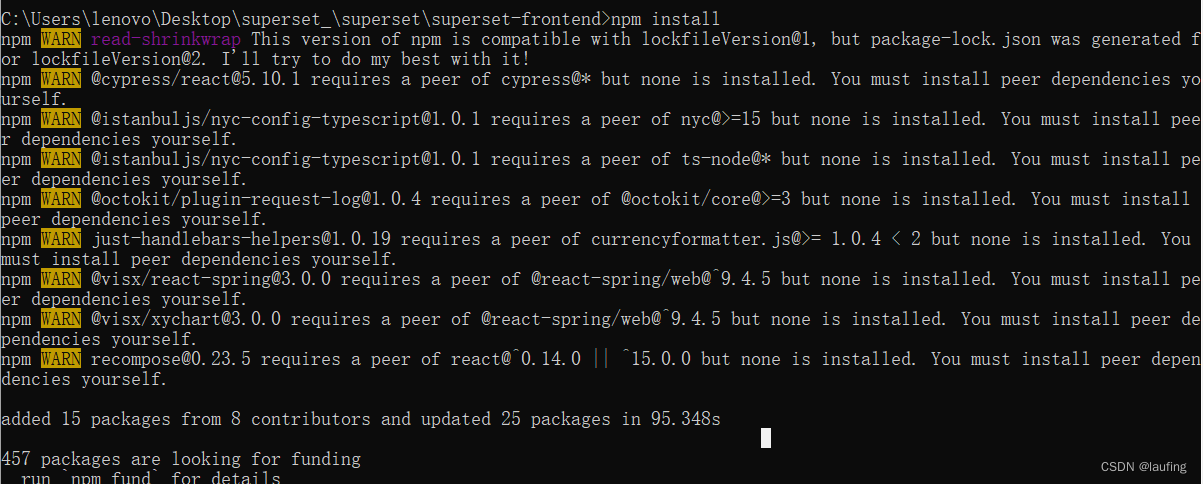
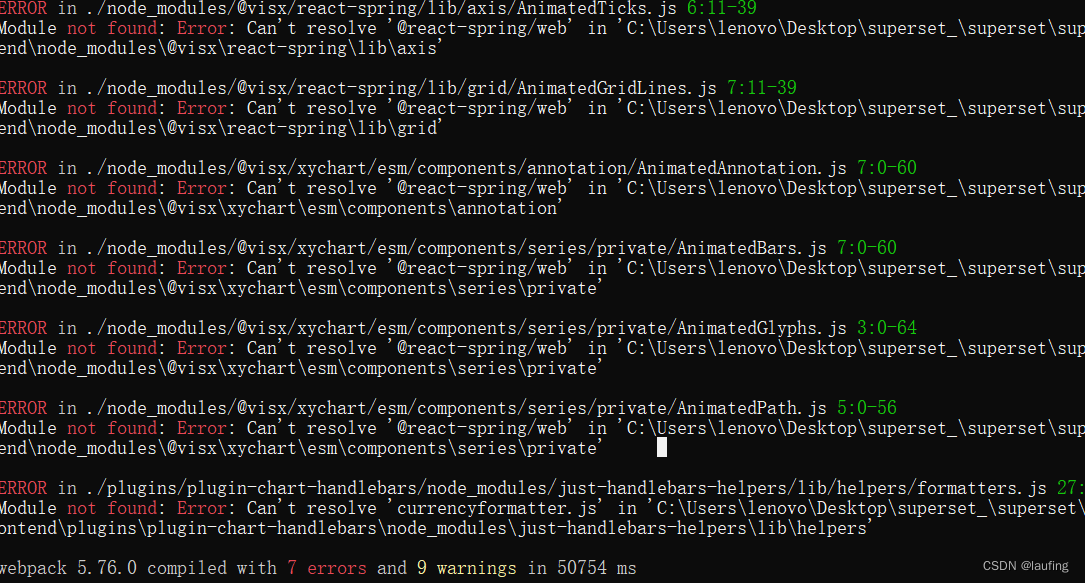
前端项目启动时,有几个报错,不影响使用。
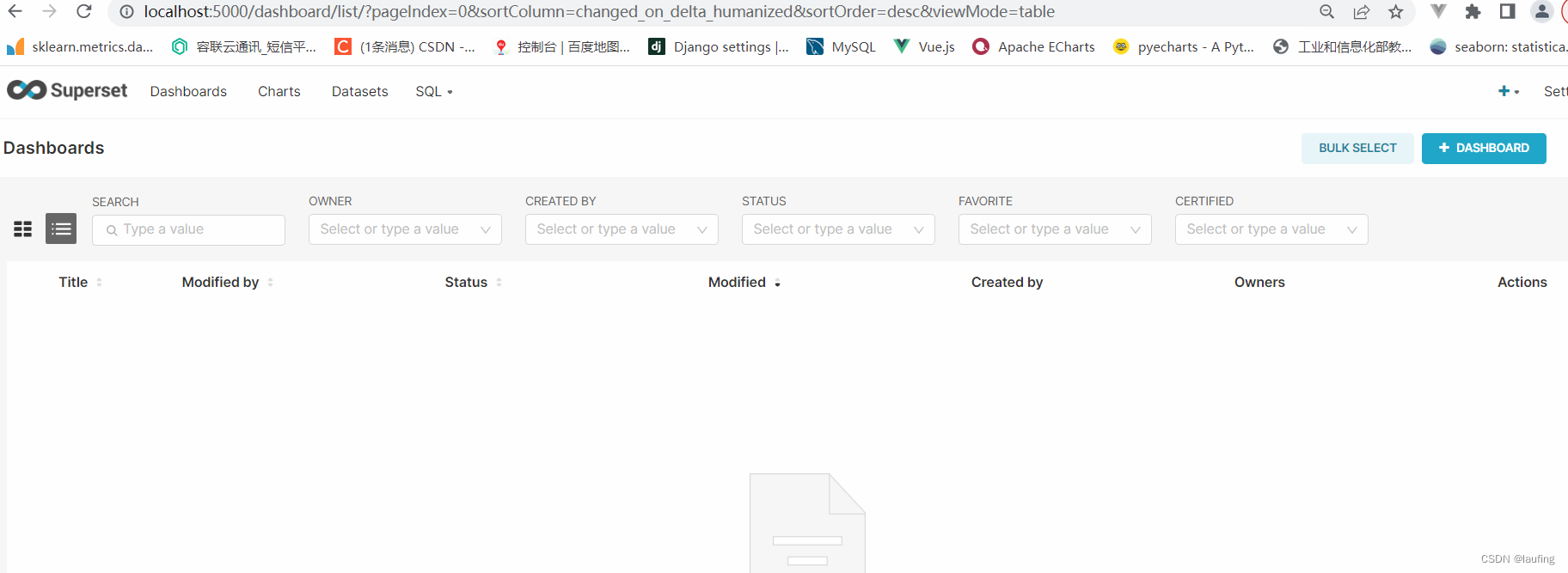
只需启动superset即可,刷新浏览器。
Ubuntu1804
pass
CentOS8
pass
配置连接数据库
连接其他的数据库,增加数据源。
添加待分析的数据库及数据集:
"""
    superset 后台添加数据库,用于表示做数据分析的数据来自哪里。
    1. 库不能重名,否则报422
    2. 需要登录(回话保持),否则报401
"""
import requests

# request headers
headers = {
    "User-Agent": "Mozilla/5.0 (Windows NT 10.0; Win64; x64) AppleWebKit/537.36 (KHTML, like Gecko) Chrome/113.0.0.0 Safari/537.36",
    "Cookie": "session=.eJwlzjsOwjAMANC7ZGZI_InjXqZKHFsgVSC1dELcnUqMb3uftMbuxz0t7_30W1ofMy3JqqAWJi21es1og8S9wYwo4kpAtfgcQyFzMMwSgzvX6CKcKbdOWEWbK3AQ2vSMiiE2YPTQ7o2VG0MtM8wYsSGQgRQVjEwh6Yqch-__Tbm4vaxvfsGf6fsDF3MyeA.ZFj-tg.yyoaMNJfqFf3U4nAOS4yuSKw2pA",

}
# validate url
validate_url = "http://localhost:5050/api/v1/database/validate_parameters/"
# add database url
add_url = "http://localhost:5050/api/v1/database/"


validate_payload = {
    "database_name": "MySQL",
    "engine": "mysql",
    "configuration_method": "dynamic_form",
    "engine_information": {
        "disable_ssh_tunneling": False,
        "supports_file_upload": True
    },
    "driver": "mysqldb",
    "extra": "{\"allows_virtual_table_explore\":true}",
    "expose_in_sqllab": True,
    "parameters": {
        "host": "localhost",
        "port": "3306",
        "database": "superset",
        "username": "lauf",
        "password": "lauf123"
    }
}


add_payload = {
  "database_name": "mysql-superset1",
  "engine": "mysql",
  "configuration_method": "dynamic_form",
  "engine_information": {
    "disable_ssh_tunneling": False,
    "supports_file_upload": True
  },
  "driver": "mysqldb",
  "extra": "{\"allows_virtual_table_explore\":true}",
  "expose_in_sqllab": True,
  "parameters": {
    "host": "localhost",
    "port": "3306",
    "database": "superset",
    "username": "lauf",
    "password": "lauf123"
  },
  "masked_encrypted_extra": "{}"
}

def validate(url, data):
    res = requests.post(url, json=data, headers=headers)
    print("验证的响应:", res.status_code)
    print("响应内容:", res.json())
    return res.status_code, res.json()


def add_database(url, data):
    res = requests.post(url, json=data, headers=headers)
    print("添加库的响应:", res.status_code)
    print("添加库的响应内容:", res.json())
    return res.status_code, res.json()


add_dataset_url = "http://localhost:5050/api/v1/dataset/"
add_table = {
  "database": 2,  # 表所属数据库的id
  "schema": "superset", # 数据库名
  "table_name": "laufing2222"  # 添加的表名  --> 添加到superset>tables
}

def add_dataset(url, data):
    res = requests.post(url, json=data, headers=headers)
    print("添加数据集的响应:", res.status_code)
    print("响应内容:", res.json())

query_database_from_dbs = "http://localhost:5050/api/v1/database/?q=(filters:!((col:database_name,opr:ct,value:%27%27)),order_columns:database_name,order_direction:asc,page:0,page_size:100)"

if __name__ == "__main__":
    # 先添加数据库
    #v_code, v_msg = validate(validate_url, validate_payload)
    #if v_msg.get("message") == "OK":
        # 添加
        #add_code, add_msg = add_database(add_url, add_payload)

        #if add_code == 201:
            # xxx
    add_dataset(add_dataset_url, add_table)
创建仪表板
pass
创建图表
数据可视化
图表加入仪表板
pass
时间序列折线图
- 选择表、line chart,点击确定,请求如下地址
http://localhost:5050/api/v1/explore/?viz_type=echarts_timeseries_line&datasource_id=1&datasource_type=table
GET
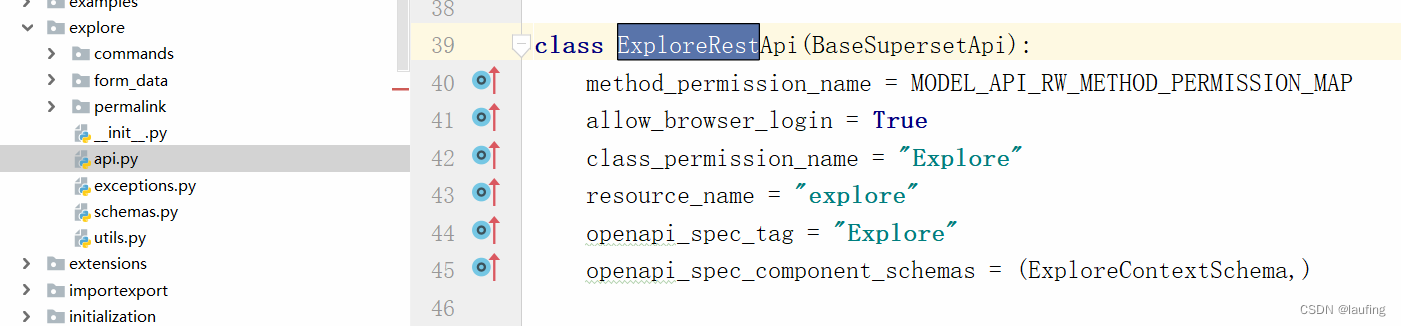
flask routes查看所有的路由。
视图:ExploreRestApi.get

魔乐社区(Modelers.cn) 是一个中立、公益的人工智能社区,提供人工智能工具、模型、数据的托管、展示与应用协同服务,为人工智能开发及爱好者搭建开放的学习交流平台。社区通过理事会方式运作,由全产业链共同建设、共同运营、共同享有,推动国产AI生态繁荣发展。
更多推荐


 0
0 0
0- 0


 已为社区贡献6条内容

所有评论(0)