python调用讯飞语音合成API接口实现文字转语音,然后转换音频格式_python pcm转mp3(1)
·
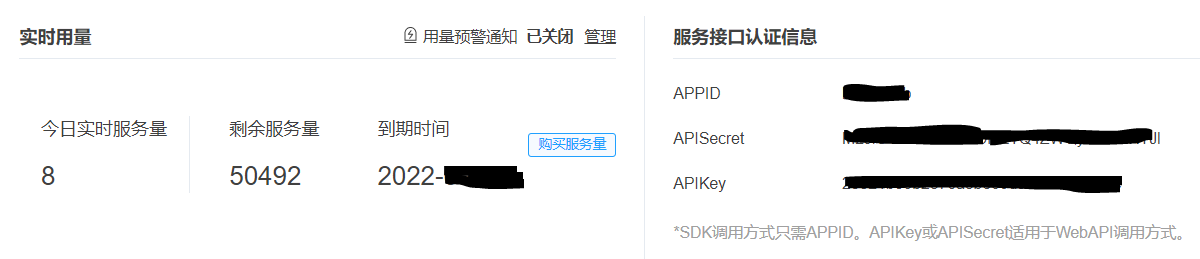
四、找到开发者文档,仔细阅读
语音合成(流式版)WebAPI 文档 | 讯飞开放平台文档中心 (xfyun.cn)")
五、根据开发者文档的python demo代码,加上你的API信息:
# -*- coding:utf-8 -*-
#
# author: iflytek
#
# 本demo测试时运行的环境为:Windows + Python3.7
# 本demo测试成功运行时所安装的第三方库及其版本如下:
# cffi==1.12.3
# gevent==1.4.0
# greenlet==0.4.15
# pycparser==2.19
# six==1.12.0
# websocket==0.2.1
# websocket-client==0.56.0
# 合成小语种需要传输小语种文本、使用小语种发音人vcn、tte=unicode以及修改文本编码方式
# 错误码链接:https://www.xfyun.cn/document/error-code (code返回错误码时必看)
# # # # # # # # # # # # # # # # # # # # # # # # # # # # # # # # # # # # # # # # # # # # # # # # # # # # # # # # # # # #
import websocket
import datetime
import hashlib
import base64
import hmac
import json
from urllib.parse import urlencode
import time
import ssl
from wsgiref.handlers import format_date_time
from datetime import datetime
from time import mktime
import _thread as thread
import os
STATUS_FIRST_FRAME = 0 # 第一帧的标识
STATUS_CONTINUE_FRAME = 1 # 中间帧标识
STATUS_LAST_FRAME = 2 # 最后一帧的标识
class Ws_Param(object):
# 初始化
def __init__(self, APPID, APIKey, APISecret, Text):
self.APPID = APPID
self.APIKey = APIKey
self.APISecret = APISecret
self.Text = Text
# 公共参数(common)
self.CommonArgs = {"app_id": self.APPID}
# 业务参数(business),更多个性化参数可在官网查看
self.BusinessArgs = {"aue": "raw", "auf": "audio/L16;rate=16000", "vcn": "xiaoyan", "tte": "utf8"}
self.Data = {"status": 2, "text": str(base64.b64encode(self.Text.encode('utf-8')), "UTF8")}
#使用小语种须使用以下方式,此处的unicode指的是 utf16小端的编码方式,即"UTF-16LE"”
#self.Data = {"status": 2, "text": str(base64.b64encode(self.Text.encode('utf-16')), "UTF8")}
# 生成url
def create_url(self):
url = 'wss://tts-api.xfyun.cn/v2/tts'
# 生成RFC1123格式的时间戳
now = datetime.now()
date = format_date_time(mktime(now.timetuple()))
# 拼接字符串
signature_origin = "host: " + "ws-api.xfyun.cn" + "\n"
signature_origin += "date: " + date + "\n"
signature_origin += "GET " + "/v2/tts " + "HTTP/1.1"
# 进行hmac-sha256进行加密
signature_sha = hmac.new(self.APISecret.encode('utf-8'), signature_origin.encode('utf-8'),
digestmod=hashlib.sha256).digest()
signature_sha = base64.b64encode(signature_sha).decode(encoding='utf-8')
authorization_origin = "api_key=\"%s\", algorithm=\"%s\", headers=\"%s\", signature=\"%s\"" % (
self.APIKey, "hmac-sha256", "host date request-line", signature_sha)
authorization = base64.b64encode(authorization_origin.encode('utf-8')).decode(encoding='utf-8')
# 将请求的鉴权参数组合为字典
v = {
"authorization": authorization,
"date": date,
"host": "ws-api.xfyun.cn"
}
# 拼接鉴权参数,生成url
url = url + '?' + urlencode(v)
# print("date: ",date)
# print("v: ",v)
# 此处打印出建立连接时候的url,参考本demo的时候可取消上方打印的注释,比对相同参数时生成的url与自己代码生成的url是否一致
# print('websocket url :', url)
return url
def on_message(ws, message):
try:
message =json.loads(message)
code = message["code"]
sid = message["sid"]
audio = message["data"]["audio"]
audio = base64.b64decode(audio)
status = message["data"]["status"]
print(message)
if status == 2:
print("ws is closed")
ws.close()
if code != 0:
errMsg = message["message"]
print("sid:%s call error:%s code is:%s" % (sid, errMsg, code))
else:
with open('./demo.pcm', 'ab') as f:
f.write(audio)
except Exception as e:
print("receive msg,but parse exception:", e)
# 收到websocket错误的处理
def on_error(ws, error):
print("### error:", error)
# 收到websocket关闭的处理
def on_close(ws):
print("### closed ###")
# 收到websocket连接建立的处理
def on_open(ws):
def run(*args):
d = {"common": wsParam.CommonArgs,
"business": wsParam.BusinessArgs,
"data": wsParam.Data,
}
学好 Python 不论是就业还是做副业赚钱都不错,但要学会 Python 还是要有一个学习规划。最后大家分享一份全套的 Python 学习资料,给那些想学习 Python 的小伙伴们一点帮助!
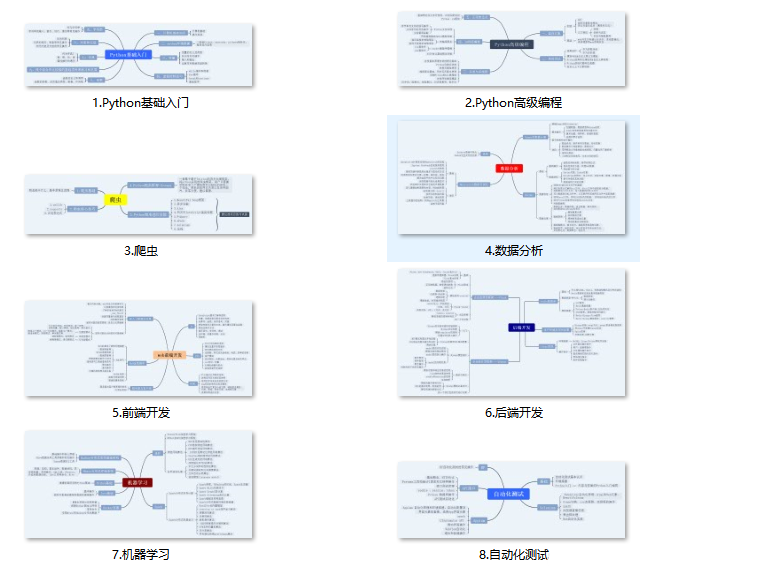
### 一、Python所有方向的学习路线
Python所有方向路线就是把Python常用的技术点做整理,形成各个领域的知识点汇总,它的用处就在于,你可以按照上面的知识点去找对应的学习资源,保证自己学得较为全面。
### 二、学习软件
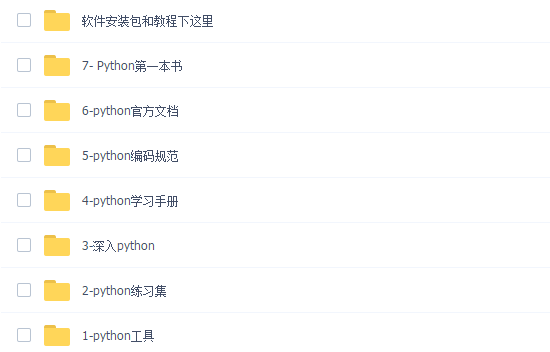
工欲善其事必先利其器。学习Python常用的开发软件都在这里了,给大家节省了很多时间。
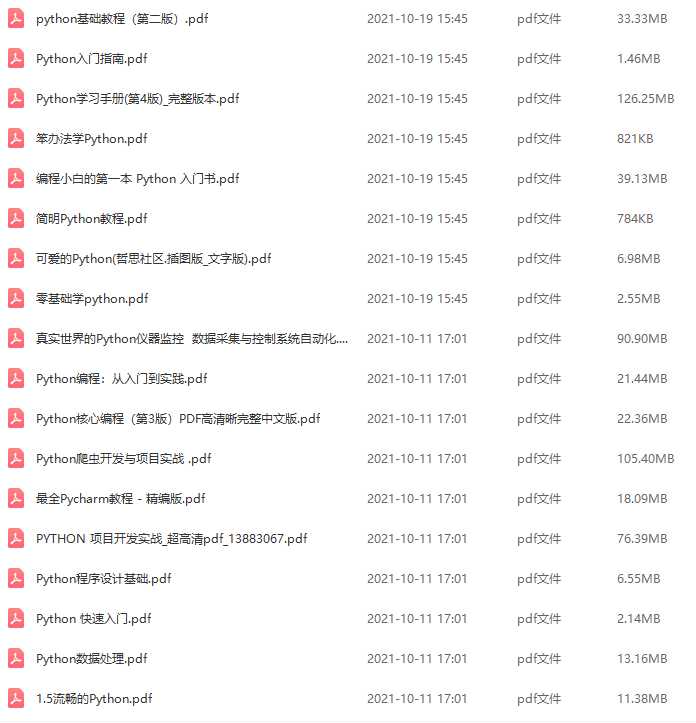
### 三、全套PDF电子书
书籍的好处就在于权威和体系健全,刚开始学习的时候你可以只看视频或者听某个人讲课,但等你学完之后,你觉得你掌握了,这时候建议还是得去看一下书籍,看权威技术书籍也是每个程序员必经之路。
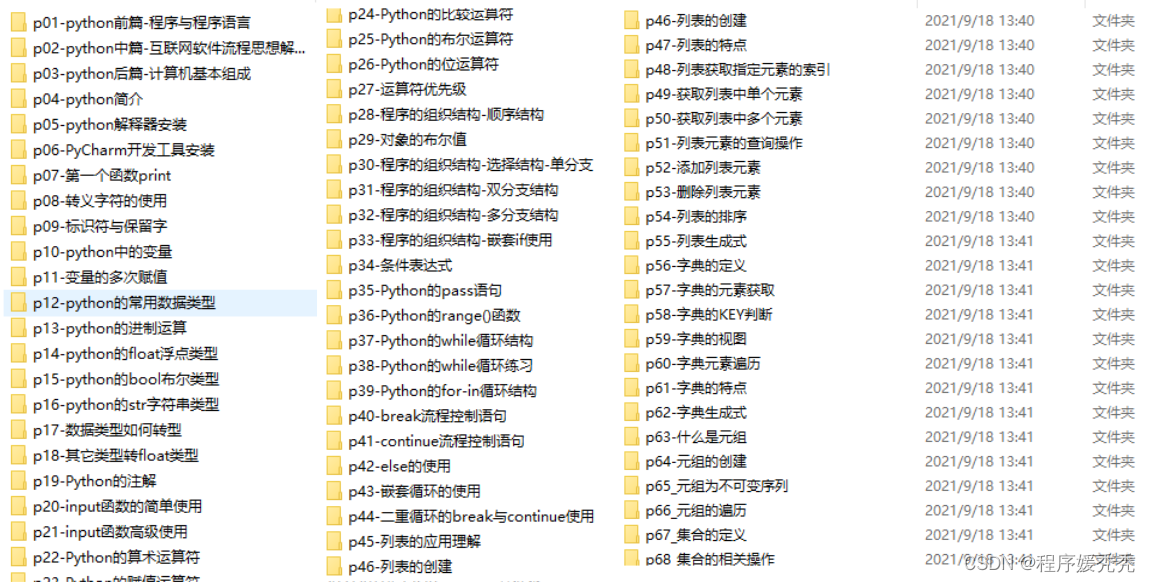
### 四、入门学习视频
我们在看视频学习的时候,不能光动眼动脑不动手,比较科学的学习方法是在理解之后运用它们,这时候练手项目就很适合了。
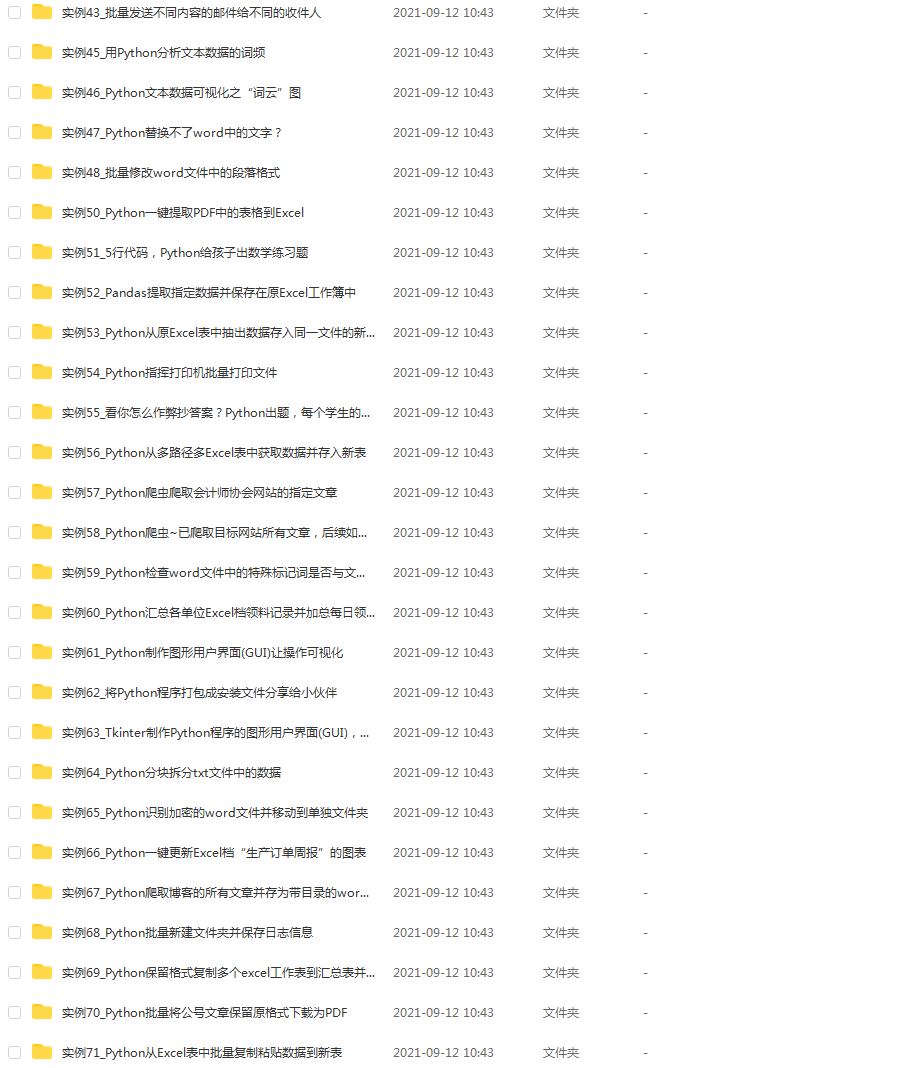
### 五、实战案例
光学理论是没用的,要学会跟着一起敲,要动手实操,才能将自己的所学运用到实际当中去,这时候可以搞点实战案例来学习。
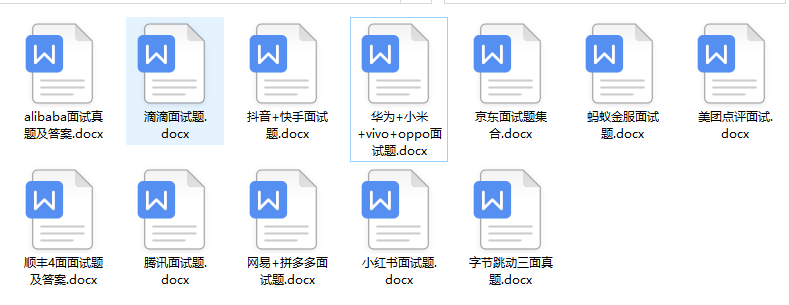
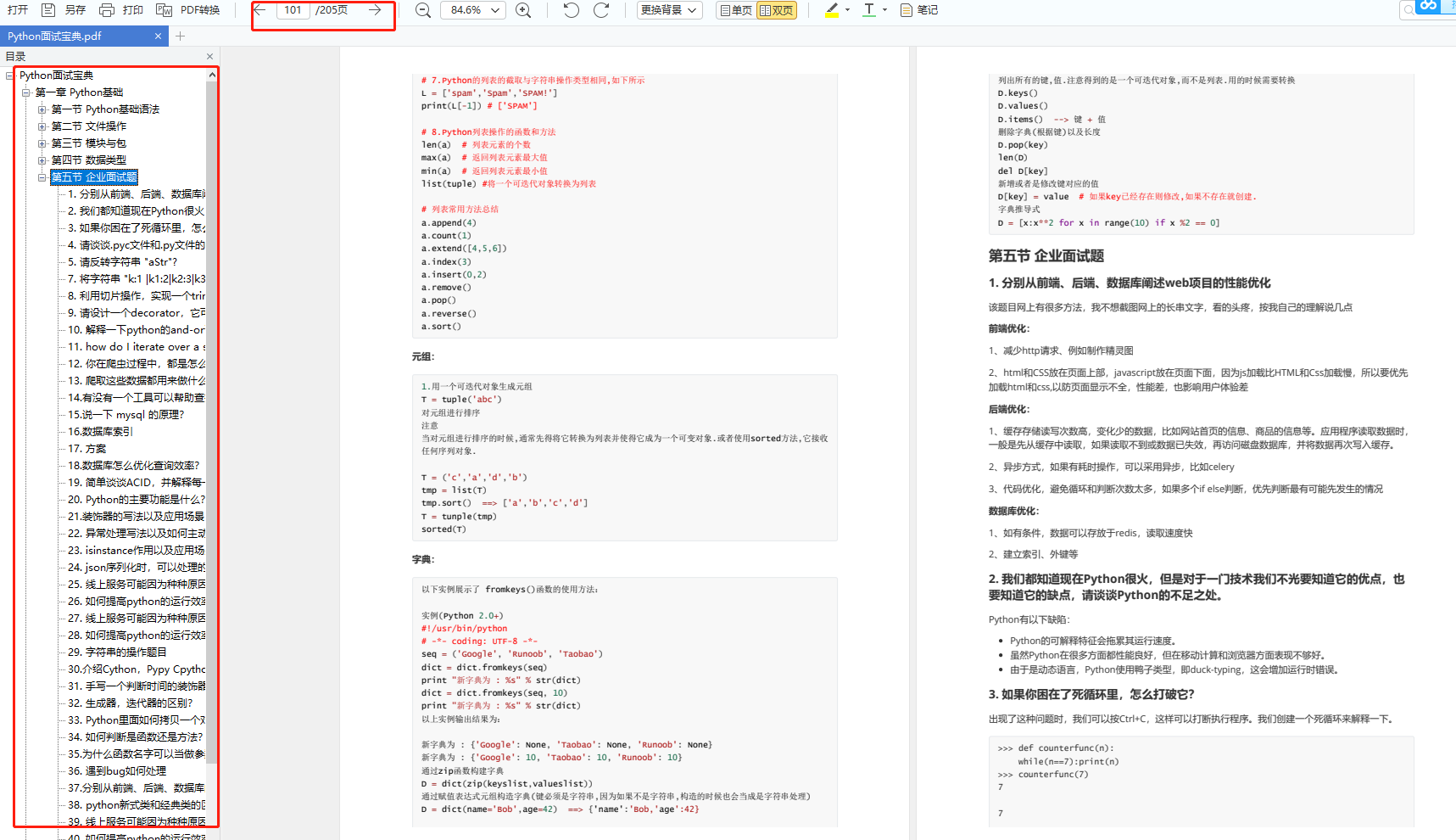
### 六、面试资料
我们学习Python必然是为了找到高薪的工作,下面这些面试题是来自阿里、腾讯、字节等一线互联网大厂最新的面试资料,并且有阿里大佬给出了权威的解答,刷完这一套面试资料相信大家都能找到满意的工作。
**网上学习资料一大堆,但如果学到的知识不成体系,遇到问题时只是浅尝辄止,不再深入研究,那么很难做到真正的技术提升。**
**[需要这份系统化学习资料的朋友,可以戳这里无偿获取](https://bbs.csdn.net/topics/618317507)**
**一个人可以走的很快,但一群人才能走的更远!不论你是正从事IT行业的老鸟或是对IT行业感兴趣的新人,都欢迎加入我们的的圈子(技术交流、学习资源、职场吐槽、大厂内推、面试辅导),让我们一起学习成长!**

魔乐社区(Modelers.cn) 是一个中立、公益的人工智能社区,提供人工智能工具、模型、数据的托管、展示与应用协同服务,为人工智能开发及爱好者搭建开放的学习交流平台。社区通过理事会方式运作,由全产业链共同建设、共同运营、共同享有,推动国产AI生态繁荣发展。
更多推荐


 1
1 0
0- 0


 已为社区贡献6条内容

所有评论(0)