vscode不能打开终端问题
·
遇到vscode不能打开终端问题,一直以为是安全软件限制问题,也没搜到解决方案,因为影响也不大,就没有管。
最近,要用vscode调试代码,发现不能打开终端,没法玩了,又来看这个问题,终于解决了。
记录下来,希望帮助到遇到同样问题的朋友。
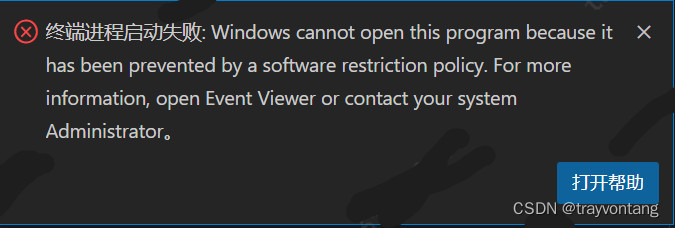
终端进程启动失败: Windows cannot open this program because it has been prevented by a software restriction policy. For more information, open Event Viewer or contact your system Administrator。
这的确是因为限制问题,不过是因为powershell本身的限制,因为我直接打开powershell都打不开。
vscode默认使用的终端是powershell,所以打不开终端也就是正常现象了。
只需要打开设置(ctrl+,)搜索终端,找到Windows下的终端配置。
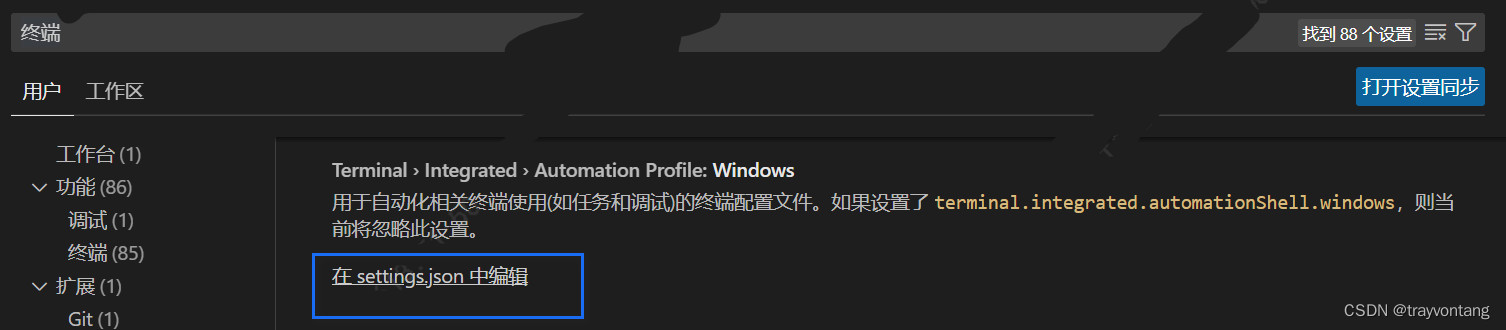
添加默认终端配置:
"terminal.integrated.defaultProfile.windows": "Command Prompt"
Command Prompt表示的就是cmd终端。
还可以添加终端配置,比如,想用git之类的作为终端,就可以,在这个配置文件中添加:
"terminal.integrated.profiles.windows": {
        "gitBash": {
            "path": "D:\\tool\\Git\\bin\\bash.exe",
            "color": "terminal.ansiYellow"
        },
        "cmd": {
            "path": "C:\\WINDOWS\\System32\\cmd.exe",
            "color": "terminal.ansiRed"
        }
    }
把路径改成自己的可执行程序路径就可以了。
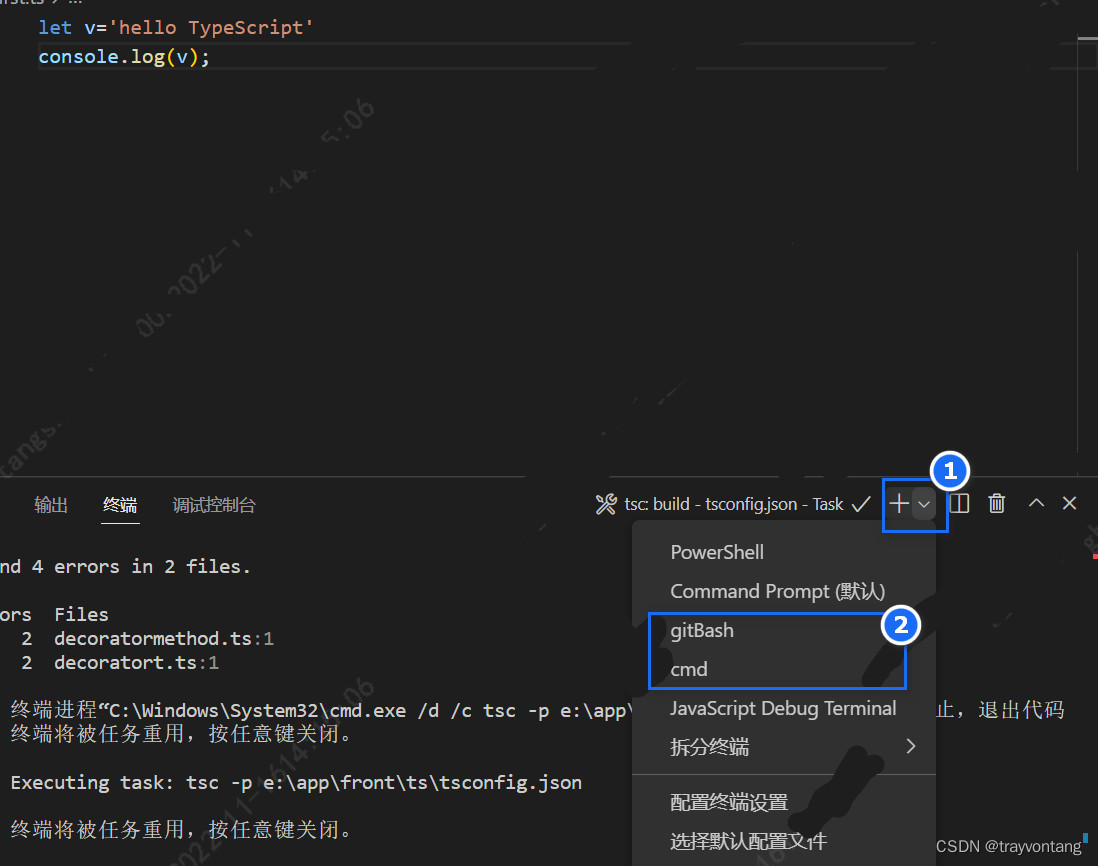
可以选择终端。
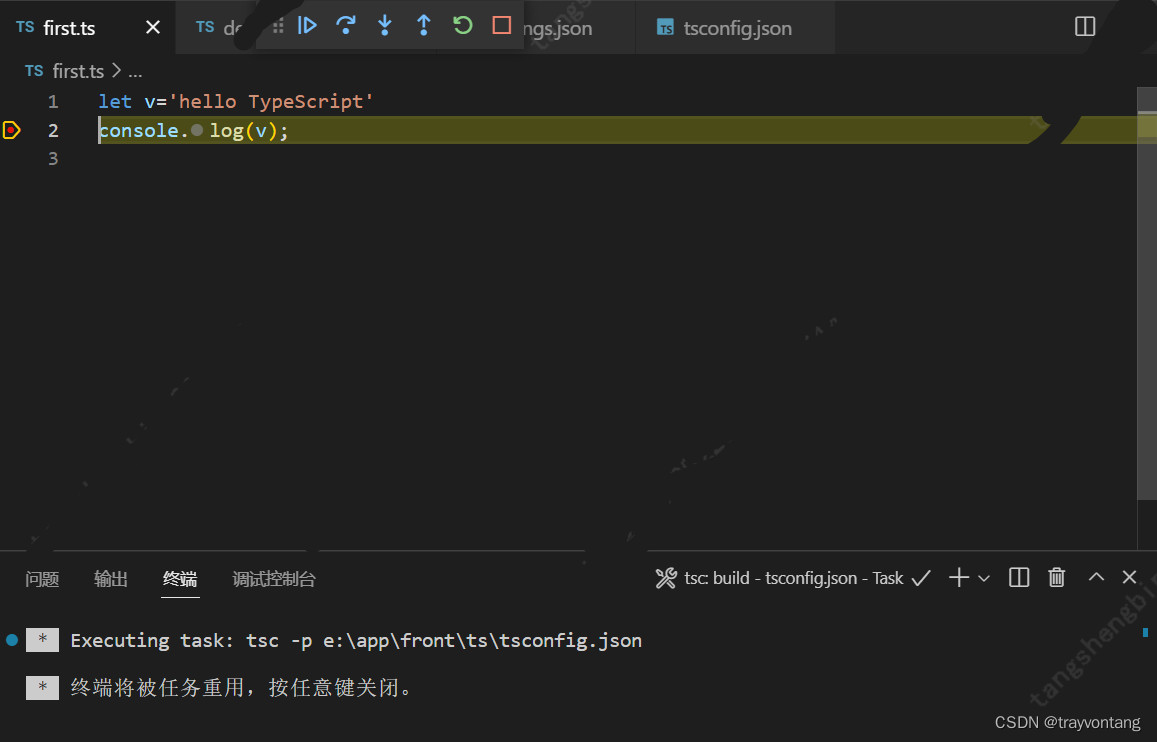
接下来接可以愉快的进行调试了:

魔乐社区(Modelers.cn) 是一个中立、公益的人工智能社区,提供人工智能工具、模型、数据的托管、展示与应用协同服务,为人工智能开发及爱好者搭建开放的学习交流平台。社区通过理事会方式运作,由全产业链共同建设、共同运营、共同享有,推动国产AI生态繁荣发展。
更多推荐


 16
16 0
0- 0


 已为社区贡献4条内容

所有评论(0)