【阿里云镜像】切换阿里巴巴开源镜像站镜像——Deepin镜像
·
一、参考链接
阿里巴巴开源镜像站:阿里巴巴开源镜像站
阿里镜像站—Deepin 镜像:Deepin镜像
二、Deepin简介
深度操作系统 Deepin,是一个基于 Linux 内核,以桌面应用为主的开源 NU/Linux 操作系统,支持笔记本、台式机和一体机。
下载地址: https://mirrors.aliyun.com/deepin/
三、更换阿里Deepin镜像源
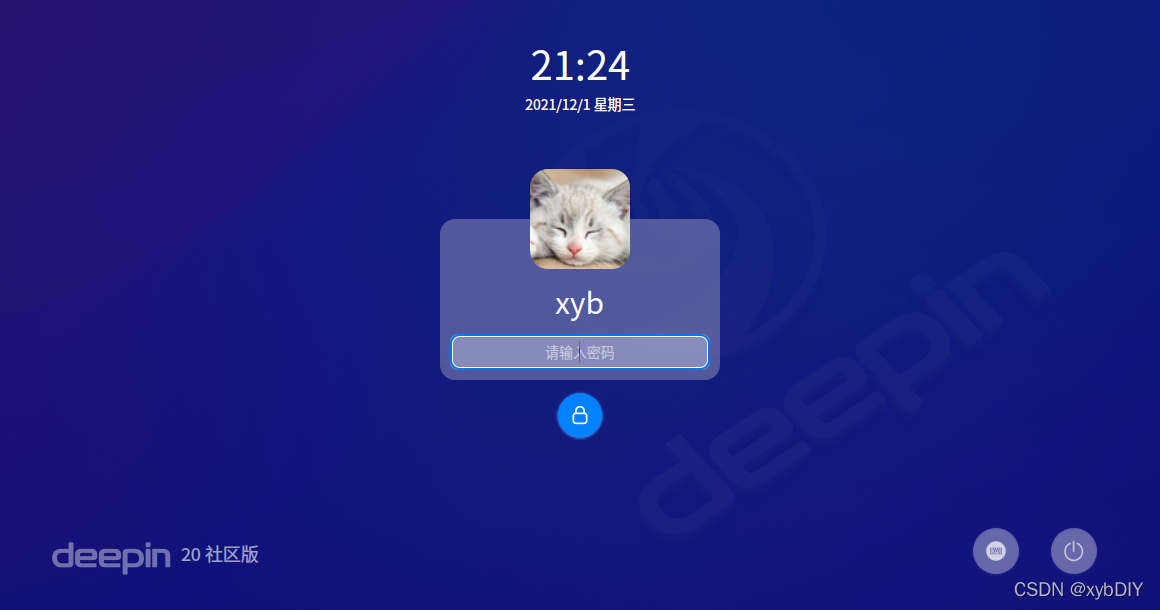
1、登录Deepin操作系统
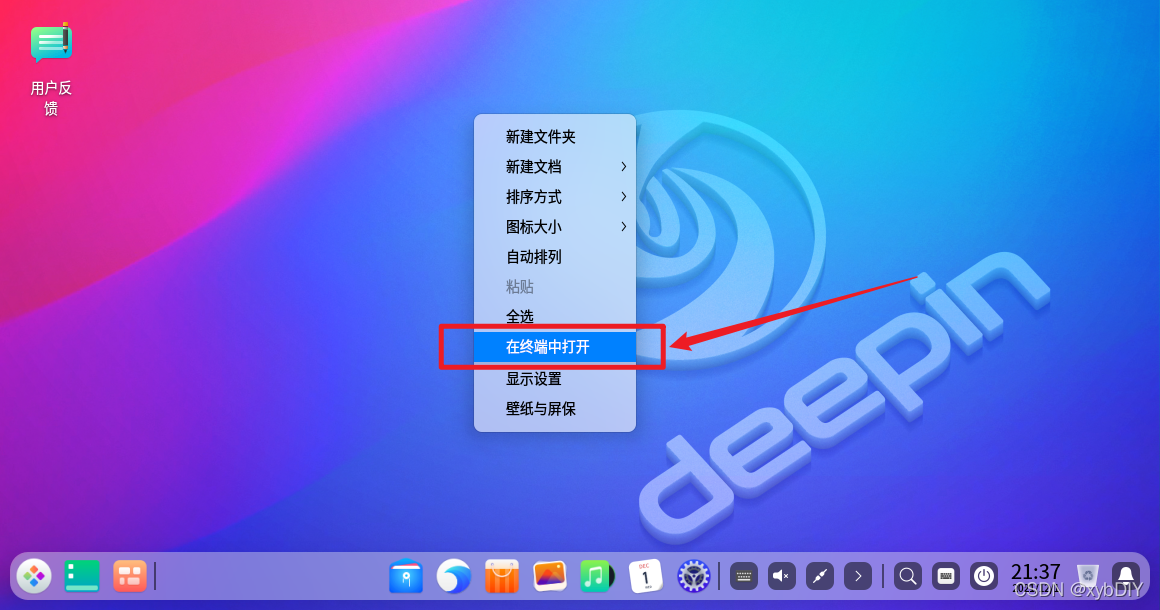
2、打开终端窗口
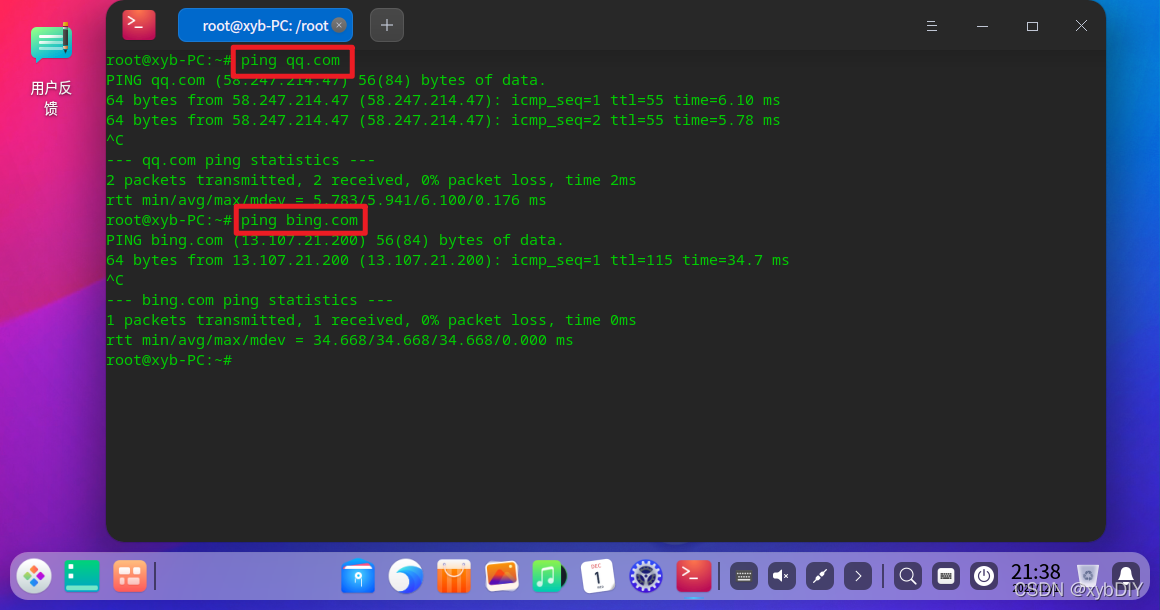
3、测试网络连通性
4、备份系统源镜像文件
cp sources.list sources.list.backup
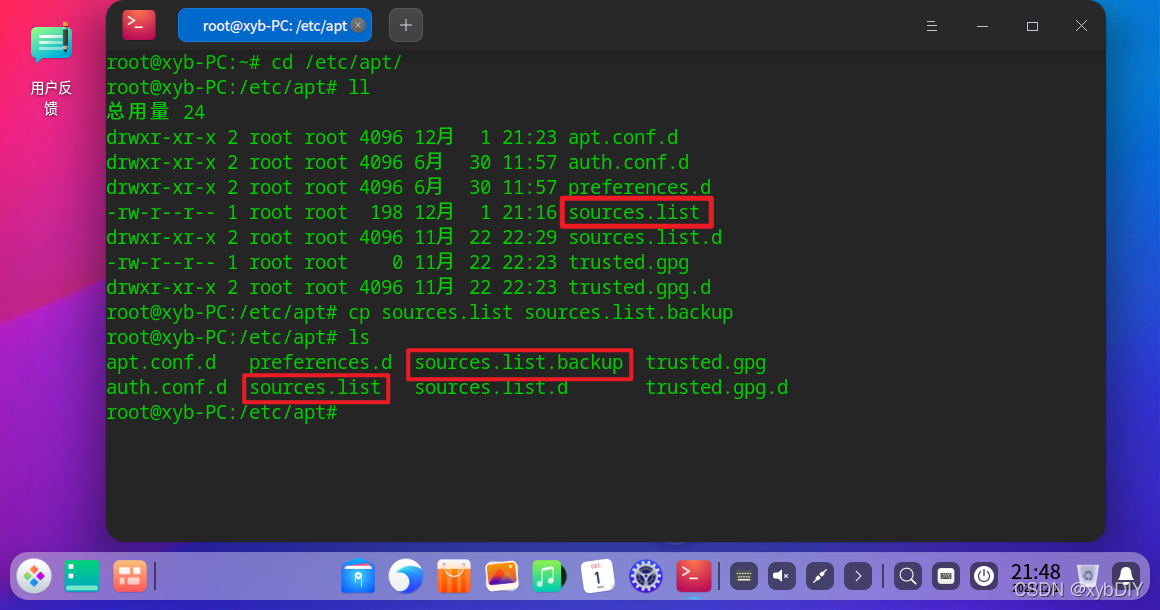
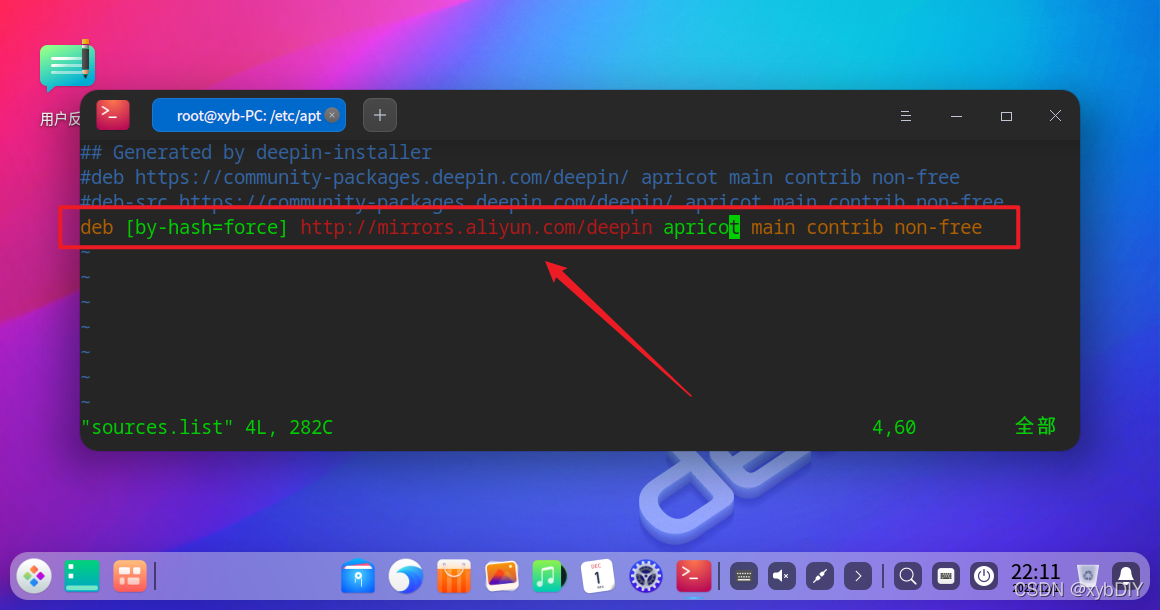
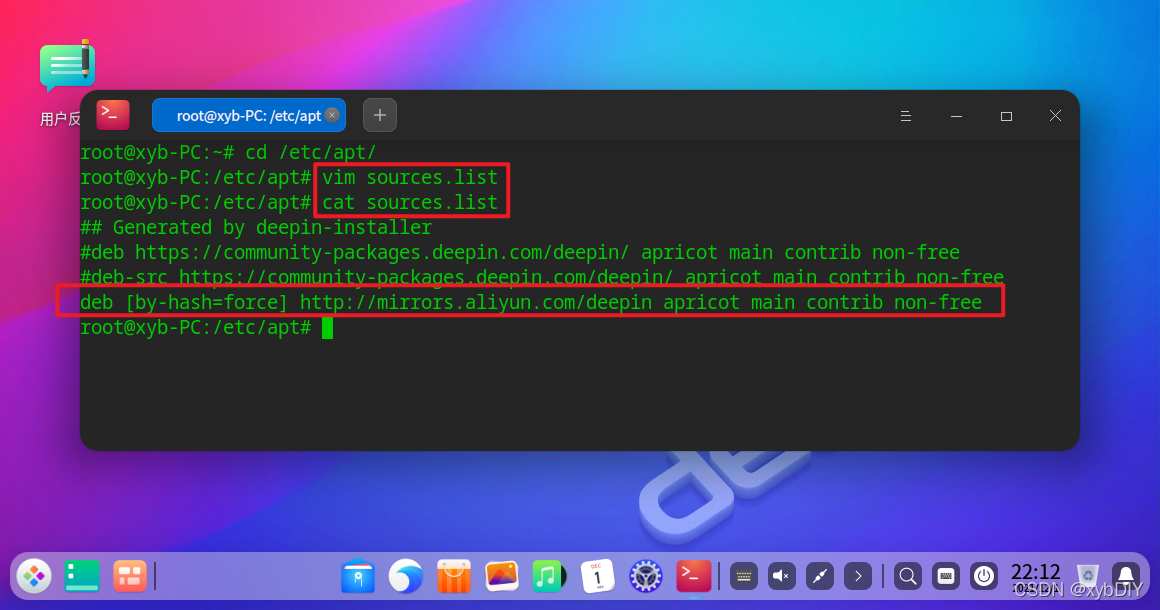
5、编辑source.list配置文件
deb [by-hash=force] http://mirrors.aliyun.com/deepin apricot main contrib non-free
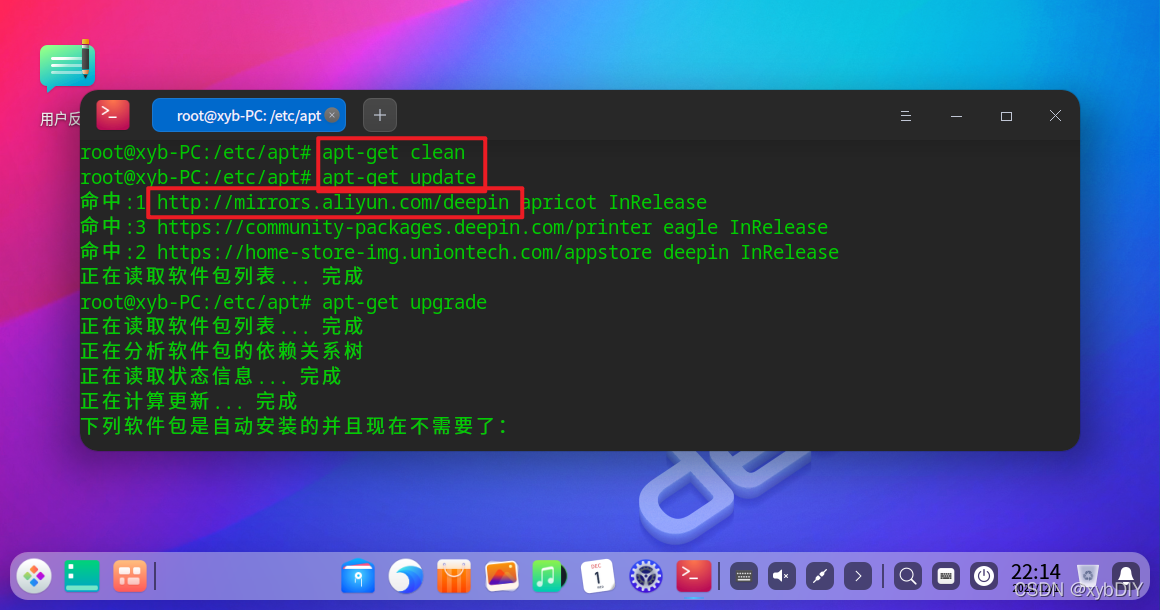
6、运行生成缓存
root@xyb-PC:/etc/apt# apt-get clean
root@xyb-PC:/etc/apt# apt-get update
命中:1 http://mirrors.aliyun.com/deepin apricot InRelease
命中:3 https://community-packages.deepin.com/printer eagle InRelease
命中:2 https://home-store-img.uniontech.com/appstore deepin InRelease
正在读取软件包列表... 完成
root@xyb-PC:/etc/apt# apt-get upgrade
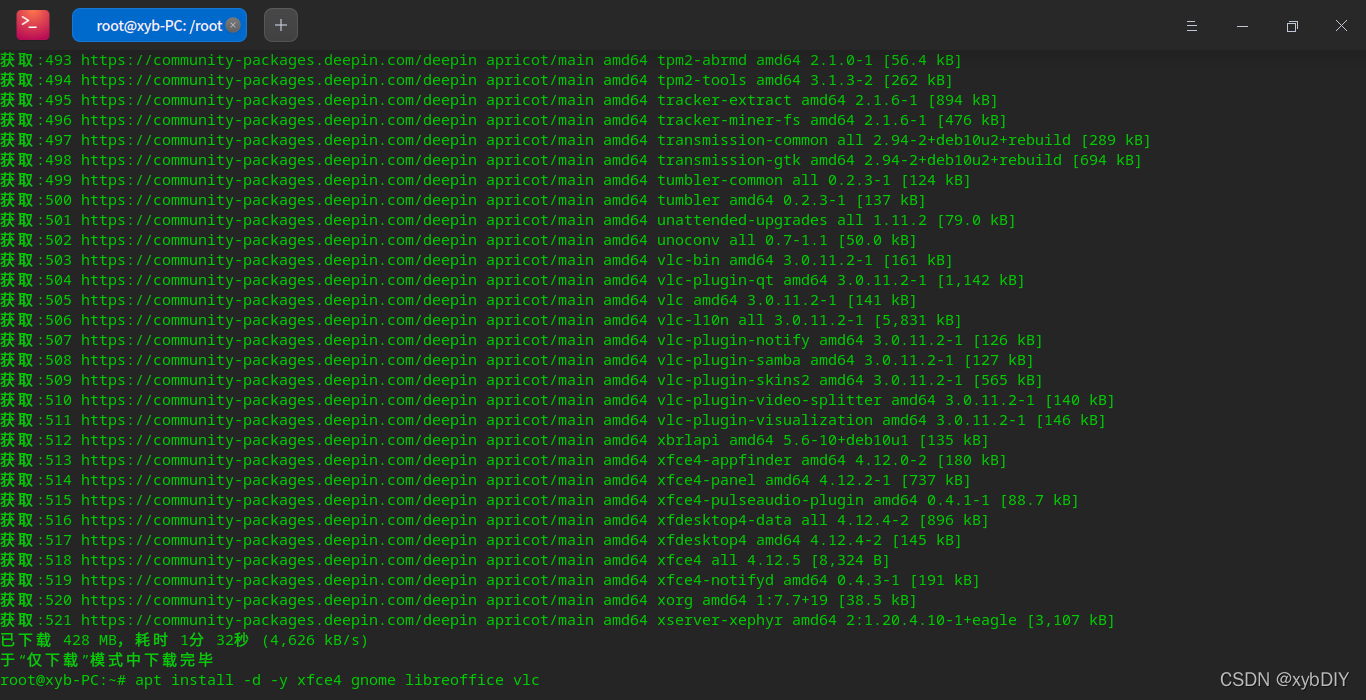
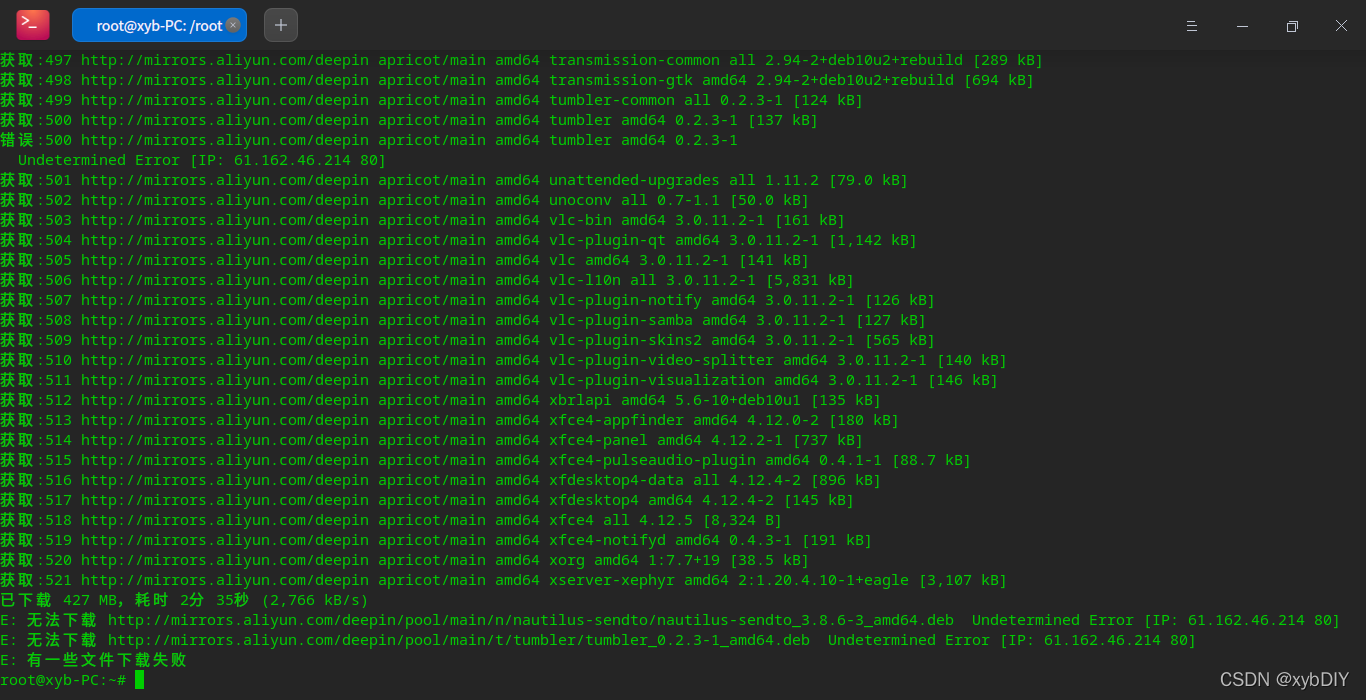
7、测试镜像源速度
root@xyb-PC:~# apt install -d -y xfce4 gnome libreoffice vlc
---------------------
作者:xybDIY
来源:CSDN
原文:https://blog.csdn.net/qq_45392321/article/details/121664910

魔乐社区(Modelers.cn) 是一个中立、公益的人工智能社区,提供人工智能工具、模型、数据的托管、展示与应用协同服务,为人工智能开发及爱好者搭建开放的学习交流平台。社区通过理事会方式运作,由全产业链共同建设、共同运营、共同享有,推动国产AI生态繁荣发展。
更多推荐


 0
0 0
0- 0


 已为社区贡献7条内容

所有评论(0)