python3 之 match
·
match 语句的基本概念
Python 3.10 引入了 match 语句,它是一种结构化的模式匹配工具,类似于其他语言中的 switch-case 语句,但功能更强大。match 允许对数据的结构进行匹配而不仅仅是值。
python3.10+ 下载方法
1.打开python3官网
2.点击 Downloads ,并选择相对应的平台
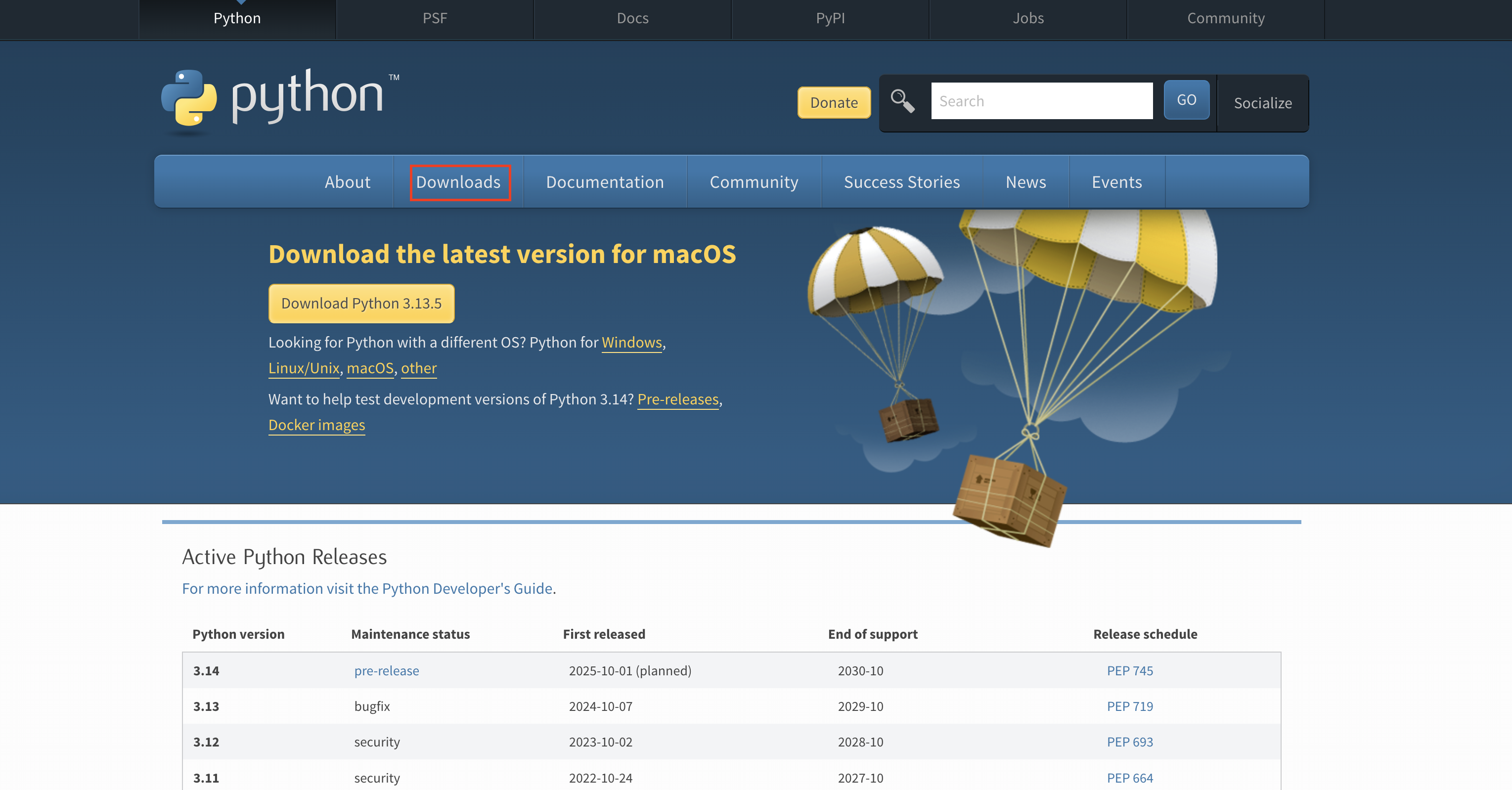
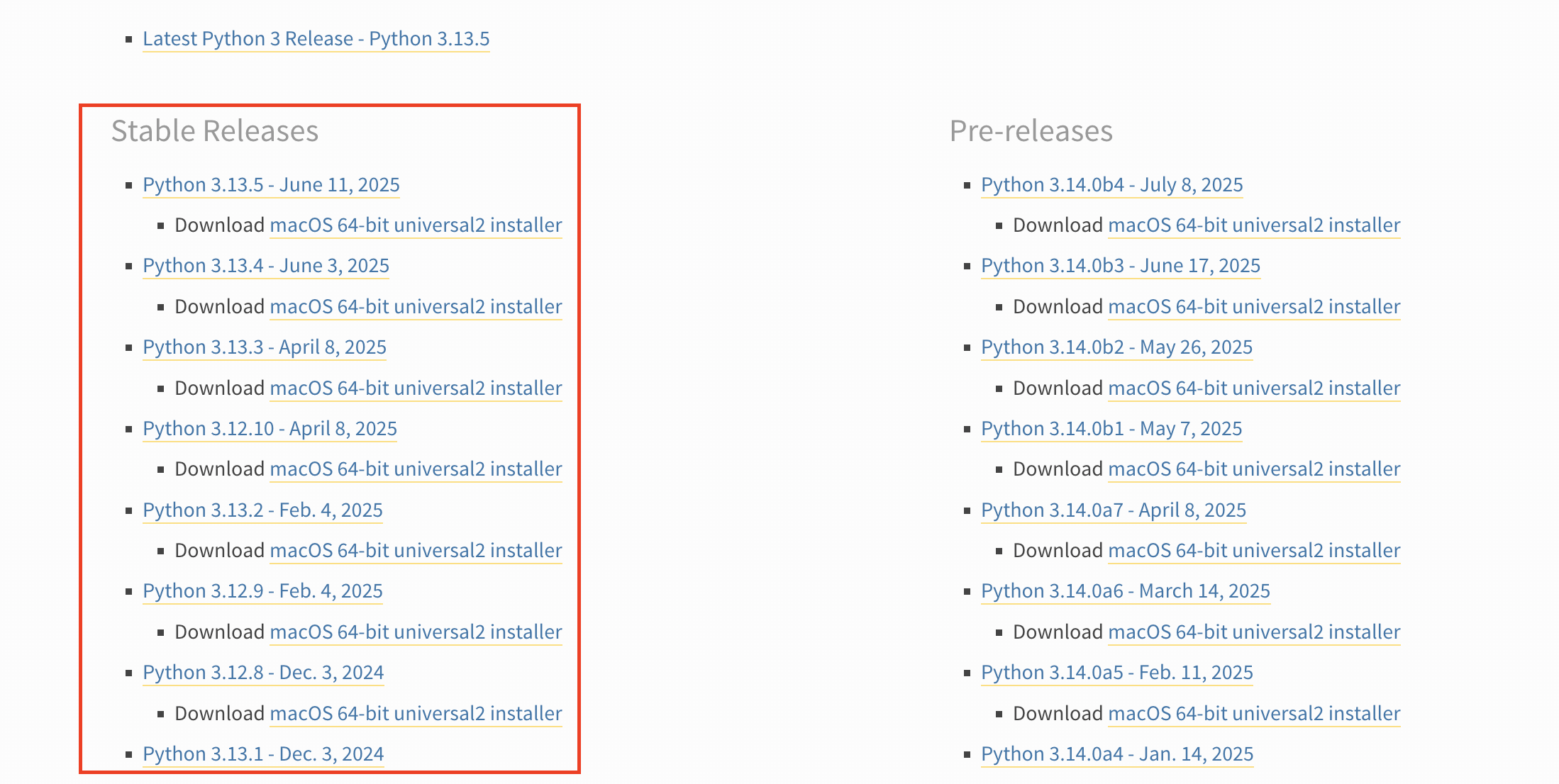
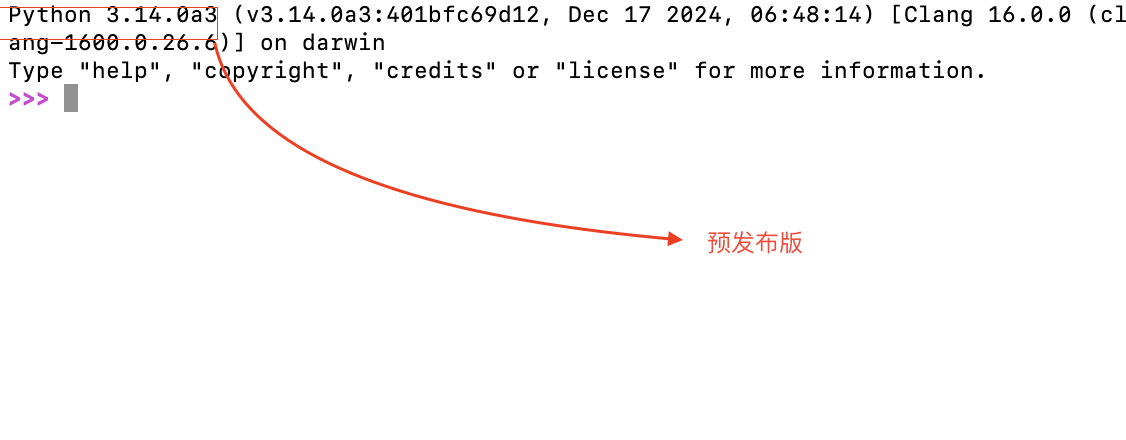
3.下载稳定版本(预发布版也可以) ,注意要大于等于于3.10
match语法
match subject:
    case <pattern_1>:
        <action_1>
    case <pattern_2>:
        <action_2>
    case <pattern_3>:
        <action_3>
    case _:
<action_wildcard>- _ 代表默认情况
注意事项
- 模式匹配从上到下执行,第一个匹配的case会被执行
_为通配符,匹配任何值|可用于组合多个模式- 可以结合
if添加守卫条件(进一步约束匹配)def match_with_guard(value): match value: case x if x > 0: print("Positive") case x if x < 0: print("Negative") case _: print("Zero")
数值匹配
def classify_number(x):
    match x:
        case 0:
            print("零")
        case 1 | 2 | 3:
            print("小数字")
        case n if n > 10:
            print("大数字")
        case _:
            print("其他数字")

classify_number(2)  # 输出"小数字"
数据结构匹配
def process_data(data):
    match data:
        case []:
            print("空列表")
        case [x]:
            print(f"单元素列表: {x}")
        case [x, y]:
            print(f"双元素列表: {x}, {y}")
        case [first, *rest]:
            print(f"首元素: {first}, 其余: {rest}")

process_data([1, 2, 3])  # 输出"首元素: 1, 其余: [2, 3]"
类实例匹配
class Point:
    def __init__(self, x, y):
        self.x = x
        self.y = y

def locate_point(p):
    match p:
        case Point(x=0, y=0):
            print("原点")
        case Point(x=0):
            print("Y轴上")
        case Point(y=0):
            print("X轴上")
        case Point(x, y):
            print(f"位于({x}, {y})")

locate_point(Point(3, 0))  # 输出"X轴上"

魔乐社区(Modelers.cn) 是一个中立、公益的人工智能社区,提供人工智能工具、模型、数据的托管、展示与应用协同服务,为人工智能开发及爱好者搭建开放的学习交流平台。社区通过理事会方式运作,由全产业链共同建设、共同运营、共同享有,推动国产AI生态繁荣发展。
更多推荐


 3
3 0
0- 0


 已为社区贡献1条内容

所有评论(0)