ubuntu foundationpose 复现
1.版本说明
平台:ubuntu 20.04
编译器:mingw,gcc/g++ 8.1.0
CMake版本:3.31
Eigen版本:3.4.0
anaconda:2.5.2
2.安装前提
2.1 conda配置
eigen安装
cd $HOME && wget -q https://gitlab.com/libeigen/eigen/-/archive/3.4.0/eigen-3.4.0.tar.gz && \
tar -xzf eigen-3.4.0.tar.gz && \
cd eigen-3.4.0 && mkdir build && cd build
cmake .. -Wno-dev -DCMAKE_BUILD_TYPE=Release -DCMAKE_CXX_FLAGS=-std=c++14 ..
sudo make install
cd $HOME && rm -rf eigen-3.4.0 eigen-3.4.0.tar.gz
输入以下验证是否安装完成
ls /usr/local/include/eigen3/Eigen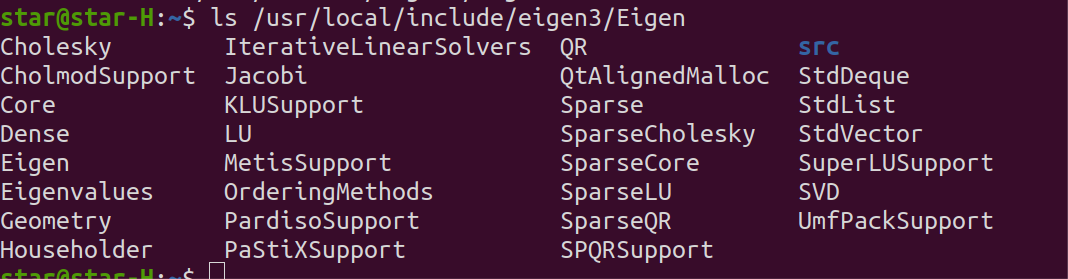
创建一个新的conda环境
conda create -n foundationpose python=3.9

conda activate foundationpose
然后一定要确保自己cuda是安装好的,如果没有安装好可参考以下
Ubuntu 20.04安装显卡驱动、CUDA、Miniconda和Pytorch(2025.06最新)-Ubuntu从零搭建深度学习环境_ubuntu安装显卡驱动-CSDN博客
验证自己的GPU配置是否ok
nvidia-smi
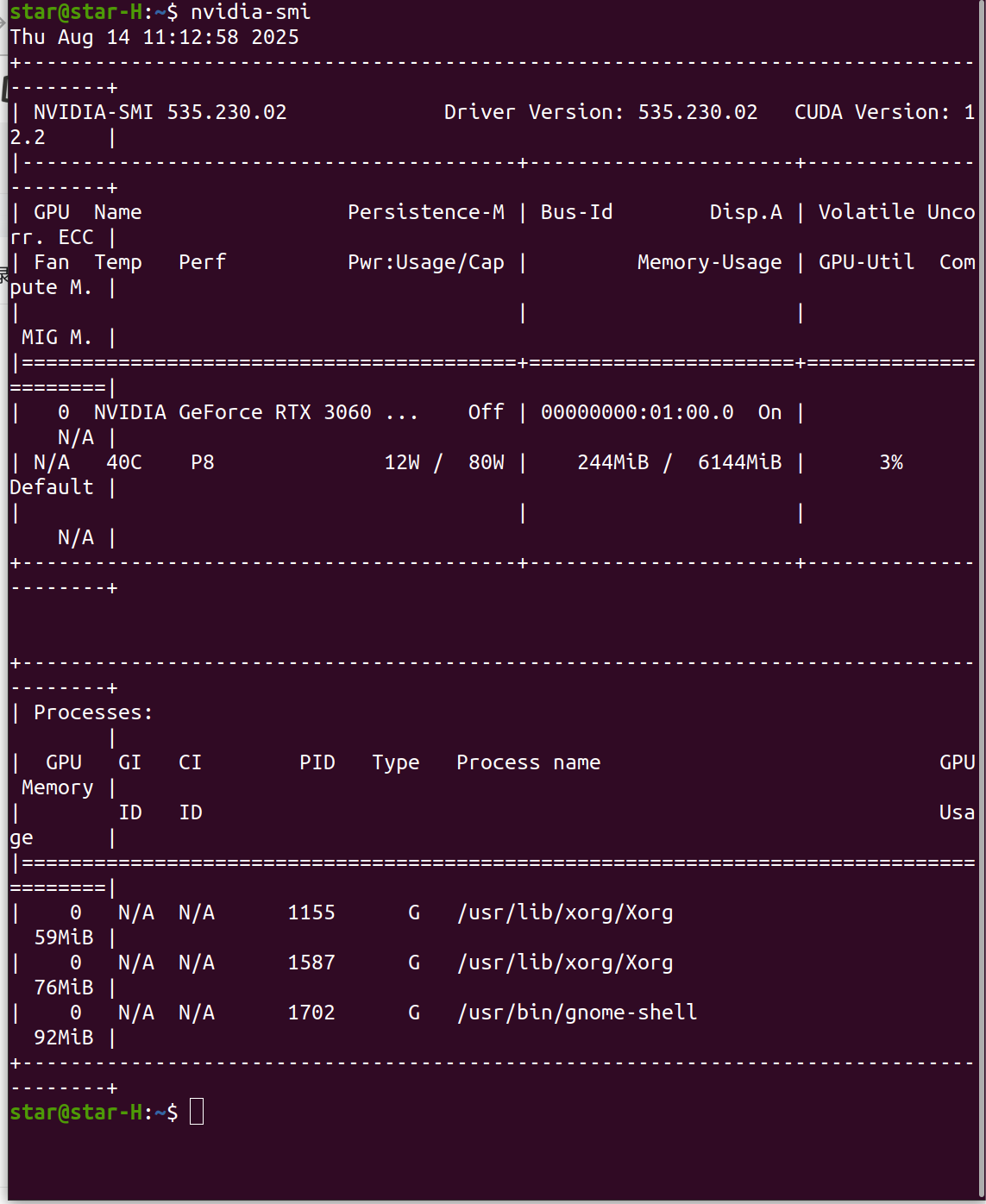
3.配置foundationpose
然后在下好foundationpose码源
git clone https://github.com/NVlabs/FoundationPose.git
https://github.com/NVlabs/FoundationPose.git
参考
权重和测试数据网盘链接
链接: https://pan.baidu.com/s/1Ep1q2O5eLRPT0FNkzZmq2A?pwd=cvt7 提取码: cvt7
安装编译依赖(关键)
pysdf 等包需要编译 C/C++ 代码,缺少基础编译工具会导致卡住。先安装必要的系统依赖(不然本人运行过程会卡住或者报错):
sudo apt update && sudo apt install -y \
    python3-dev \
    gcc \
    g++ \
    cmake \
    libgl1-mesa-glx \
    libglib2.0-0
然后再运行以下代码
cd /home/(你的具体路径)/FoundationPose
python -m pip install -r requirements.txt
如果是ctrl+c退出后建议用以下命令安装
python -m pip install --force-reinstall --no-cache-dir -r requirements.txt
运行好如下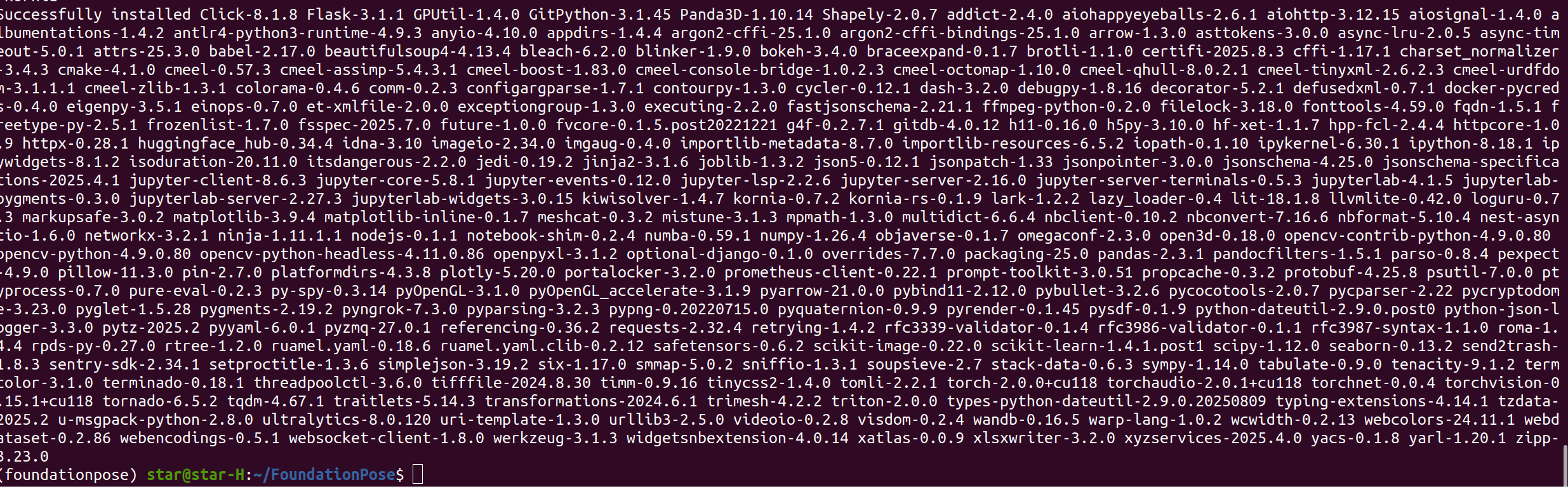
区别于别的大佬,为把--quiet这个参数去掉了,比较容易看到运行进程。
python -m pip install --no-cache-dir git+https://github.com/NVlabs/nvdiffrast.git如果在执行以下命令老是因为网络问题下载不了的话先手动下个kaolin在执行
https://github.com/NVIDIAGameWorks/kaolin/releases/tag/v0.10.0
然后再执行
pip install --no-cache-dir ~/Downloads/kaolin-0.15.0-cp39-cp39-linux_x86_64.whl -i https://pypi.tuna.tsinghua.edu.cn/simple# PyTorch3D安安装
python -m pip install --quiet --no-index --no-cache-dir pytorch3d -f https://dl.fbaipublicfiles.com/pytorch3d/packaging/wheels/py39_cu118_pyt200/download.html
可以在python交互界面输入以下验证环境
>>> import torch,torchvision,pytorch3d
>>> torch.__version__
'2.0.0+cu118'
>>> torchvision.__version__
'0.15.1+cu118'
>>> pytorch3d.__version__
'0.7.3'
>>> exit()
构建c++
CMAKE_PREFIX_PATH=$CONDA_PREFIX/lib/python3.9/site-packages/pybind11/share/cmake/pybind11 bash build_all_conda.sh会报一堆错,不用管,如果出现缺少boot问一问豆包下载以下就好了
python run_demo.py运行完胜利结算页面
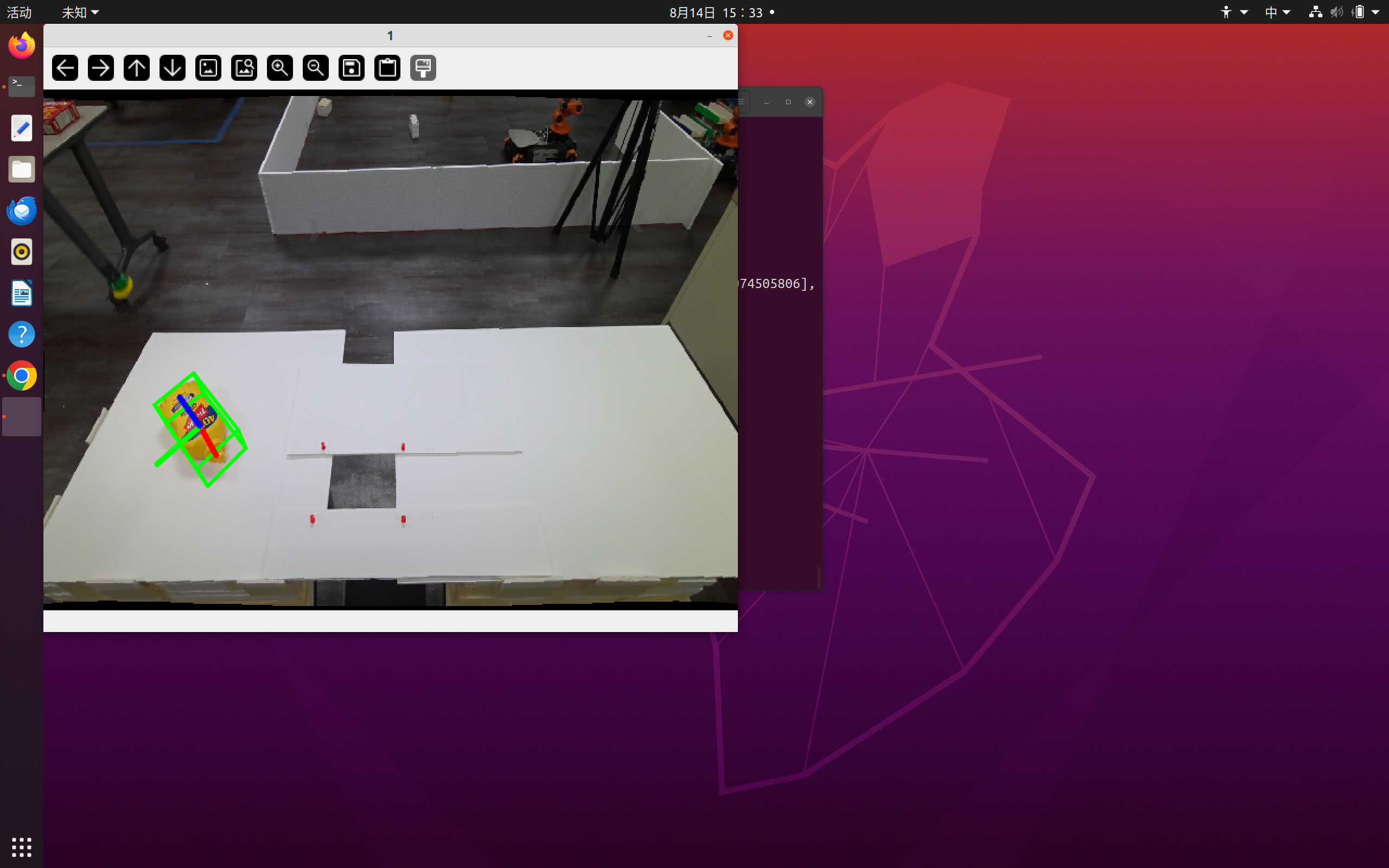

魔乐社区(Modelers.cn) 是一个中立、公益的人工智能社区,提供人工智能工具、模型、数据的托管、展示与应用协同服务,为人工智能开发及爱好者搭建开放的学习交流平台。社区通过理事会方式运作,由全产业链共同建设、共同运营、共同享有,推动国产AI生态繁荣发展。
更多推荐


 7
7 0
0- 0


 已为社区贡献1条内容

所有评论(0)