java生成图表_【JAVA】POI生成EXCEL图表(柱状图、折线等)
1、使用excel工具自带的图形工具创建一个图:2、绑定数据区域:3、数据区域绑定完成,我们要做的就是将数据写入到数据区域中:4、标记5、POI 引入包org.apache.poipoi3.14org.apache.poipoi-ooxml3.146、代码:FileInputStream is = new FileInputStream("刚才创建的文件所在目录+文件名");XSSFWorkboo
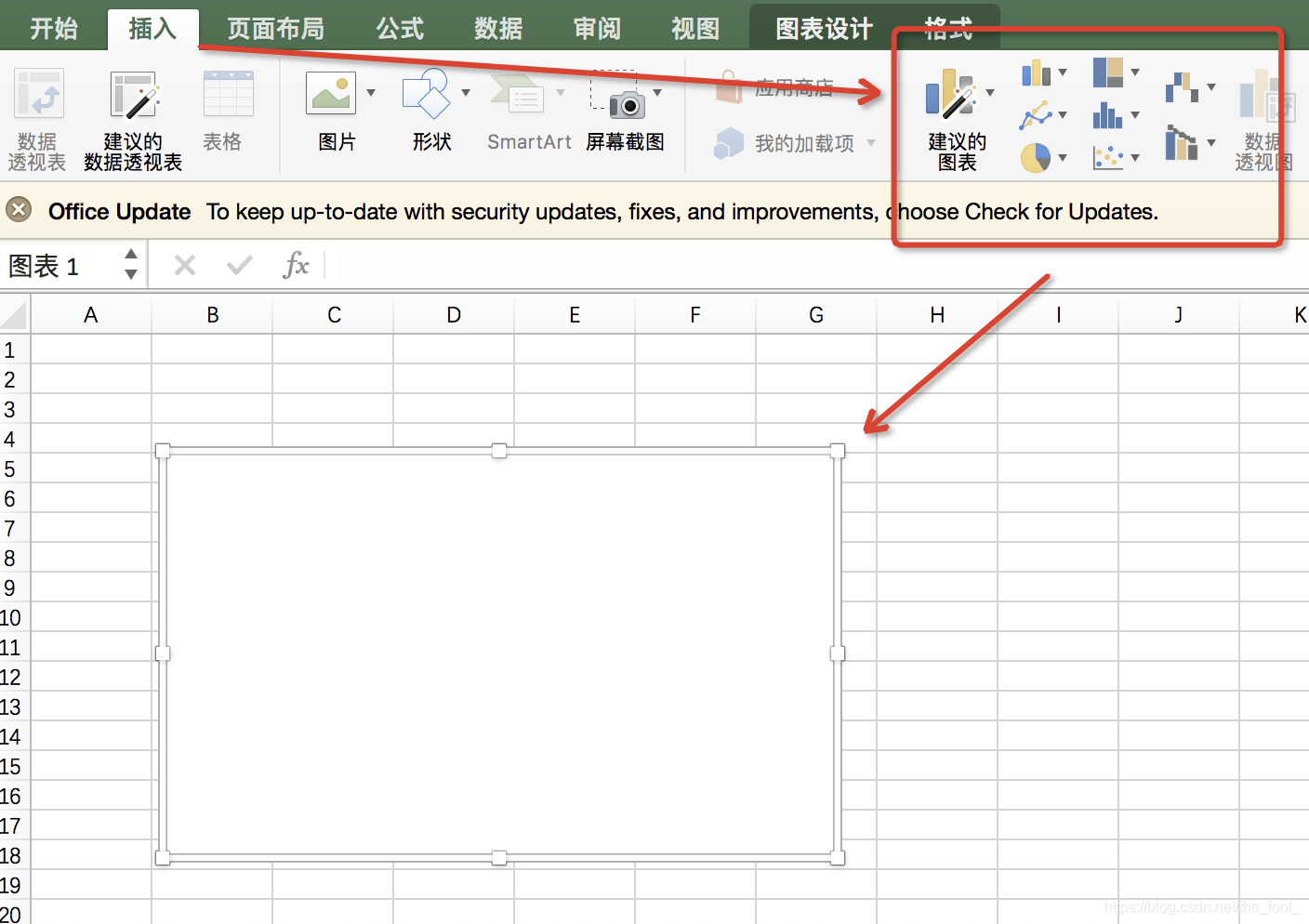
1、使用excel工具自带的图形工具创建一个图:
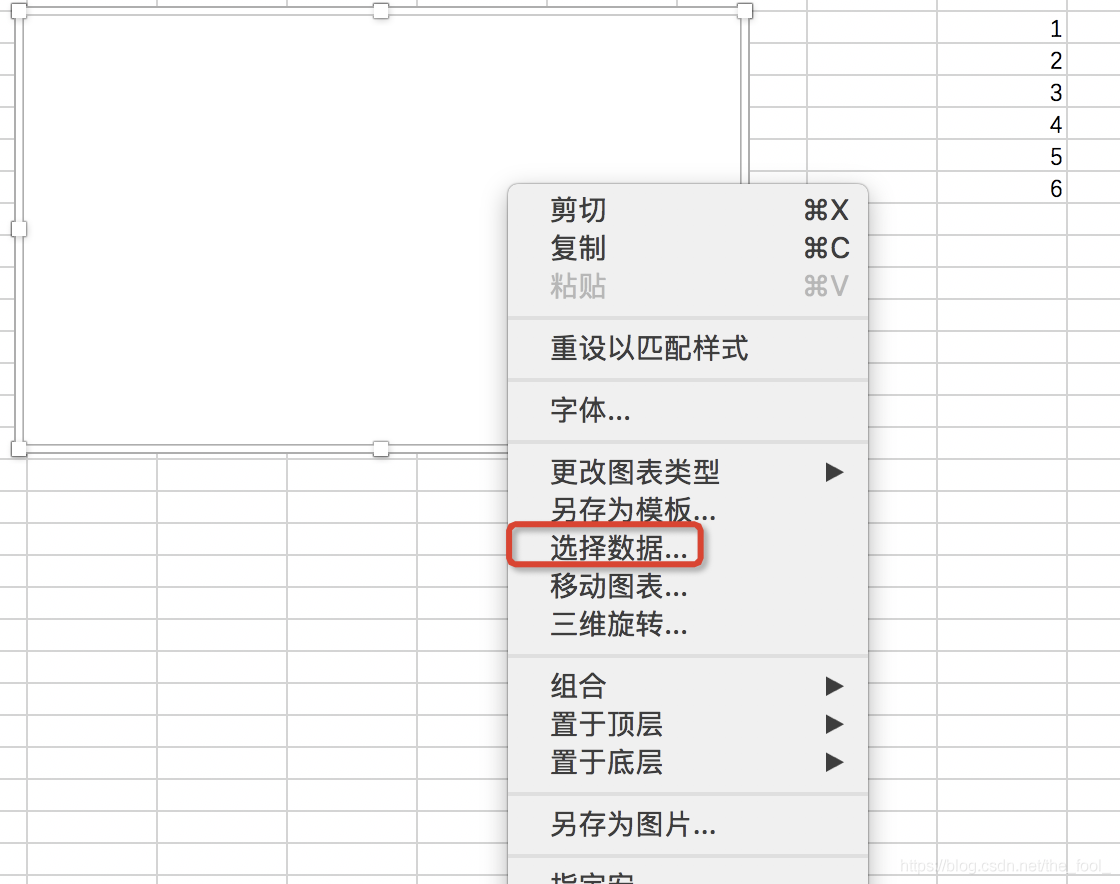
2、绑定数据区域:
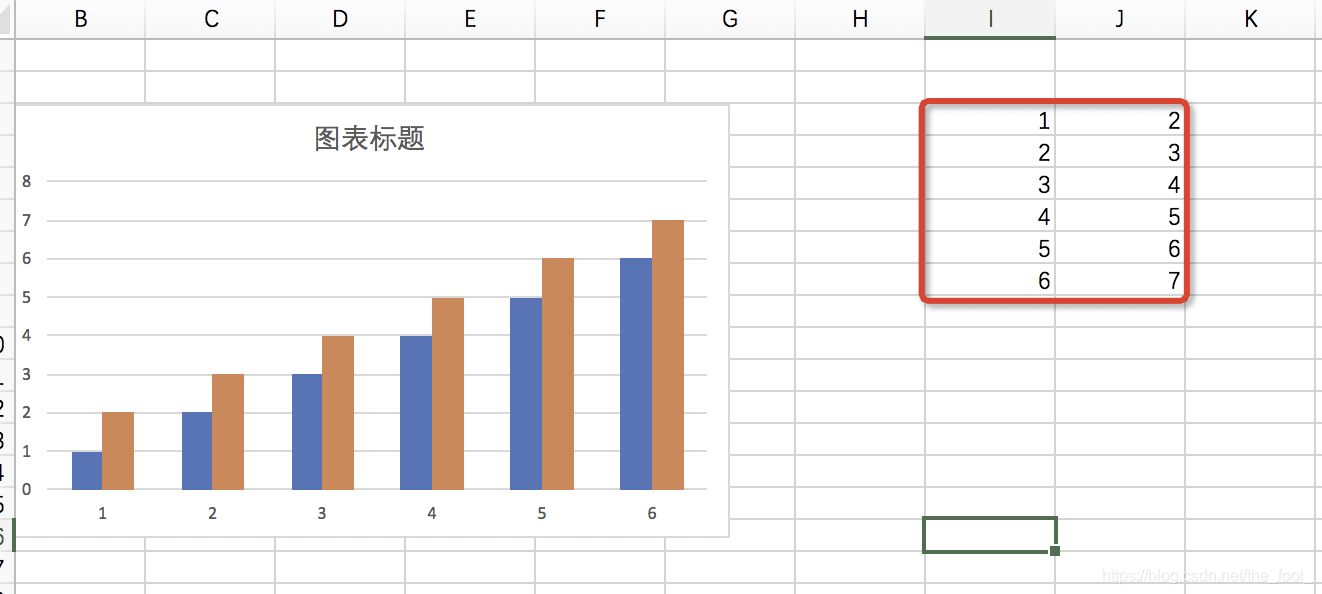
3、数据区域绑定完成,我们要做的就是将数据写入到数据区域中:
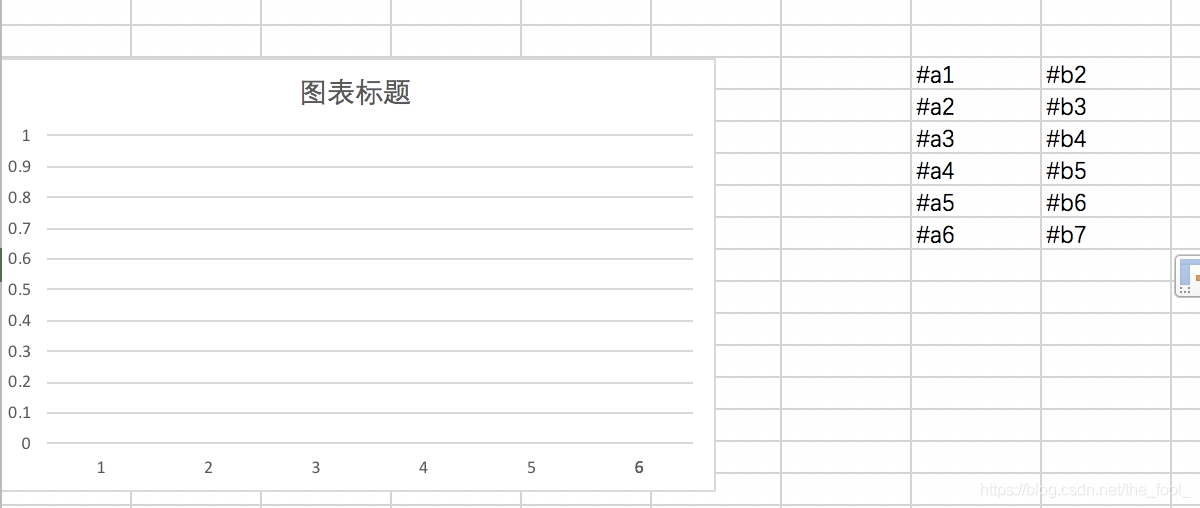
4、标记
5、POI 引入包
org.apache.poi
poi
3.14
org.apache.poi
poi-ooxml
3.14
6、代码:
FileInputStream is = new FileInputStream("刚才创建的文件所在目录+文件名");
XSSFWorkbook xssfWorkbook = new XSSFWorkbook(is);
FileOutputStream os = new FileOutputStream("导出的位置");
//获取创建工作簿的第一页
XSSFSheet sheet = xssfWorkbook.getSheetAt(0);
//自动计算
sheet.setForceFormulaRecalculation(true);
//给指定的sheet命名
xssfWorkbook.setSheetName(0, "sheet0");
//初始化当前的索引,设为当前sheet的最后一行行数
int allRows = sheet.getLastRowNum();
//存储当前表格的样式
XSSFCellStyle cellStyle = xssfWorkbook.createCellStyle();
//填充数据
for(int i=allRows;i<=allRows;i++){
XSSFRow row = sheet.getRow(i);
if (row == null) {
continue;
}
//遍历列
for (int j = 1; j <=dailyReportPart8.size(); j++) {
XSSFCell cell = row.getCell(j) != null ? row.getCell(j) : row.createCell(j);
String cellValue = cell.getStringCellValue();
if (cellValue.startsWith("#a1")) {
cell.setCellValue(1);
}
}
}
//写出
xssfWorkbook.write(os);
//TODO 流的处理
is.close();
os.flush();
os.close();

魔乐社区(Modelers.cn) 是一个中立、公益的人工智能社区,提供人工智能工具、模型、数据的托管、展示与应用协同服务,为人工智能开发及爱好者搭建开放的学习交流平台。社区通过理事会方式运作,由全产业链共同建设、共同运营、共同享有,推动国产AI生态繁荣发展。
更多推荐


 0
0 0
0- 0


 已为社区贡献4条内容

所有评论(0)