开源小满EasyXMen安全车控操作系统(一)
开源小满EasyXMen安全车控操作系统

开源小满EasyXMen安全车控操作系统官方介绍
项目名称(Project Name)
开源安全车控操作系统小满EasyXMen(简称“开源小满”)是面向嵌入式电子控制单元场景的实时安全操作系统,具有安全性、可靠性、实时性和可移植性等特点。
Open Source Safety Vehicle Control Operating System EasyXMen (“EasyXMen”) is a real-time safety operating system designed for embedded electronic control unit scenarios, featuring security, reliability, real-time performance, and portability.
项目特点(Project Features)
- 具有广泛的可扩展性,完善的系统服务和调度机制,可快速适应在多种硬件平台上部署运行
Highly scalable with comprehensive system services and scheduling mechanisms, enabling rapid adaptation for deployment and operation across multiple hardware platforms - 支持CAN/CANFD、LIN、Ethernet多种总线通信,适用不同通信需求和场景
Support CAN/CANFD, LIN, and Ethernet bus communication protocols, suitable for various communication requirements and scenarios - 提供功能安全机制检测和阻止软件故障,实现系统的功能安全保护
Provide functional safety mechanisms to detect and prevent software failures, ensuring functional safety protection for the system - 采用架构模块化设计思路,便于软件的升级和维护
Adopt a modular architectural design approach, facilitating software upgrades and maintenance
代码地址(Code Address)
https://atomgit.com/easyxmen/XMen
文档地址(Document Address)
仓库地址(Warehouse address):https://atomgit.com/easyxmen/docs
网页浏览地址(Web address):https://easyxmen.atomgit.net/docs/
目录结构(Directory Structure)
├── BSWCode # 模块静态代码 # Module static code
│ ├── CommonInclude # 共用的头文件 # Common header files
│ ├── Communication # 通信模块代码 # Communication module code
│ ├── Crypto # 加密模块代码 # Encryption module code
│ ├── Libraries # Lib库代码 # Lib library code
│ ├── Memory # 存储模块代码 # Memory module code
│ └── SystemServices # 系统服务模块代码 # System services module code
├── Drivers # 板级外设芯片代码 # Board-level peripheral chip code
├── Examples # 示例工程 # Example projects
├── RTOS # OS 代码 # OS code
│ ├── Extend # OS 扩展代码 # OS extension code
│ ├── Kernel # OS 内核代码 # OS kernel code
│ └── Portable # OS移植代码 # OS porting code
│ ├── Mcu # MCU相关的移植代码 # MCU related porting code
│ └── Processor # 处理器架构相关移植代码 # Processor architecture related porting code
└── Test # bsw模块测试代码 # bsw module test code
└── UT # 单元测试代码 # Unit test code
补充说明 (Supplementary Note)
- Portable/Mcu 下一个芯片一个目录,比如TC397,S32K148
One directory for each chip under Portable/Mcu, e.g. TC397, S32K148. - Portable/Processor 一种芯片架构一个目录,比如arm,RISC-V
One directory for each chip architecture under Portable/Processor, e.g. arm, RISC-V - Test/UT 下一个Bsw模块一个目录
One directory for each Bsw module under Test/UT - Drivers 下放置板级外设芯片实现代码,例如 TJA1101
Save board-level peripheral chip implementation code under Drivers , e.g. TJA1101. - Examples 下以一个硬件板型+具体功能组合成目录名,例如S32K148EVB_Q147_Demo
One directory with combined name of a hardware board model+ specific function, e.g. S32K148EVB_Q147_Demo- 工程对仓库中已有的实现代码进行引用
Project references to existing implementation code in the repository - 工程应实现自动化编译
Automatic compilation shall be implemented for engineering - 工程的内部目录供参考
Internal directory of the project for reference
- 工程对仓库中已有的实现代码进行引用
├── MCAL # MCAL 静态代码 # MCAL static code
├── Asw # 应用代码 # Application code
│ ├── src # 应用源码 # Application source code
│ └── gen # 应用配置生成 # Application configuration generation
├── PaltformFils # 编译器等平台相关 # Compiler and other platform related
└── ConfigProj # 配置工程 # Configuration project
├── BswCfgProj # bsw 配置工程 # bsw configuration project
├── SwcCfgProj # swc 配置工程 # swc configuration project
└── McalCfgProj # MCAL 配置工程 # MCAL configuration project
运行条件(Operational Conditions)
协议栈静态代码需要结合开发工具进行使用,可通过官方入口进行开发工具链免费申请。 各模块配置、工具使用方法,可参考模块用户手册(详见工具链界面-Help-Open Reference Manual Folder); 基于特定芯片平台Demo工程,可通过配置工具获取使用。
The static code of protocol stack needs to be used in combination with the development tools, which can be applied for the development toolchains for free through the Official Portal. For the configuration of each module and how to use the tools, refer to the module user manual (see Toolchains Interface-Help-Open Reference Manual Folder for details). Based on a specific chip platform Demo project, it can be obtained through configuration tools.
项目状态(Project Status)
EasyXMen目前支持NXP S32K148,英飞凌TC397,瑞萨RH850 U2A16这三个平台。
EasyXMen now supports three platforms, i.e. NXP S32K148, Infineon TC397, Renesas RH850 U2A16.
(以上内容来自开源小满EasyXMen官方代码仓库:https://atomgit.com/easyxmen/XMen)
开源小满EasyXMen安全车控操作系统试用申请
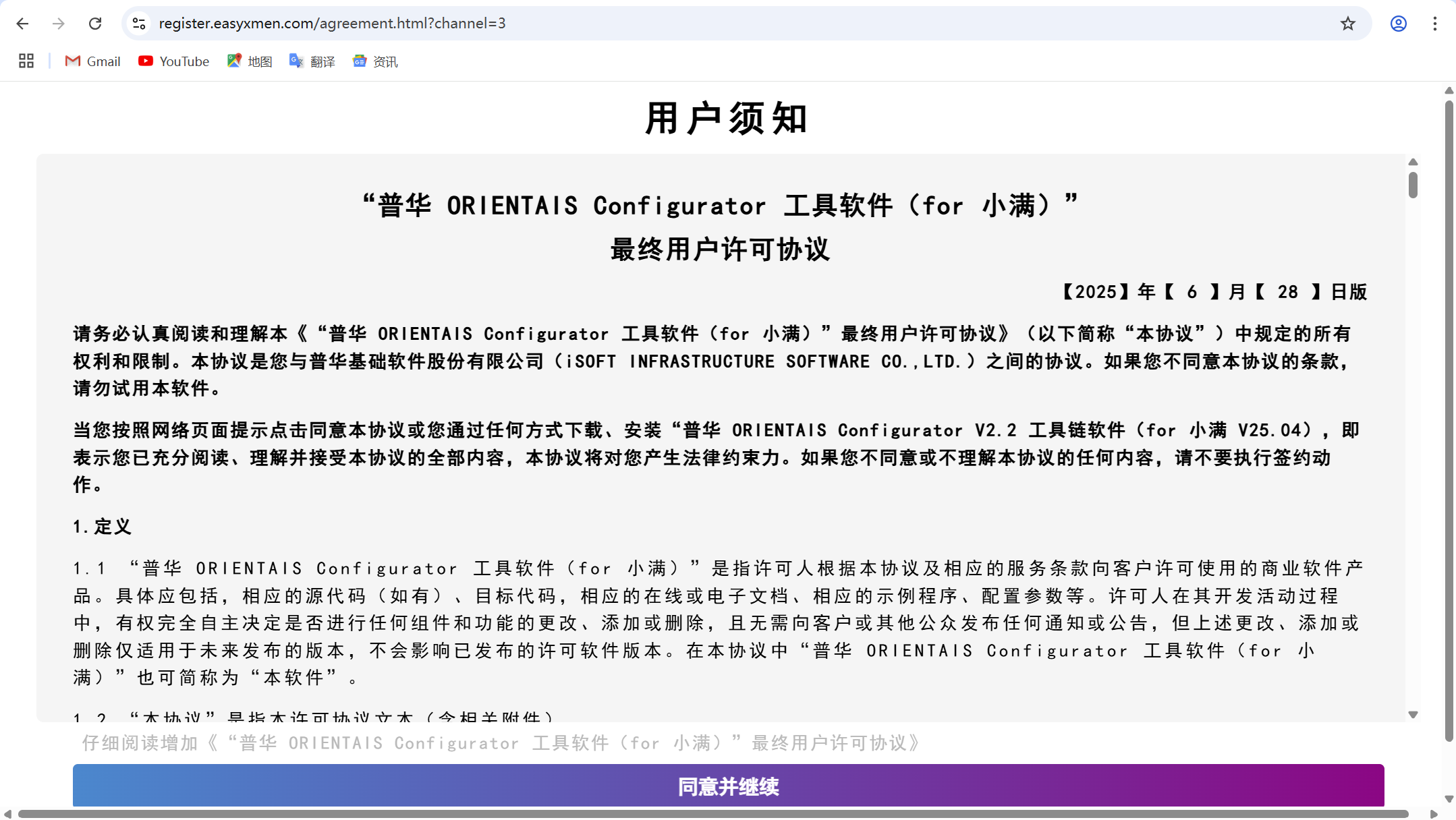
1.打开“普华 ORIENTAIS Configurator 工具软件(for 小满)”申请页面,点击“同意并继续”(地址:https://register.easyxmen.com/agreement.html);
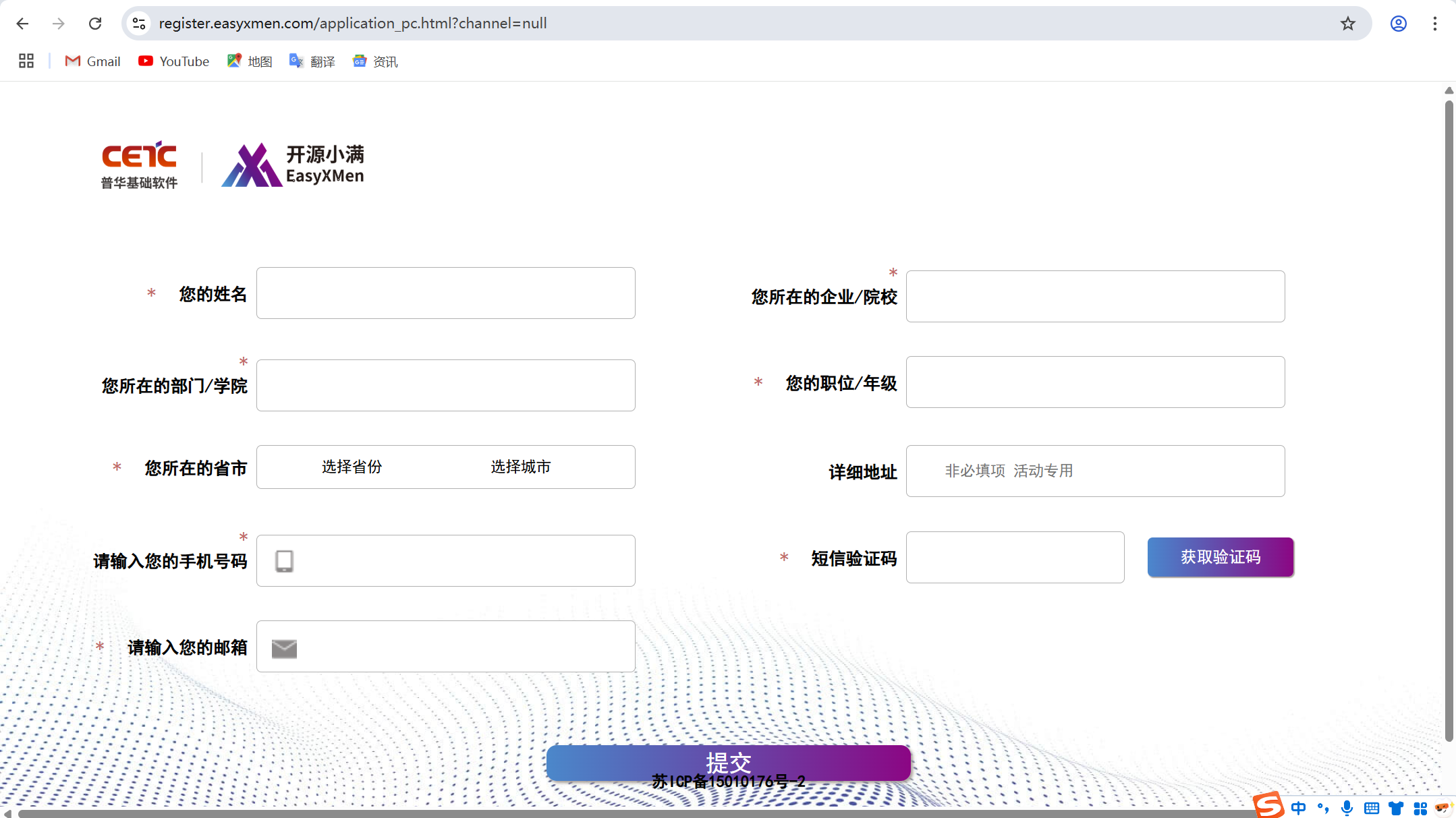
2.填写相关信息后点击“提交”;
3.打开申请中填写的邮箱,即可获取工具链下载地址及工具链授权码;
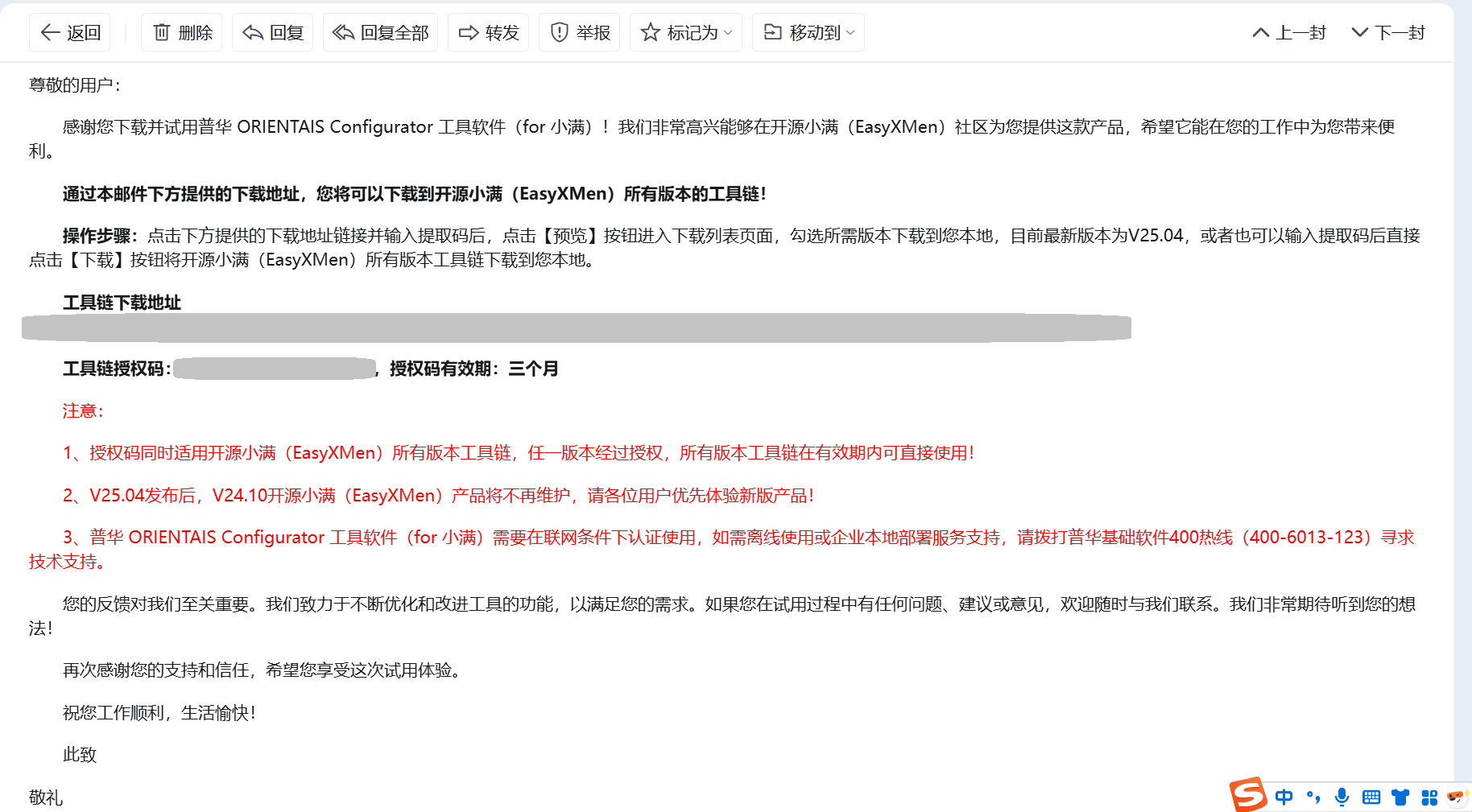
4.点击工具链下载地址对工具链进行下载。

开源小满EasyXMen安全车控操作系统安装
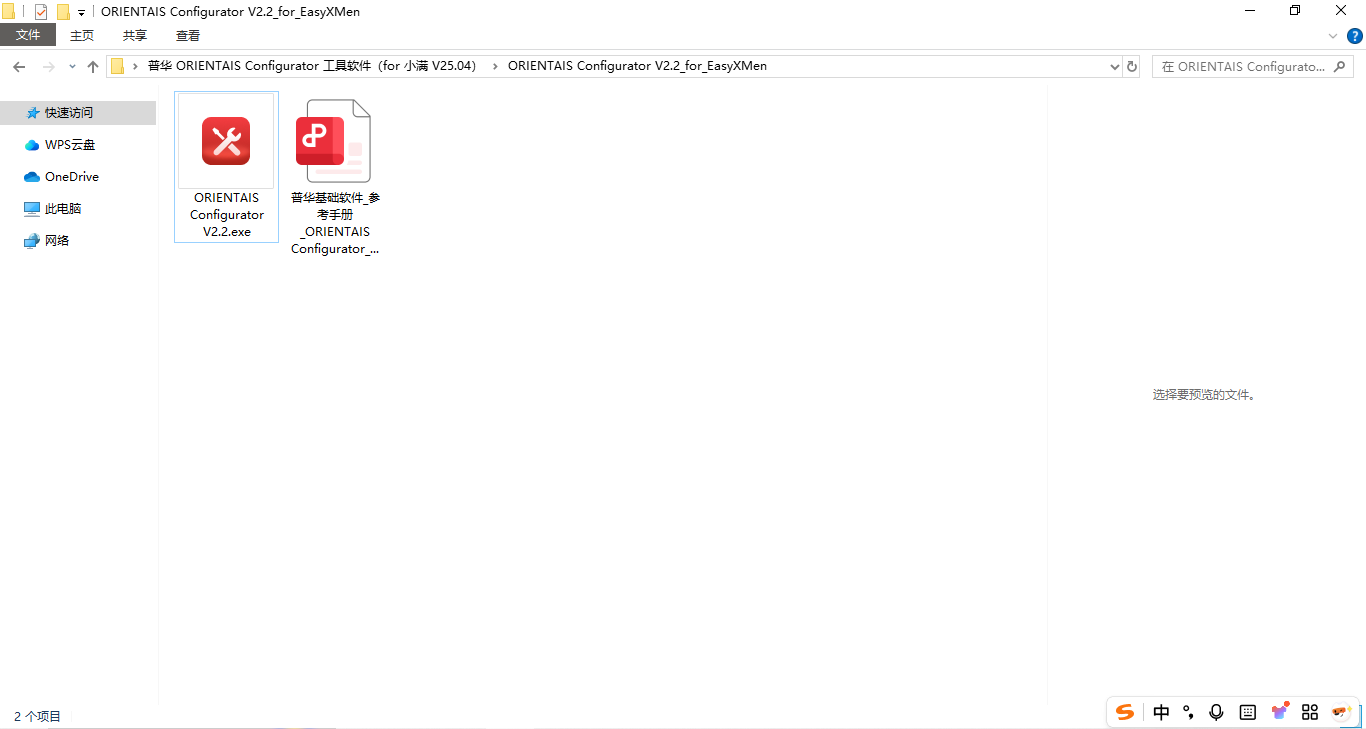
1.打开“普华 ORIENTAIS Configurator 工具软件(for 小满 V25.04)”文件夹,进入“ORIENTAIS Configurator V2.2_for_EasyXMen”,双击“ORIENTAIS Configurator V2.2.exe”;
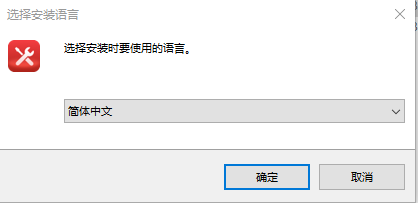
2.选择“简体中文”,点击“确定”;
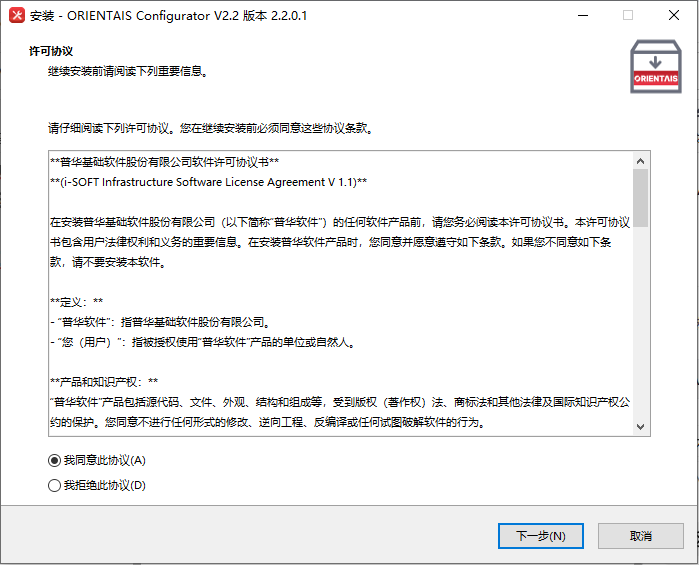
3.选择“我同意此协议(A)”,点击“下一步”;
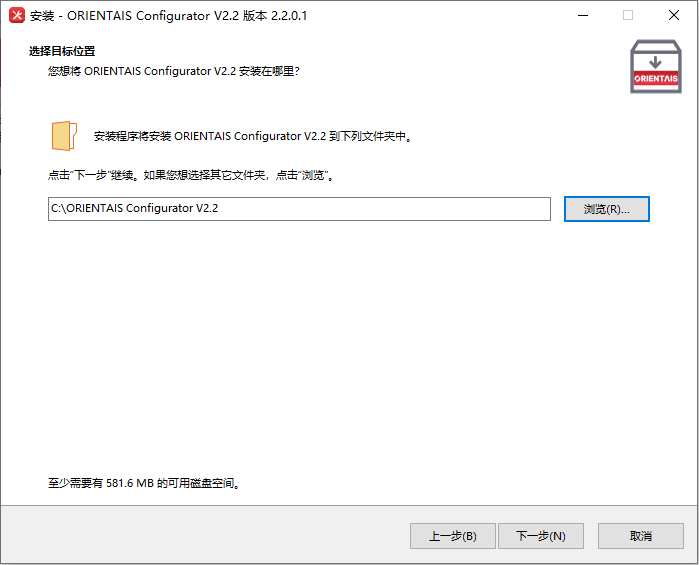
4.选择安装位置,点击“下一步”;
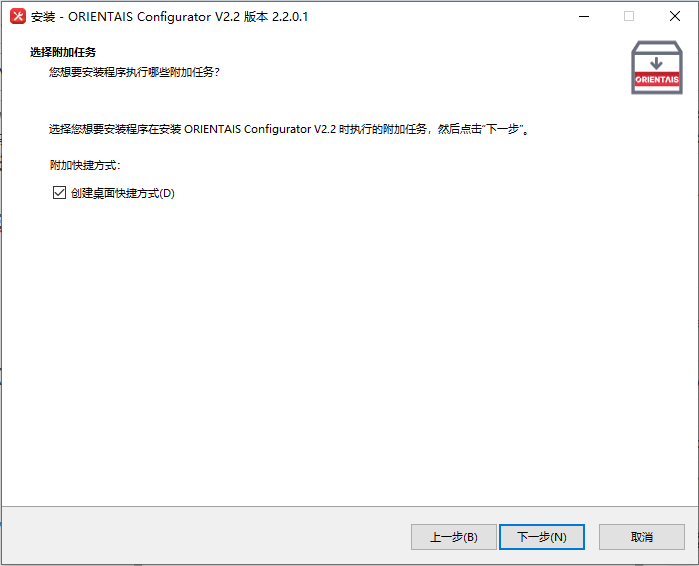
5.选择“创建桌面快捷方式(D)”,点击“下一步”;
6.点击“安装”;
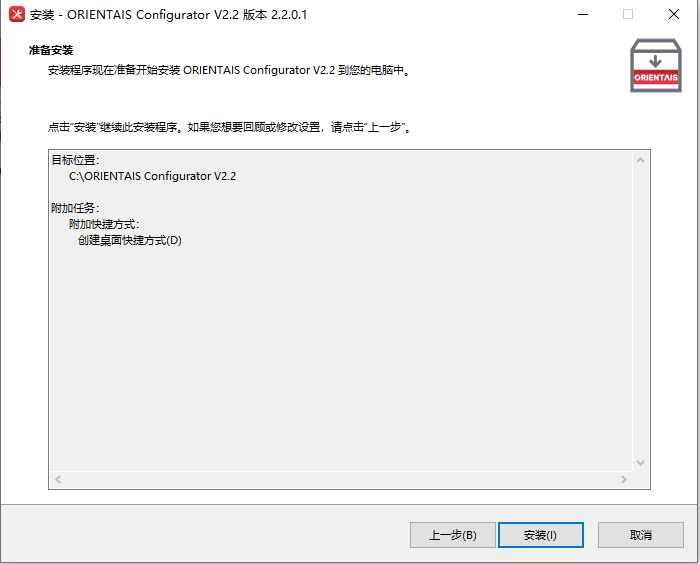
7.点击“完成”;
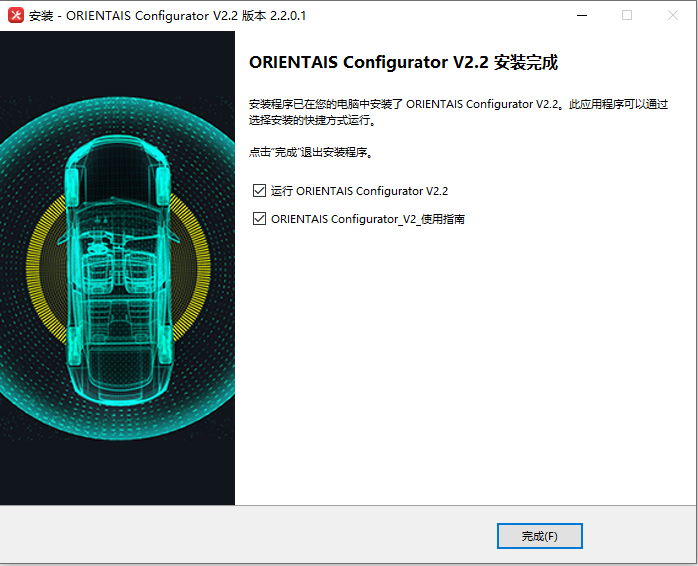
8.选择“Workspace”,点击“Launch”;
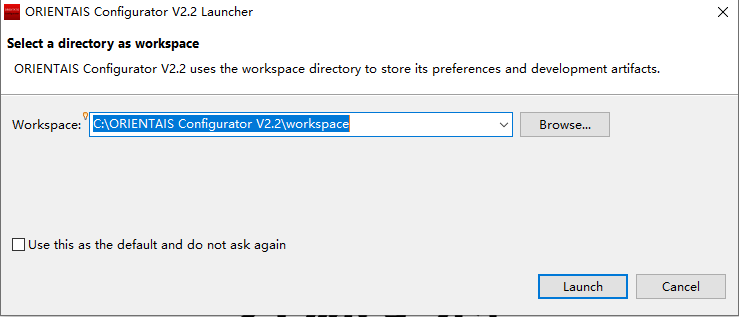
9.选择“File”,点击“Import…”;
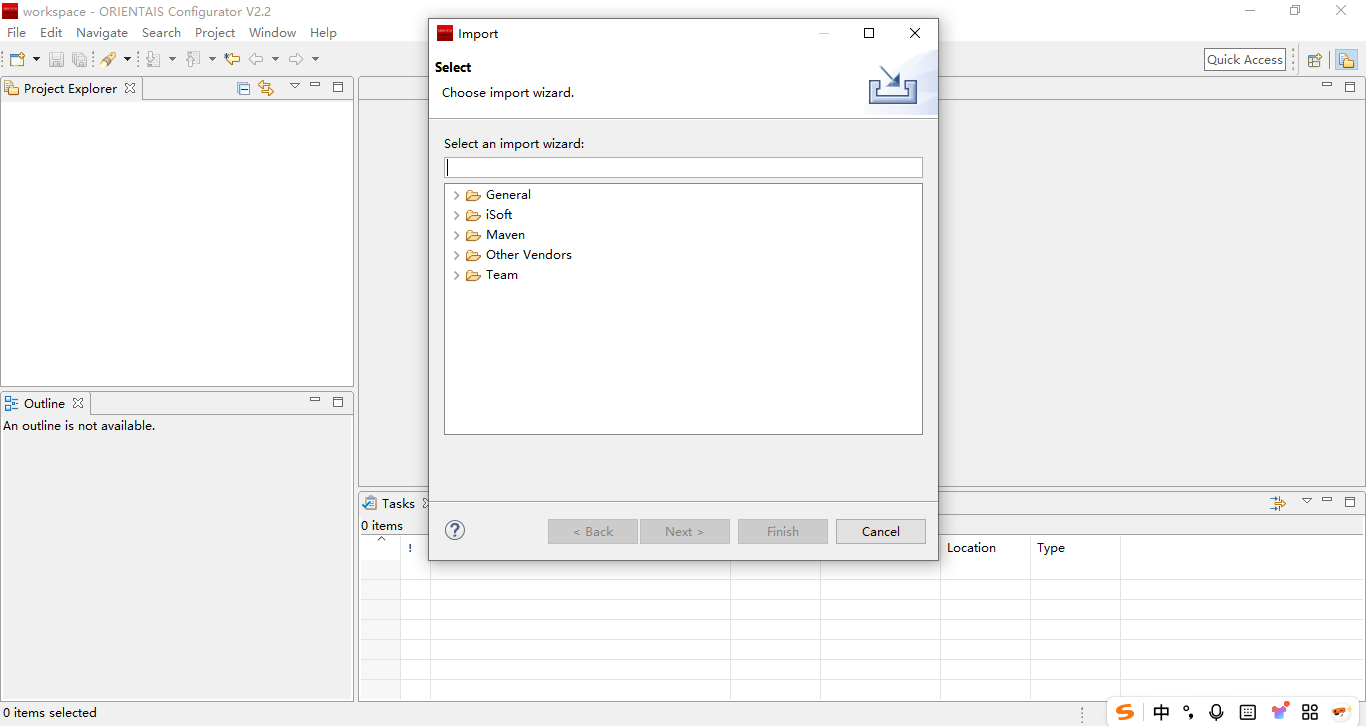
10.选择“iSoft”,选择“Existing BswProjects into Workspace”,点击“Next”;

11.选择“Select root directory”,并选择“Demo_S32K148_for_EasyXMen”文件夹,点击“Finish”;
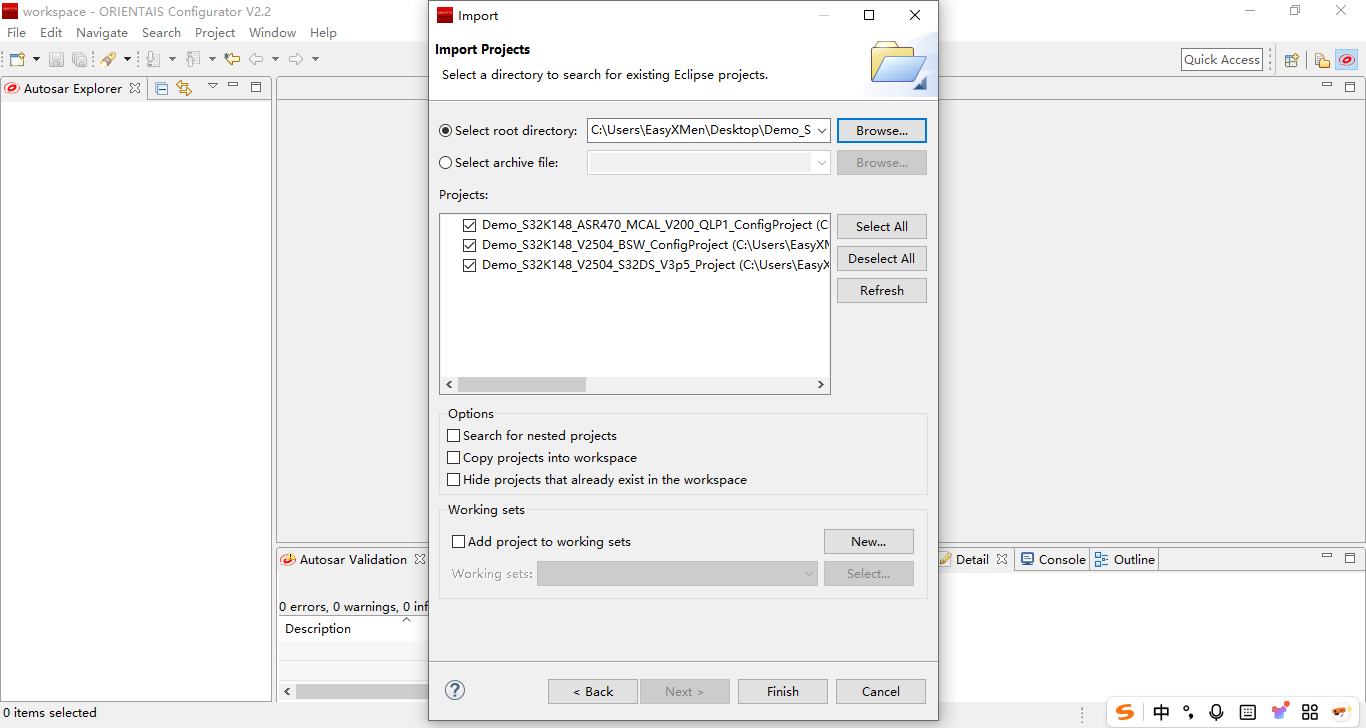
12.如下图所示即为导入工程成功。


魔乐社区(Modelers.cn) 是一个中立、公益的人工智能社区,提供人工智能工具、模型、数据的托管、展示与应用协同服务,为人工智能开发及爱好者搭建开放的学习交流平台。社区通过理事会方式运作,由全产业链共同建设、共同运营、共同享有,推动国产AI生态繁荣发展。
更多推荐


 26
26 0
0- 0


 已为社区贡献1条内容

所有评论(0)