Mac安装redis、mysql、nginx
安装redisDownload | Redis拷贝解压编译测试 make test安装 make install启动服务src/redis-server登录redisredis-cli -h 127.0.0.1 -p 6379
安装redis
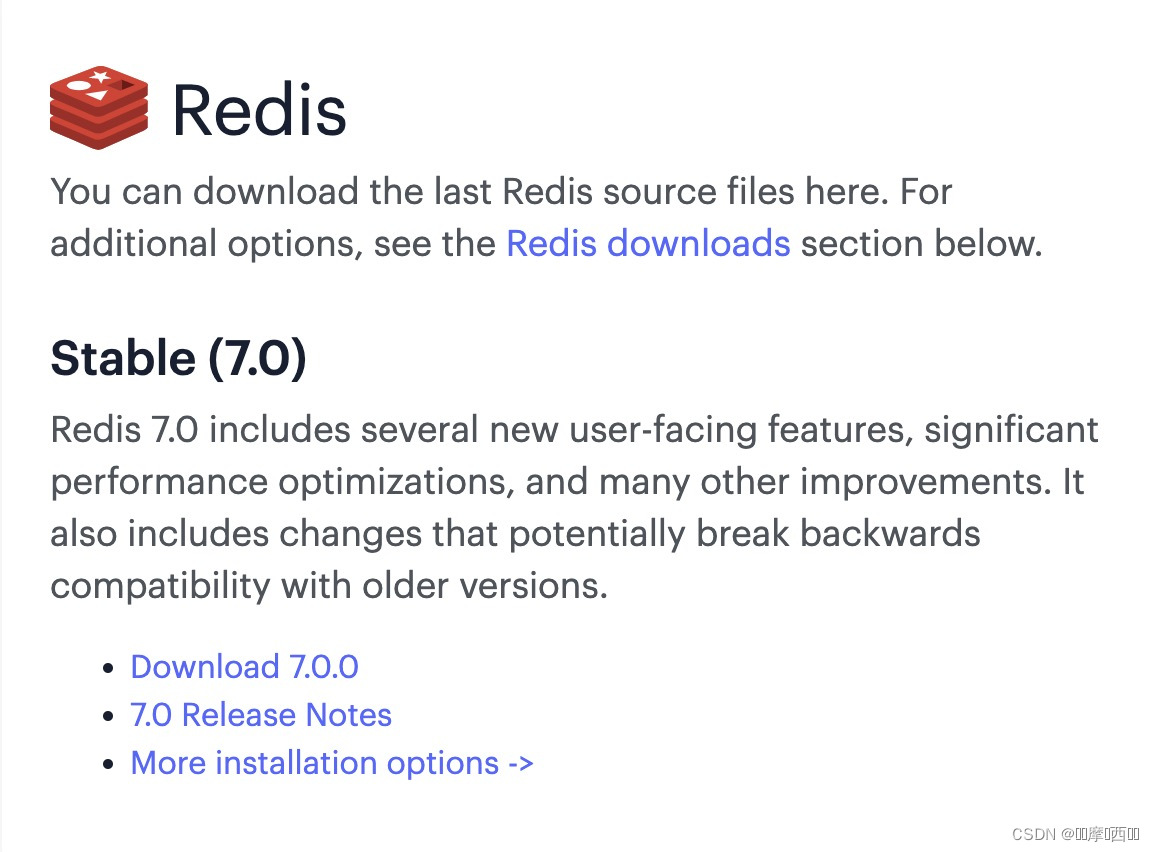
拷贝解压
编译测试 make test

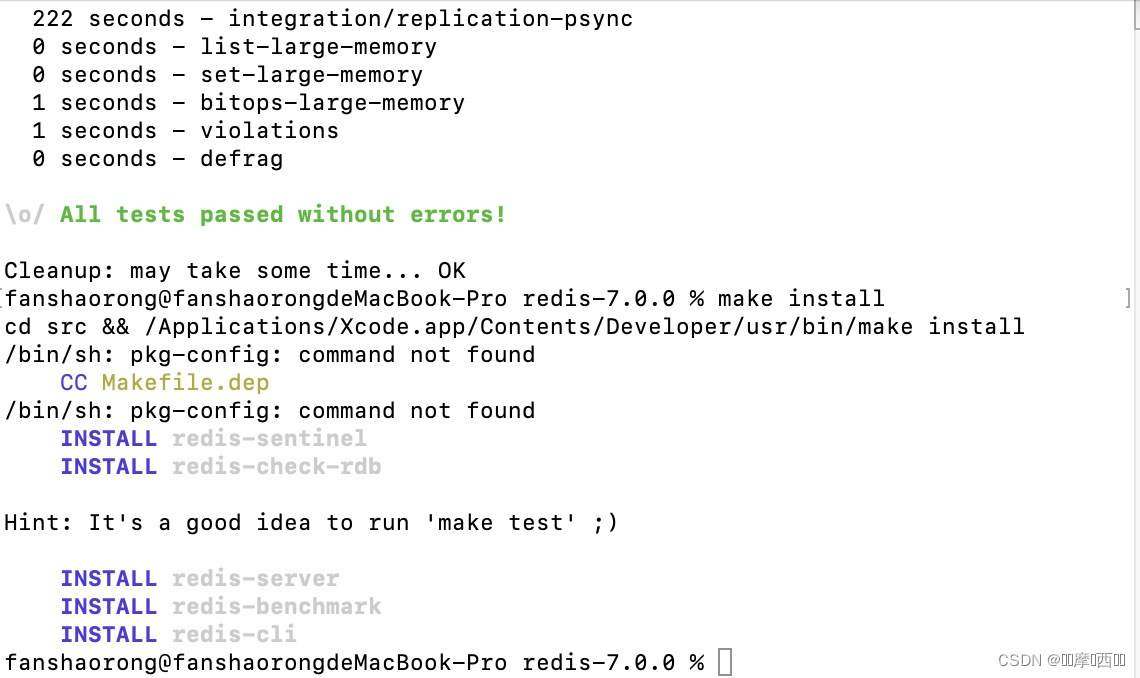
安装 make install
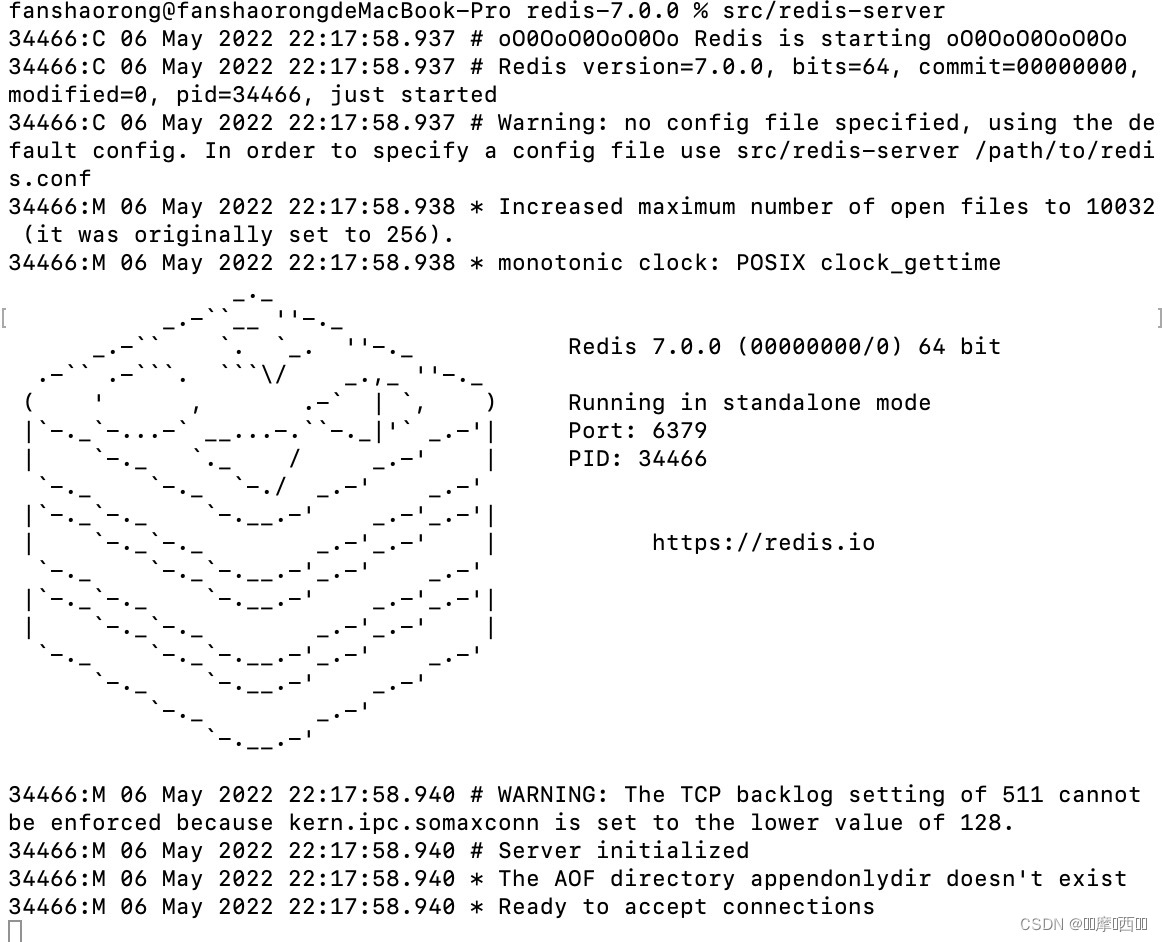
启动服务src/redis-server
 登录redis
redis-cli -h 127.0.0.1 -p 6379

安装mysql
下载
MySQL :: Download MySQL Community Server (Archived Versions)
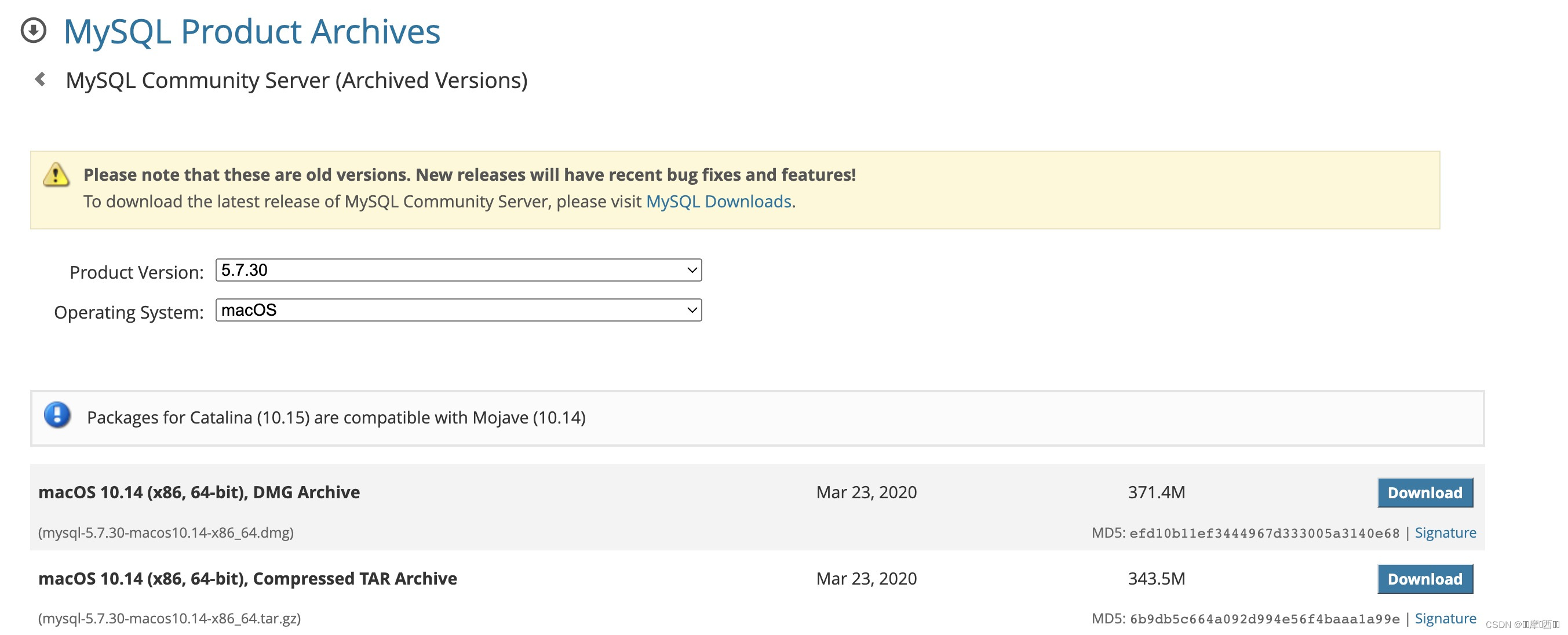
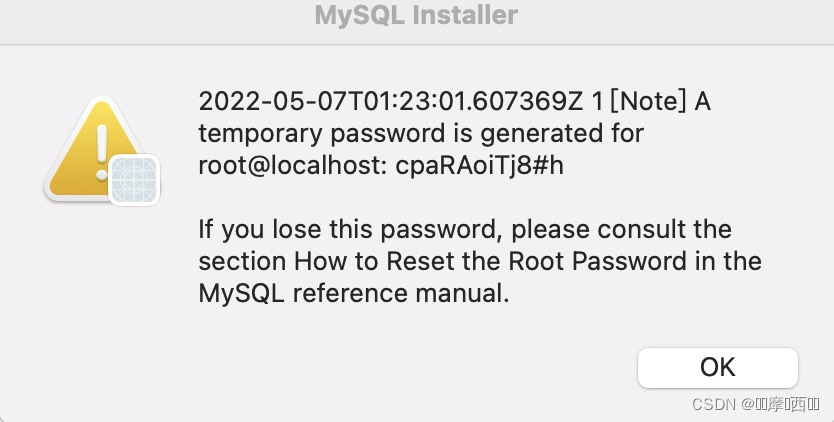
安装,记下root密码
启动服务
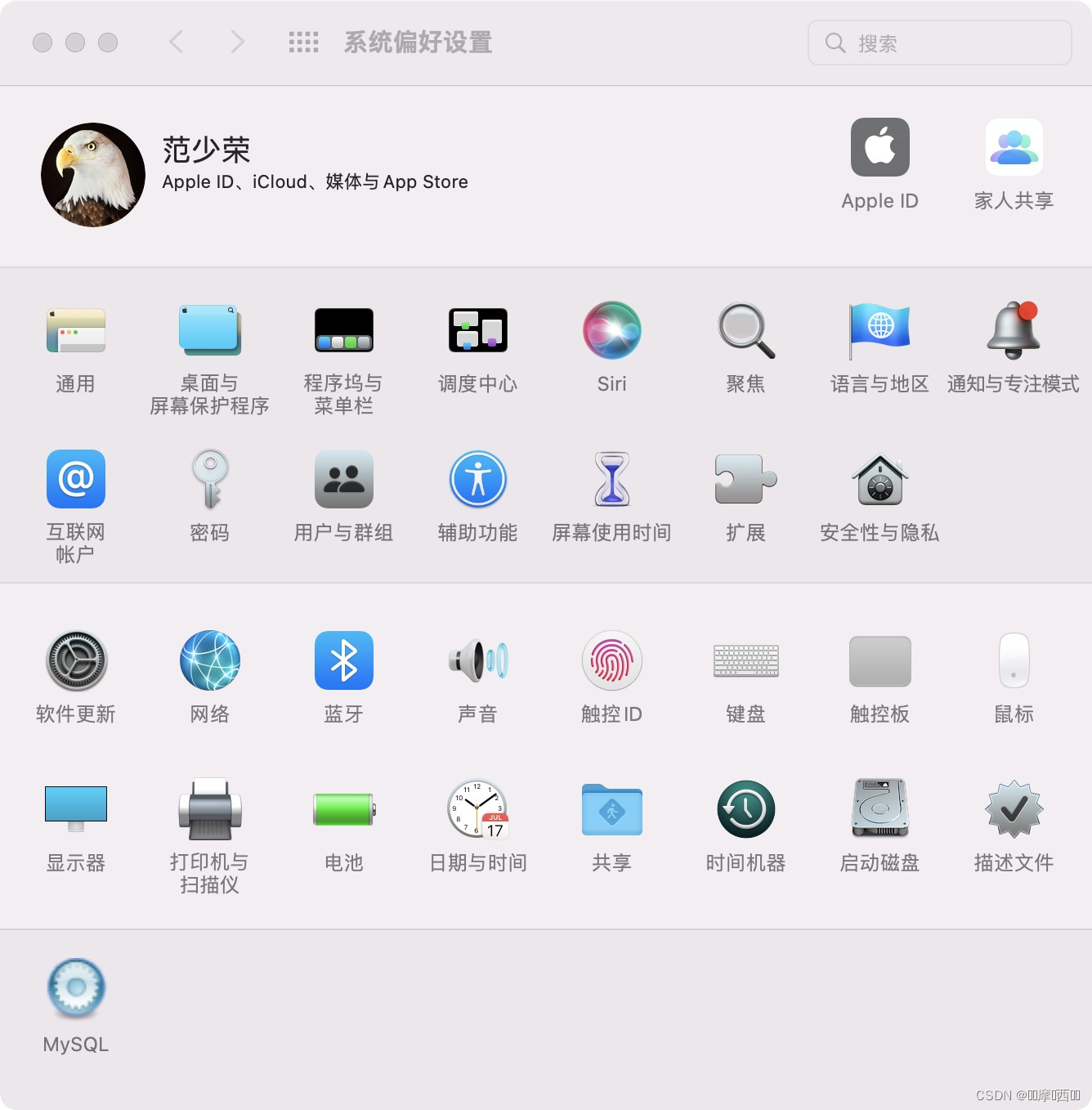
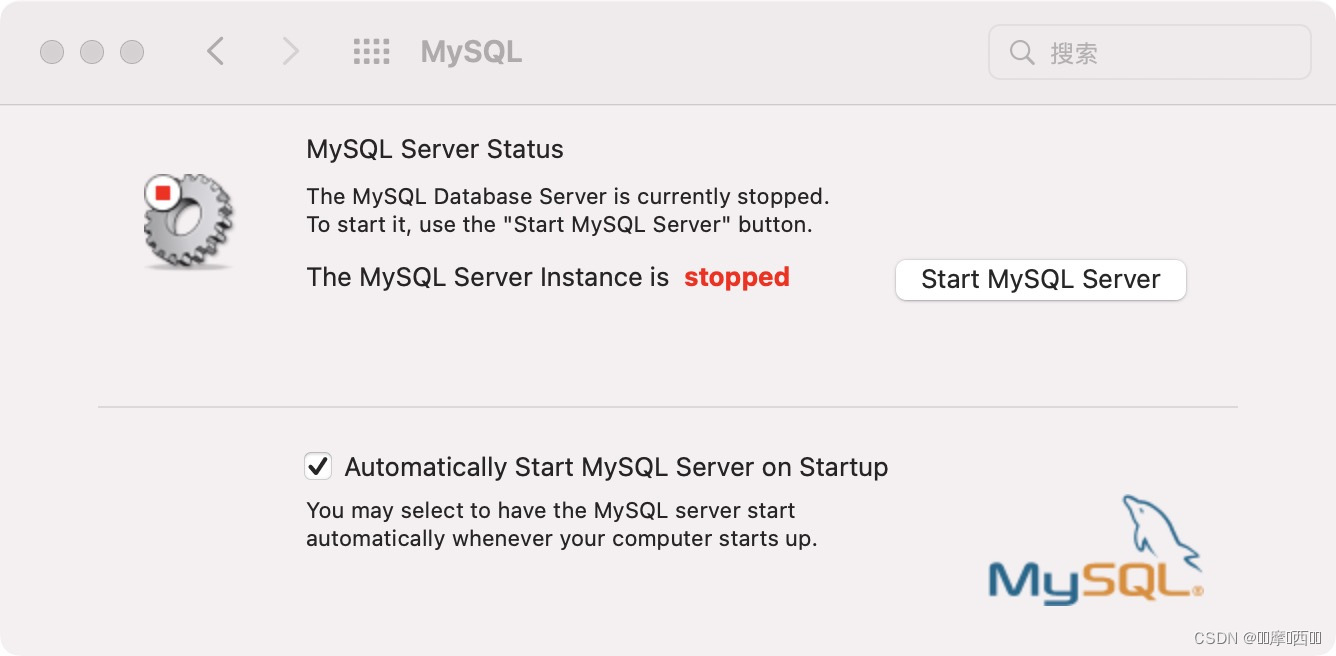
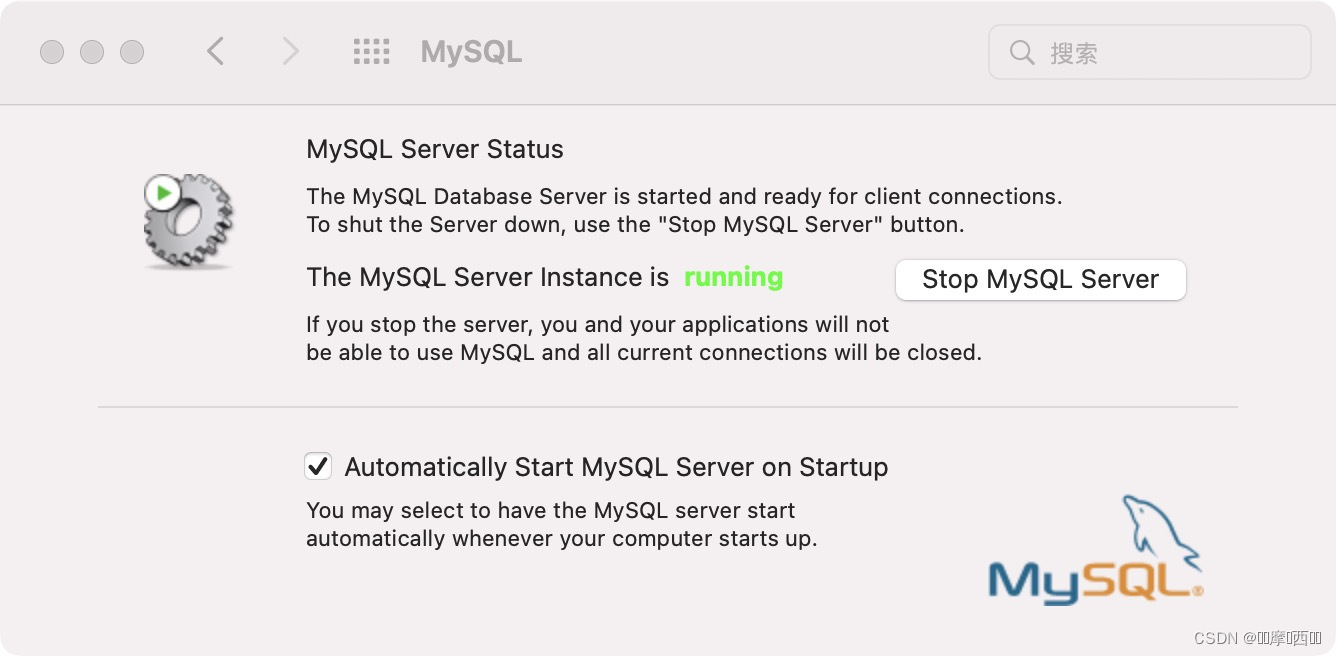
登录
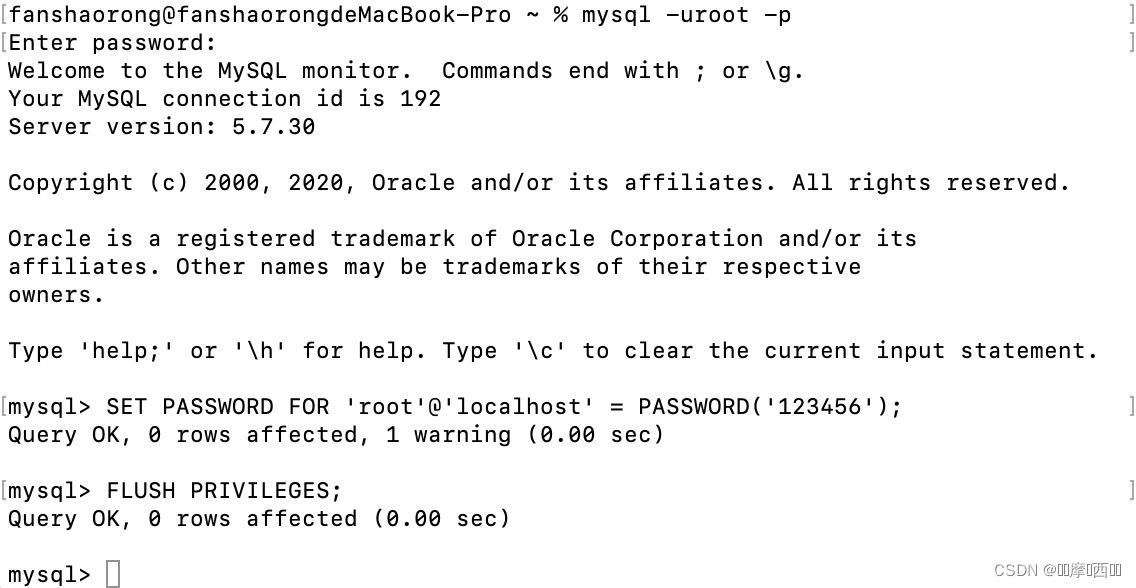
mysql -uroot -p
修改密码
SET PASSWORD FOR 'root'@'localhost' = PASSWORD('123456');
FLUSH PRIVILEGES;
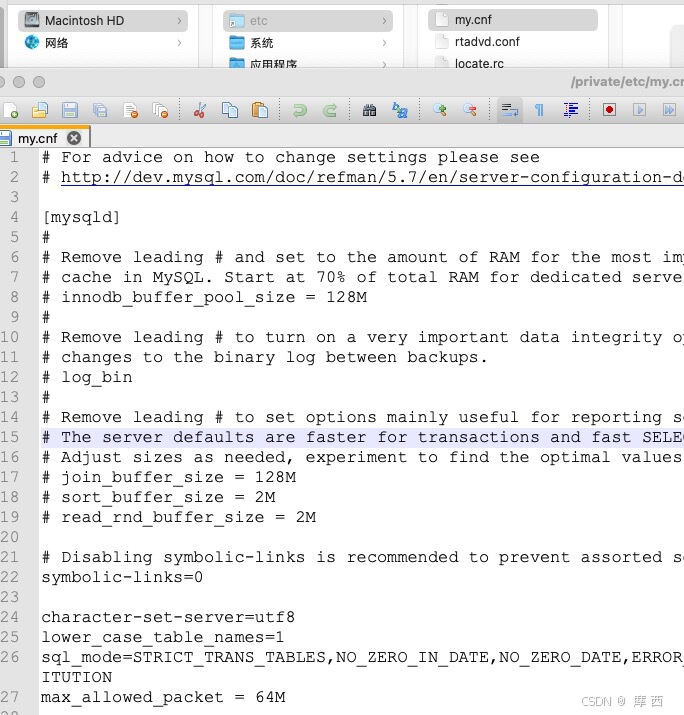
修改配置 /etc/my.cnf
安装nginx
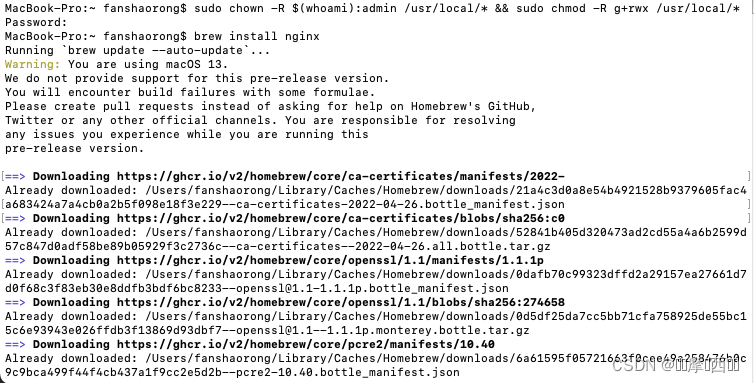
brew install nginx
Docroot is: /usr/local/var/www
The default port has been set in /usr/local/etc/nginx/nginx.conf to 8080 so that
nginx can run without sudo.
nginx will load all files in /usr/local/etc/nginx/servers/.
To restart nginx after an upgrade:
brew services restart nginx
Or, if you don't want/need a background service you can just run:
/usr/local/opt/nginx/bin/nginx -g daemon off;
如果报错
Warning: No remote 'origin' in /usr/local/Homebrew, skipping update!
Warning: No remote 'origin' in /usr/local/Homebrew/Library/Taps/homebrew/homebrew-cask, skipping update!
Warning: No remote 'origin' in /usr/local/Homebrew/Library/Taps/homebrew/homebrew-core, skipping update!执行
sudo chown -R $(whoami):admin /usr/local/* && sudo chmod -R g+rwx /usr/local/*
启动nginx
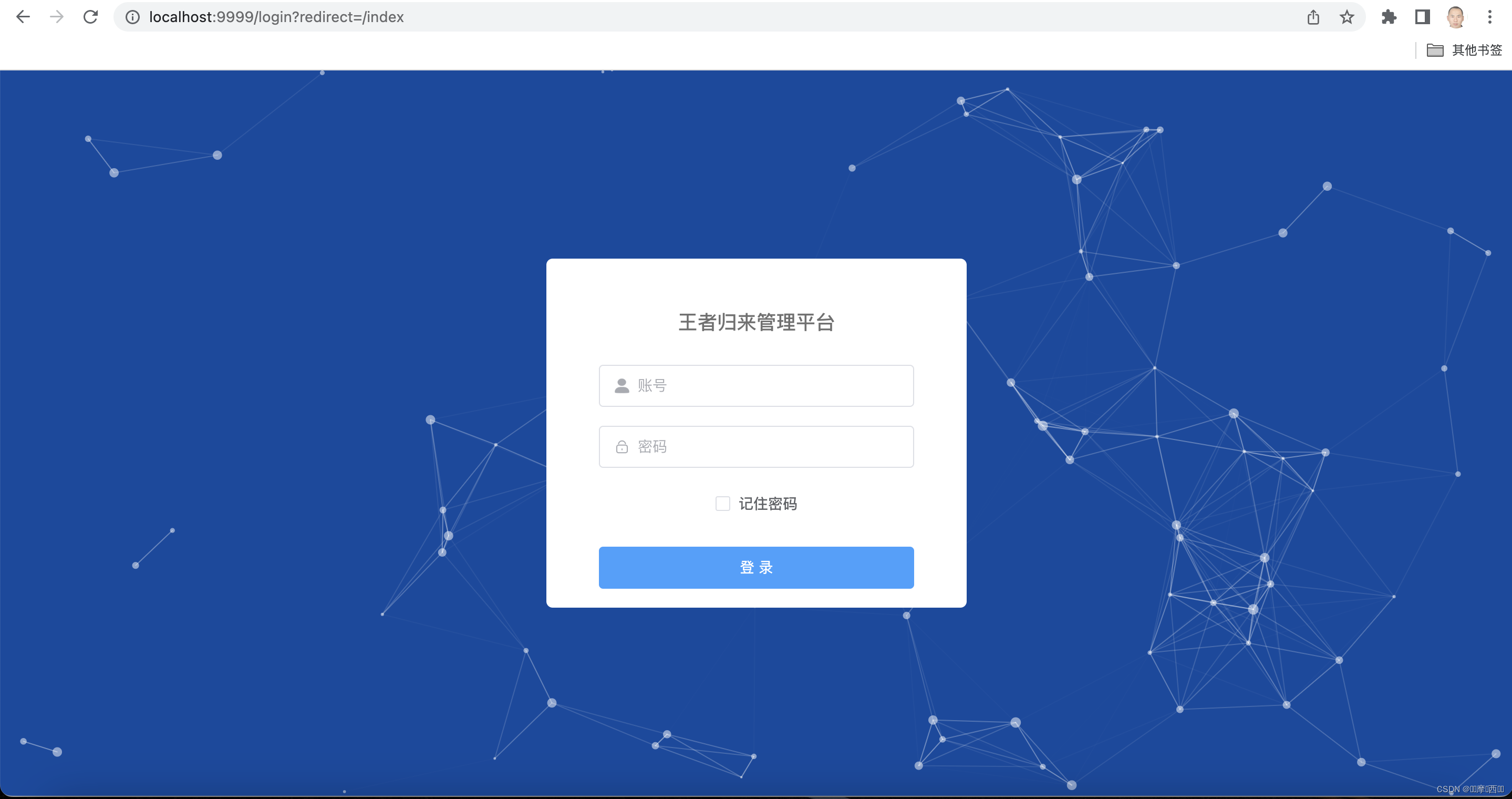
访问
配置
/usr/local/etc/nginx/servers/下添加配置文件ruoyi.conf
server {
    listen       9999;

	location / {
		root   /Users/fanshaorong/Desktop/Project/cni23/RuoYi-Vue3/ruoyi-ui;
		try_files $uri $uri/ /index.html;
		index  index.html index.htm;
	}

	location /test-api/ {
		proxy_set_header Host $http_host;
		proxy_set_header X-Real-IP $remote_addr;
		proxy_set_header REMOTE-HOST $remote_addr;
		proxy_set_header X-Forwarded-For $proxy_add_x_forwarded_for;
		proxy_pass http://localhost:9091/;
	}
}
重启nginx -s reload
卸载nginx
nginx -s stop
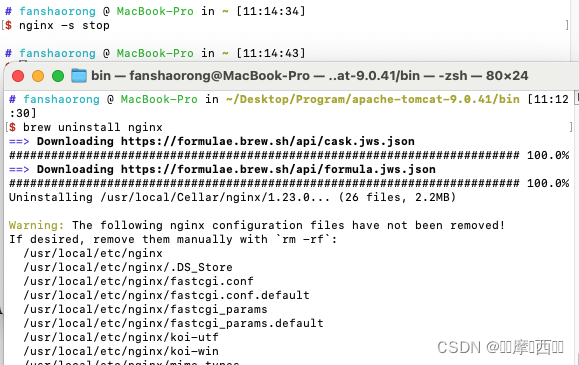
删除nginx相关文件
rm -rf /usr/local/etc/nginx
rm -rf /usr/local/var/www/nginx
rm -rf /usr/local/var/log/nginx

魔乐社区(Modelers.cn) 是一个中立、公益的人工智能社区,提供人工智能工具、模型、数据的托管、展示与应用协同服务,为人工智能开发及爱好者搭建开放的学习交流平台。社区通过理事会方式运作,由全产业链共同建设、共同运营、共同享有,推动国产AI生态繁荣发展。
更多推荐


 0
0 0
0- 0


 已为社区贡献4条内容

所有评论(0)