人脸识别及第三方库实现------Android,斗鱼Android开发二面被刷
- 调用手机相机拍摄
先更改调用权限

进行调用
if(checkSelfPermission(Manifest.permission.READ_EXTERNAL_STORAGE)!= PackageManager.PERMISSION_GRANTED){
ActivityCompat.requestPermissions(this,new String[]{Manifest.permission.READ_EXTERNAL_STORAGE},1);
}
if(checkSelfPermission(Manifest.permission.WRITE_EXTERNAL_STORAGE)!=PackageManager.PERMISSION_GRANTED){
ActivityCompat.requestPermissions(this,new String[]{Manifest.permission.WRITE_EXTERNAL_STORAGE},2);
}
Camera.setOnClickListener(new View.OnClickListener() {
@Override
public void onClick(View v) {
File outputImage=new File(Environment.getExternalStorageDirectory()+File.separator+“face.jpg”);
try{
if(outputImage.exists()){
outputImage.delete();
}
outputImage.createNewFile();
}catch (IOException e){
e.printStackTrace();
}
imageUri=Uri.fromFile(outputImage);
ImagePath=outputImage.getAbsolutePath();//拍摄后图片的存储路径
Intent intent=new Intent(MediaStore.ACTION_IMAGE_CAPTURE);
intent.putExtra(MediaStore.EXTRA_OUTPUT,imageUri);
startActivityForResult(intent,CAMERA);
}
});
@Override
protected void onActivityResult(int requestCode, int resultCode, Intent data) {
super.onActivityResult(requestCode, resultCode, data);
//从相册中选择的图片
if(requestCode==PHOTO_ALBUM){
if(data!=null){
Uri uri=data.getData();
Cursor cursor=getContentResolver().query(uri,null,null,null,null);
cursor.moveToNext();
ImagePath=cursor.getString(cursor.getColumnIndex(MediaStore.Images.ImageColumns.DATA));
cursor.close();
resizePhoto();
myPhoto.setImageBitmap(myBitmapImage);
Log.i(“图片路径”,ImagePath);
}
}
//相机拍摄的图片
else if(requestCode==CAMERA){
try{
resizePhoto();
myPhoto.setImageBitmap(myBitmapImage);
}catch (Exception e){
e.printStackTrace();
}
}
}
//调整图片的比例,使其大小小于1M,能够显示在手机屏幕上
public void resizePhoto(){
BitmapFactory.Options options=new BitmapFactory.Options();
options.inJustDecodeBounds=true;//返回图片宽高信息
BitmapFactory.decodeFile(ImagePath,options);
//让图片小于1024
double radio=Math.max(options.outWidth1.0d/1024f,options.outHeight1.0d/1024f);
options.inSampleSize=(int)Math.ceil(radio);//向上取整倍数
options.inJustDecodeBounds=false;//显示图片
myBitmapImage=BitmapFactory.decodeFile(ImagePath,options);
}
- 调用函数进行人脸识别
detect.setOnClickListener(new View.OnClickListener() {
@Override
public void onClick(View v) {
res=null;
detect_tip.setVisibility(View.VISIBLE);
detect_tip.setText(“识别中…”);
if(myBitmapImage==null){
myBitmapImage=BitmapFactory.decodeResource(getResources(),R.mipmap.face2);
bitmapSmall=Bitmap.createBitmap(myBitmapImage,0,0,myBitmapImage.getWidth(),myBitmapImage.getHeight());
}
else{//由于有些图片在一些型号手机角度会倾斜,需要进行摆正
int degree=getPicRotate(ImagePath);
Matrix m=new Matrix();
m.setRotate(degree);
bitmapSmall=Bitmap.createBitmap(myBitmapImage,0,0,myBitmapImage.getWidth(),myBitmapImage.getHeight(),m,true);
}
//将图片由路径转为二进制数据流
ByteArrayOutputStream stream=new ByteArrayOutputStream();
//图片转数据流
bitmapSmall.compress(Bitmap.CompressFormat.JPEG,100,stream);
final byte[] arrays=stream.toByteArray();
//网络申请调用函数进行人脸识别
new Thread(new Runnable() {
@Override
public void run() {
HashMap<String,String> options=new HashMap<>();
options.put(“face_fields”,“age,gender,race,beauty,expression”);//人脸属性:年龄,性别,肤色,颜值,笑容
AipFace client=new AipFace(“10734368”,“6cvleSFbyRIRHzhijfYrHZFj”,“SDnCUfrtH0lgrK01HgTe2ZRLNsmCx5xy”);
client.setConnectionTimeoutInMillis(2000);
client.setSocketTimeoutInMillis(6000);
res=client.detect(arrays,options);
try{
Message message = Message.obtain();
message.what = 1;
message.obj = res;
handler.sendMessage(message);
}catch (Exception e){
e.printStackTrace();
Message message = Message.obtain();
message.what = 2;
handler.sendMessage(message);
}
}
}).start();
}
});
}
- 将获取的网络数据进行处理
private Handler handler=new Handler(){
@Override
public void handleMessage(Message msg) {
super.handleMessage(msg);
if(msg.what==1){
JSONObject res=(JSONObject) msg.obj;
face_resultNum=res.optString(“result_num”);
if(Integer.parseInt(face_resultNum)>=1) {
try {
JSONArray js = new JSONArray(res.optString(“result”));
face_age = js.optJSONObject(0).optString(“age”);
face_gender = js.optJSONObject(0).optString(“gender”);
if (face_gender.equals(“female”)) {
face_gender = “女”;
} else {
face_gender = “男”;
}
face_race = js.optJSONObject(0).optString(“race”);
if (face_race.equals(“yellow”)) {
face_race = “黄种人”;
} else if (face_race.equals(“white”)) {
face_race = “白种人”;
} else if (face_race.equals(“black”)) {
face_race = “黑种人”;
}else if(face_race.equals(“arabs”)){
face_race = “阿拉伯人”;
}
int express = Integer.parseInt(js.optJSONObject(0).optString(“expression”));
if (express == 0) {
face_expression = “无”;
} else if (express == 1) {
face_expression = “微笑”;
} else {
face_expression = “大笑”;
}
face_beauty = js.optJSONObject(0).optString(“beauty”);
double beauty=Math.ceil(Double.parseDouble(face_beauty)+25);
if(beauty>=100){//对获得的颜值数据进行一定处理,使得结果更为合理
beauty=99.0;
}
else if(beauty<70){
beauty+=10;
}
else if(beauty>80 && beauty<90){
beauty+=5;
}
else if(beauty>=90 && beauty<95){
beauty+=2;
}
face_beauty=String.valueOf(beauty);
} catch (JSONException e) {
e.printStackTrace();
}
detect_tip.setVisibility(View.GONE);
AlertDialog.Builder alertDialog = new AlertDialog.Builder(faceRecognition.this);
String[] mItems = {“性别:” + face_gender, “年龄:” + face_age, “肤色:” + face_race, “颜值:” + face_beauty, “笑容:” + face_expression};
alertDialog.setTitle(“人脸识别报告”).setItems(mItems, null).create().show();
}else{
detect_tip.setVisibility(View.VISIBLE);
detect_tip.setText(“图片不够清晰,请重新选择”);
}
}else{
detect_tip.setVisibility(View.VISIBLE);
detect_tip.setText(“图片不够清晰,请重新选择”);
}
}
};
ps:layout布局相关(可自行设计)
<?xml version="1.0" encoding="utf-8"?><LinearLayout xmlns:android=“http://schemas.android.com/apk/res/android”
xmlns:app=“http://schemas.android.com/apk/res-auto”
xmlns:tools=“http://schemas.android.com/tools”
android:orientation=“vertical”
android:layout_width=“match_parent”
android:layout_height=“match_parent”>
<TextView
android:layout_width=“match_parent”
android:layout_height=“wrap_content”
自我介绍一下,小编13年上海交大毕业,曾经在小公司待过,也去过华为、OPPO等大厂,18年进入阿里一直到现在。
深知大多数Android工程师,想要提升技能,往往是自己摸索成长或者是报班学习,但对于培训机构动则几千的学费,着实压力不小。自己不成体系的自学效果低效又漫长,而且极易碰到天花板技术停滞不前!
因此收集整理了一份《2024年Android移动开发全套学习资料》,初衷也很简单,就是希望能够帮助到想自学提升又不知道该从何学起的朋友,同时减轻大家的负担。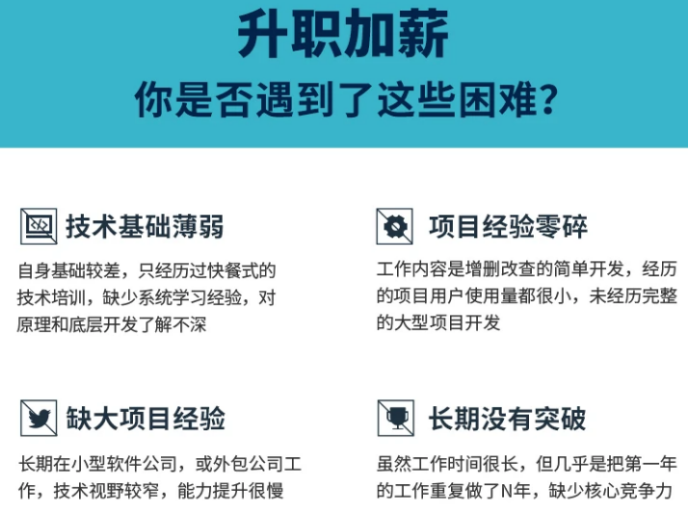
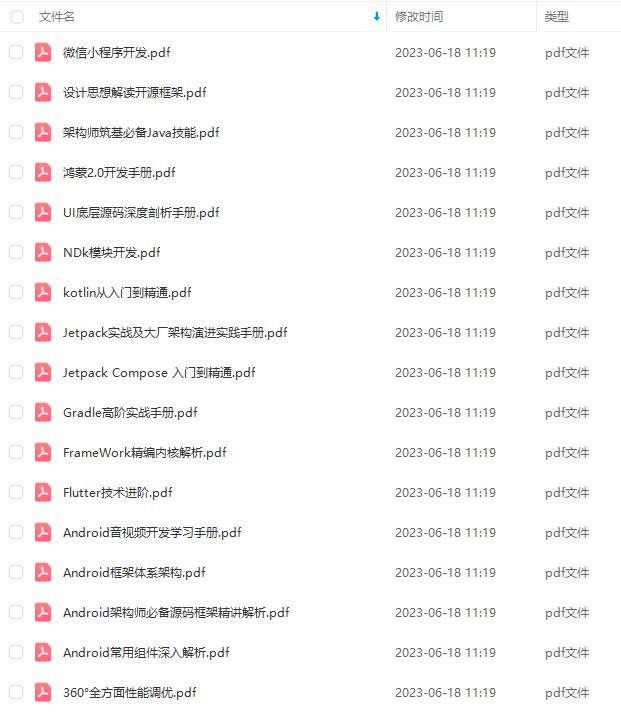
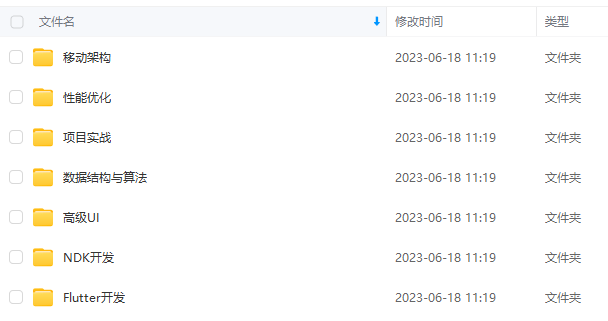

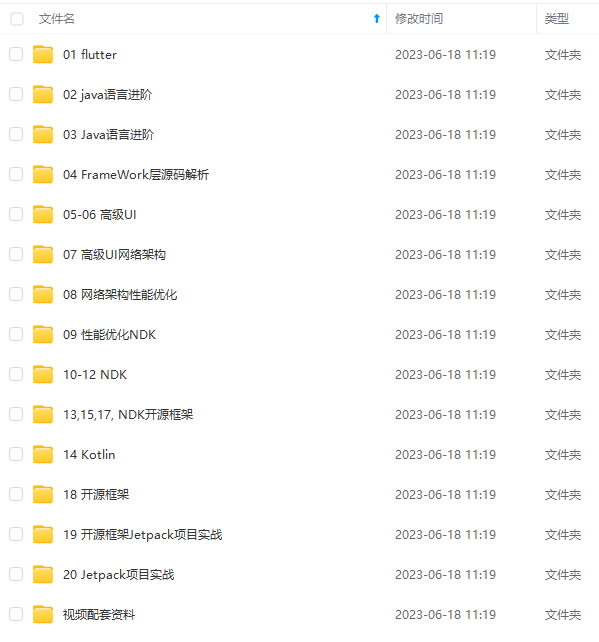
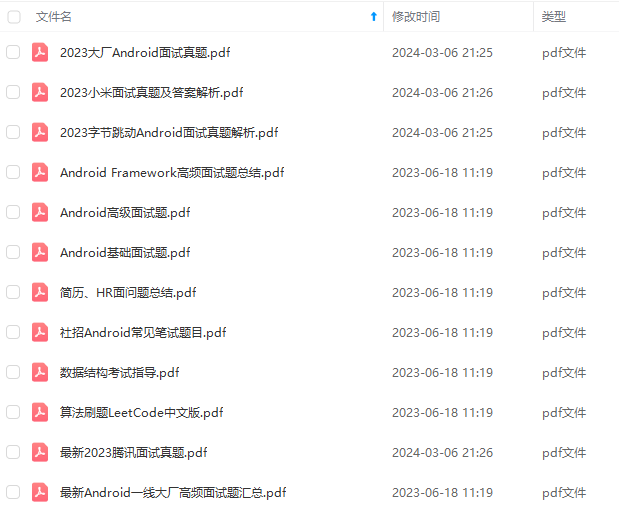
既有适合小白学习的零基础资料,也有适合3年以上经验的小伙伴深入学习提升的进阶课程,基本涵盖了95%以上Android开发知识点,真正体系化!
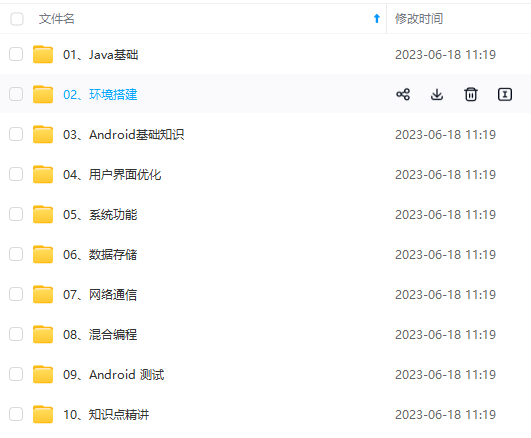
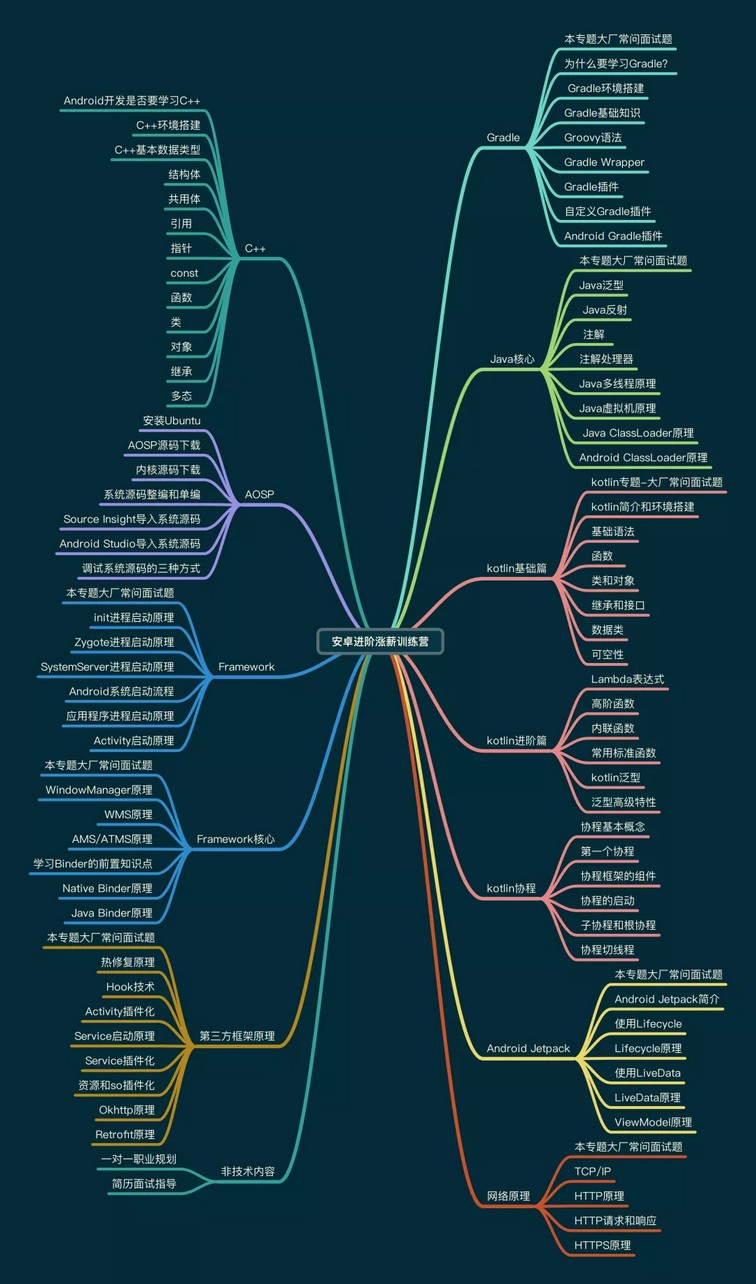
由于文件比较大,这里只是将部分目录大纲截图出来,每个节点里面都包含大厂面经、学习笔记、源码讲义、实战项目、讲解视频,并且后续会持续更新
如果你觉得这些内容对你有帮助,可以添加V:vip204888 备注Android获取(资料价值较高,非无偿)
最后
我这里整理了一份完整的学习思维以及Android开发知识大全PDF。
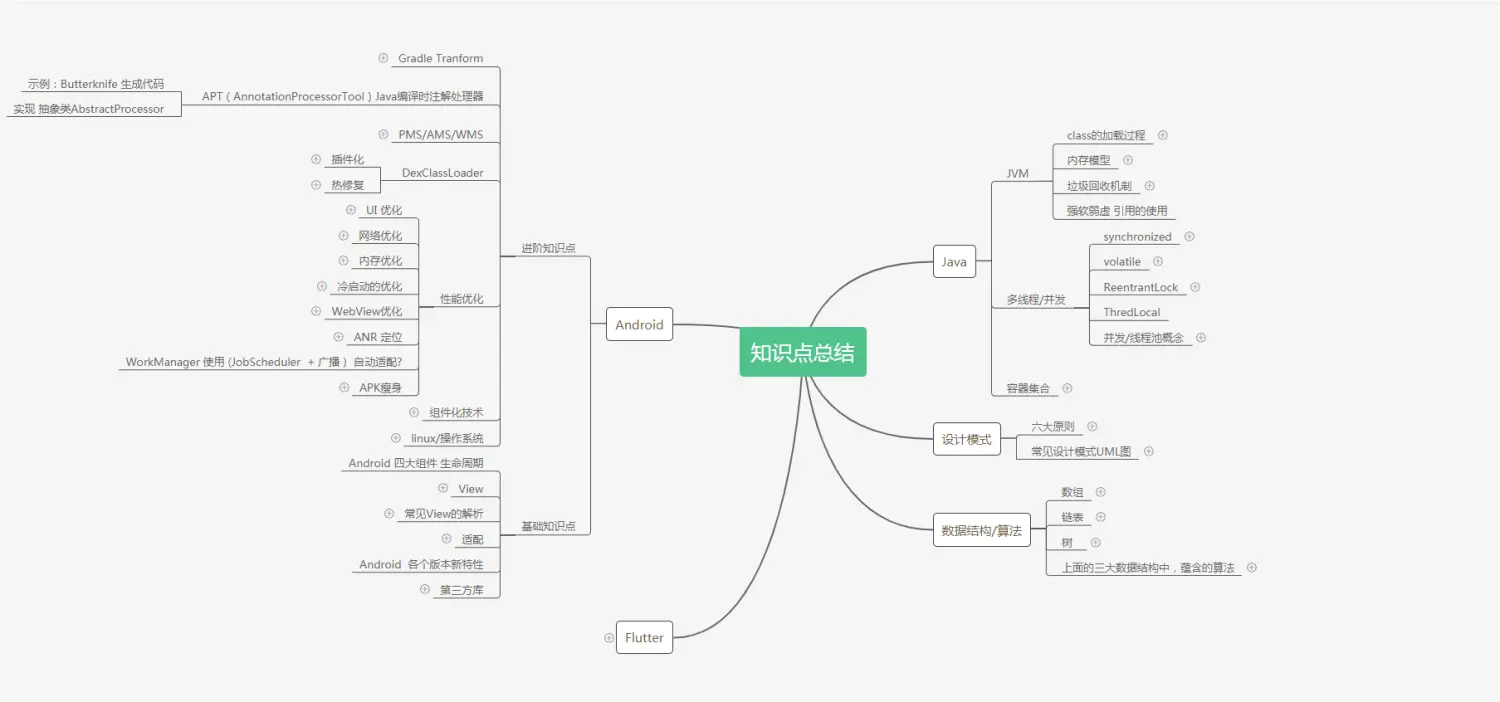
当然实践出真知,即使有了学习线路也要注重实践,学习过的内容只有结合实操才算是真正的掌握。
,也有适合3年以上经验的小伙伴深入学习提升的进阶课程,基本涵盖了95%以上Android开发知识点,真正体系化!**
[外链图片转存中…(img-EIe66WQo-1711600427847)]
[外链图片转存中…(img-ViDsprWG-1711600427847)]
由于文件比较大,这里只是将部分目录大纲截图出来,每个节点里面都包含大厂面经、学习笔记、源码讲义、实战项目、讲解视频,并且后续会持续更新
如果你觉得这些内容对你有帮助,可以添加V:vip204888 备注Android获取(资料价值较高,非无偿)
[外链图片转存中…(img-SpN6TIFh-1711600427847)]
最后
我这里整理了一份完整的学习思维以及Android开发知识大全PDF。
[外链图片转存中…(img-LQKDoBjj-1711600427848)]
当然实践出真知,即使有了学习线路也要注重实践,学习过的内容只有结合实操才算是真正的掌握。

魔乐社区(Modelers.cn) 是一个中立、公益的人工智能社区,提供人工智能工具、模型、数据的托管、展示与应用协同服务,为人工智能开发及爱好者搭建开放的学习交流平台。社区通过理事会方式运作,由全产业链共同建设、共同运营、共同享有,推动国产AI生态繁荣发展。
更多推荐


 22
22 0
0- 0


 已为社区贡献7条内容

所有评论(0)