机器视觉作业--霍夫变换
·
简单应用:
代码:
#include <opencv2/opencv.hpp>
#include <iostream>
#include <math.h>
using namespace std;
using namespace cv;

int main()
{
	Mat img_gray, img_two, img_canny;
	Mat img = imread("D:/C++/huofu.jpg");
	cvtColor(img,img_gray,COLOR_BGR2GRAY);
	threshold(img_gray,img_two,100,255,THRESH_OTSU);

	Canny(img_two,img_canny,30,90,3,false);

	vector<Vec2f>lines;
	HoughLines(img_canny,lines,1,CV_PI/180,125,0,0);

	vector<Vec2f>::iterator it = lines.begin();
	for ( ;it!= lines.end(); it++)
	{
		float rho = (*it)[0], theta = (*it)[1];
		Point pt1, pt2;
		double a = cos(theta), b = sin(theta);
		double x0 = a * rho, y0 = b * rho;

		pt1.x = saturate_cast<int>(x0+1000*(-b));
		pt1.y = saturate_cast<int>(y0 + 1000 * (a));
		pt2.x = saturate_cast<int>(x0 + 1000 * (-b));
		pt2.y = saturate_cast<int>(y0 + 1000 * (a));

		line(img,pt1,pt2,Scalar(0,255,255),1,LINE_AA);


	}

	imshow("img",img);
	imshow("img_canny",img_canny);
	waitKey(0);
	return 0;
}
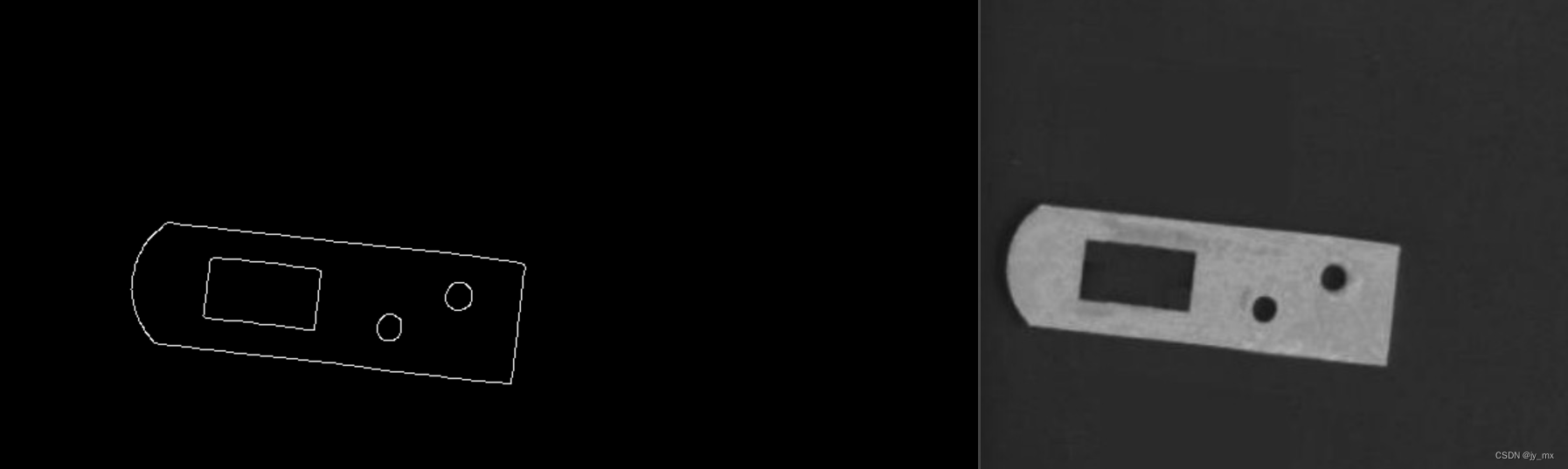
效果:
进阶:
代码:
#include <opencv2/opencv.hpp>
#include <iostream>
#include <math.h>
using namespace std;
using namespace cv;

int main()
{
	Mat img_gray, img_two, img_canny;
	Mat img = imread("D:/C++/huofu.jpg");
	cvtColor(img, img_gray, COLOR_BGR2GRAY);
	threshold(img_gray, img_two, 100, 255, THRESH_OTSU);

	Canny(img_two, img_canny, 30, 90, 3, false);

	vector<Vec4i>lines;
	HoughLinesP(img_canny, lines, 1, CV_PI / 180, 6, 0, 0);


	for (size_t i=0; i< lines.size(); ++i)
	{
		int x1 = lines[0][0];
		int y1 = lines[0][1];
		int x2 = lines[0][2];
		int y2 = lines[0][3];

		Vec4i line_ = lines[i];
		line(img, Point(line_[0],line_[1]), Point(line_[2], line_[3]), Scalar(0, 255, 255), 2, LINE_AA);


	}

	imshow("img", img);
	imshow("img_canny", img_canny);
	waitKey(0);
	return 0;
}
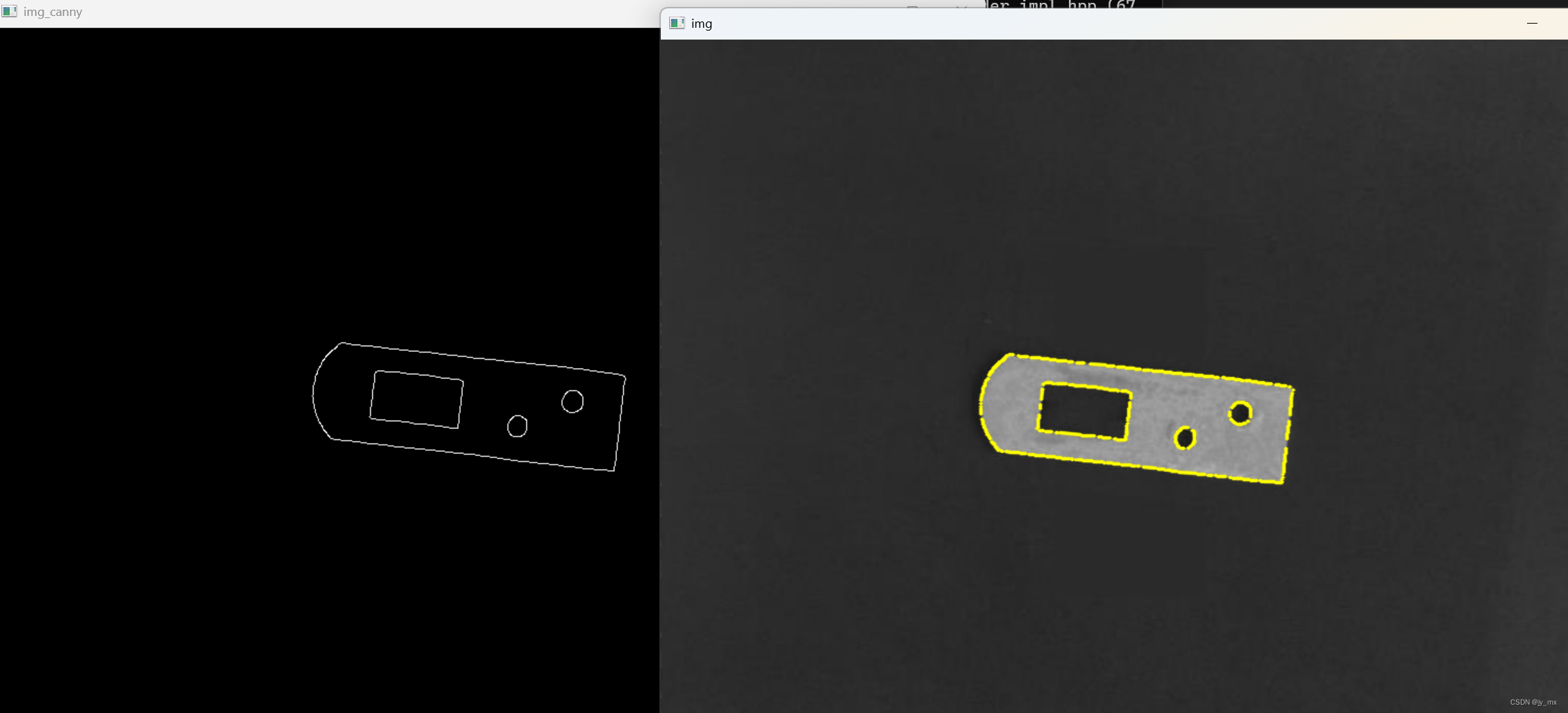
效果:

魔乐社区(Modelers.cn) 是一个中立、公益的人工智能社区,提供人工智能工具、模型、数据的托管、展示与应用协同服务,为人工智能开发及爱好者搭建开放的学习交流平台。社区通过理事会方式运作,由全产业链共同建设、共同运营、共同享有,推动国产AI生态繁荣发展。
更多推荐


 0
0 0
0- 0


 已为社区贡献4条内容

所有评论(0)