zuul路由网关集成ssl,实现http到https的转变
·
1 前言
最近几天刚开始接触微信小程序的开发,才接触到了https的概念(微信小程序中的请求必须为https请求,不然请求无法成功)。https算是对http的安全封装,在http的基础上加了ssl证书机制,此处不赘述,想要详细了解自行百度区别。所以博主就在考虑怎么让整个小程序后台(用的spring boot来作为后台)都能通过https访问,终于经过两天的研究,我发现了将ssl结合spring cloud的zuul(路由网关)可以实现我想要的效果,话不多说,上步骤。
2 申请域名,并用域名申请ssl证书(博主用的阿里申请的ssl证书)
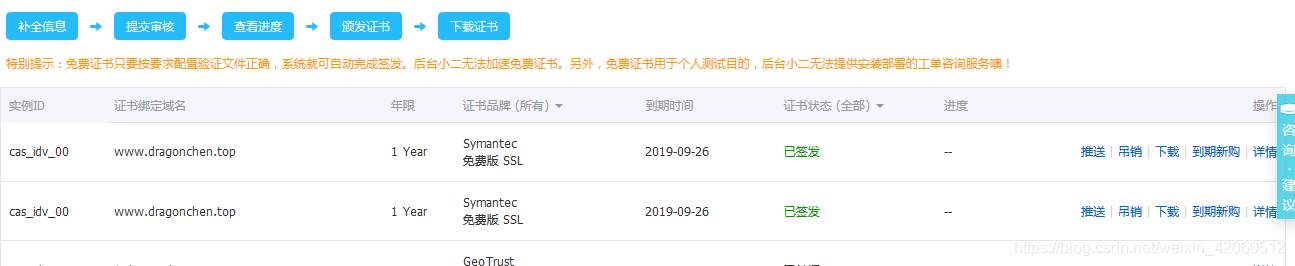
点击下载,将对应的ssl证书下载到本地
3 创建zuul微服务
3.1pom.xml中配置相关依赖(需要添加到eureka注册中心)
<dependency>
    <groupId>org.springframework.cloud</groupId>
    <artifactId>spring-cloud-starter-netflix-eureka-client</artifactId>
</dependency>
<dependency>
    <groupId>org.springframework.cloud</groupId>
    <artifactId>spring-cloud-starter-netflix-zuul</artifactId>
</dependency>
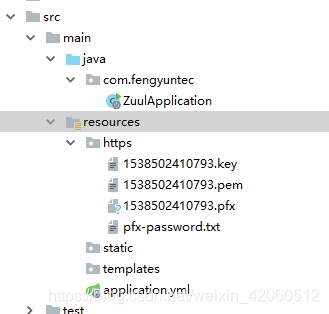
3.2 将ssl证书放到resources下的ssl文件夹中并在yml中配置
spring:
  application:
    name: zuul
#注册到eureka
eureka:
  instance:
    lease-expiration-duration-in-seconds: 30
    lease-renewal-interval-in-seconds: 10
    prefer-ip-address: true
    instance-id: dragon
  client:
    fetch-registry: true
    register-with-eureka: true
    service-url:
      defaultZone: http://localhost:7001/eureka/
server:
  port: 443
#  ssl证书相关配置
  ssl:
    key-store: classpath:https/1538502410793.pfx
    key-store-password: 1538502410793
    key-store-type: PKCS12
#zuul的相关配置
zuul:
  routes:
#    需要配置路由的微服务
    consumer:
      serviceId: eureka-consumer
      path: /con/**
#      无法使用服务名称访问
  ignored-services: "*"
#  访问前添加前缀
  prefix: /fengyuntec/
注意:https的默认端口为443,这里也建议设置成443
3.3 在zuul微服务的启动类上添加注解
@SpringBootApplication
@EnableZuulProxy
public class ZuulApplication {
    public static void main(String[] args) {
        SpringApplication.run(ZuulApplication.class, args);
    }
}
4 访问网址
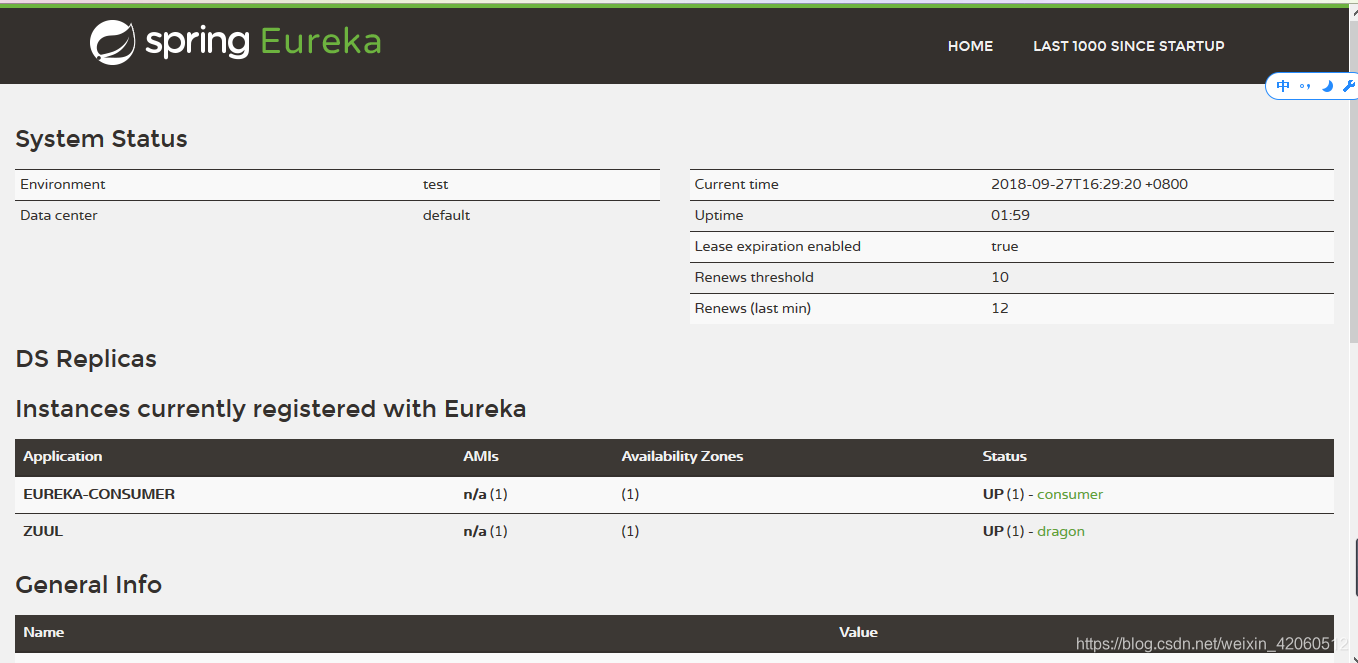
4.1 访问http://localhost:7001/ 进入eureka注册中心查看服务
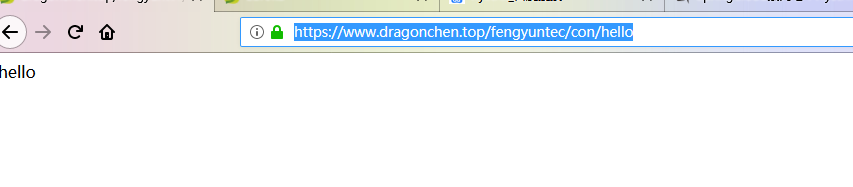
4.2 访问网址 https://www.dragonchen.top/fengyuntec/con/hello

魔乐社区(Modelers.cn) 是一个中立、公益的人工智能社区,提供人工智能工具、模型、数据的托管、展示与应用协同服务,为人工智能开发及爱好者搭建开放的学习交流平台。社区通过理事会方式运作,由全产业链共同建设、共同运营、共同享有,推动国产AI生态繁荣发展。
更多推荐


 1
1 0
0- 0


 已为社区贡献1条内容

所有评论(0)