[爬虫]爬取豆瓣任意电影的
·

最近好像上映了不少电影,而且我好久没看过豆瓣了,这里给大家分享一个爬取豆瓣评论的selenium脚本。
首先我们打开电影的短片区:

这里大家注意,虽然全部写着有10万多条,其实豆瓣电影里只显示前600条。。。。。
1、先将selenium的相关包导进来
import time
import tqdm
import random
import requests
import json
import pandas as pd
import os
from selenium import webdriver
from selenium.webdriver.common.by import By
2、用edge浏览器打开相关电影评论网页
browser = webdriver.Edge()
time.sleep(5)
browser.get('https://movie.douban.com/subject/26925611/comments?percent_type=h&limit=20&status=P&sort=new_score')
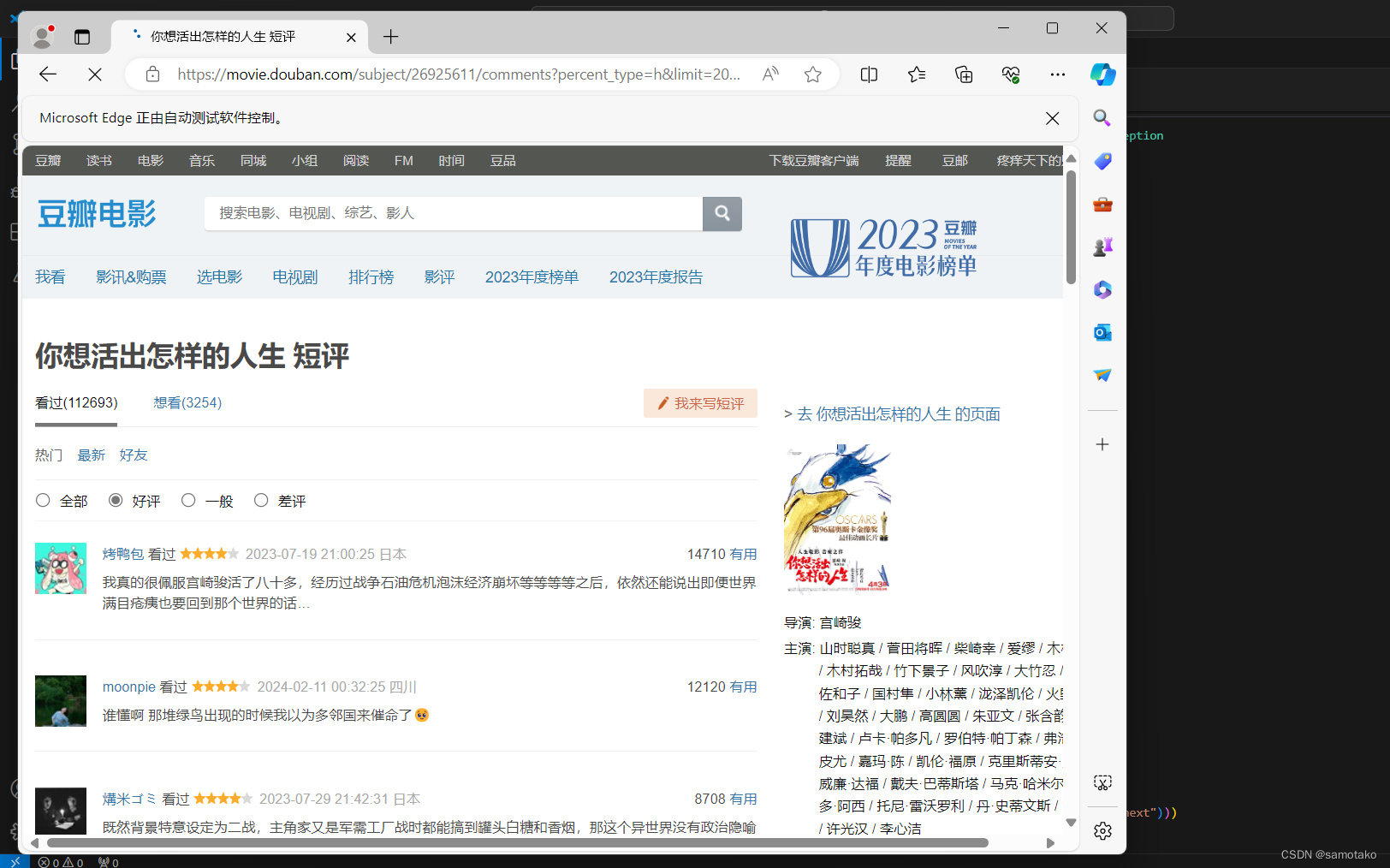
3、用xpath语句定位想要爬取的数据,这里就爬了评论数据来做lda等后续的数据分析
from selenium.common.exceptions import NoSuchElementException, StaleElementReferenceException, ElementClickInterceptedException
from selenium import webdriver
from selenium.webdriver.common.by import By
from selenium.webdriver.support.ui import WebDriverWait
from selenium.webdriver.support import expected_conditions as EC
import time

max_clicks = 100
click_count = 0
comments=[]
ratings=[]
urls=[]
try:

                while click_count < max_clicks:
                        try:
                                li_list = browser.find_elements_by_xpath('//div[@id="comments"]/div')
                                for li in li_list:
                                        try:
                                                comment = li.find_element_by_xpath('.//span[@class="short"]').text
                                                print("comment:>>",comment)
                                                comments.append(comment)
                                        except:
                                                pass
                                next_link = WebDriverWait(browser, 10).until(EC.element_to_be_clickable((By.CLASS_NAME, "next")))
                                next_link.click()
                                click_count += 1  # 增加点击次数计数器
                                time.sleep(2)  # 等待页面加载
                        except Exception as e:
                                print("无法找到或点击按钮:", e)
                                break

except (StaleElementReferenceException, ElementClickInterceptedException):
              pass  # 元素不可用或者无法点击,继续下一次循环处理下一页内容
df = pd.DataFrame({'comment':comments,'rating':0})
df.to_csv("./comments.csv", index=False)
4、结果如下: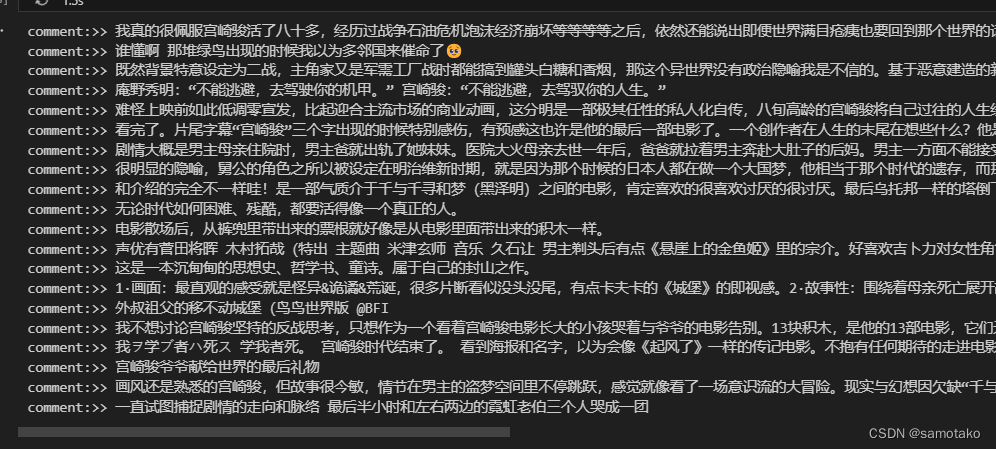

魔乐社区(Modelers.cn) 是一个中立、公益的人工智能社区,提供人工智能工具、模型、数据的托管、展示与应用协同服务,为人工智能开发及爱好者搭建开放的学习交流平台。社区通过理事会方式运作,由全产业链共同建设、共同运营、共同享有,推动国产AI生态繁荣发展。
更多推荐


 3
3 0
0- 0


 已为社区贡献2条内容

所有评论(0)