MLU370-M8 chattts-ui快速出击
·
一、paas平台环境选择
驱动选择:5.10.22及以上
镜像选择:pytorch2.1

二、代码环境准备
1.代码下载
git clone https://github.com/jianchang512/chatTTS-ui
python /torch/src/catch/tools/torch_gpu2mlu/torch_gpu2mlu.py -i chatTTS-ui/
2.环境安装
modelsope
git clone https://github.com/modelscope/modelscope.git
python /torch/src/catch/tools/torch_gpu2mlu/torch_gpu2mlu.py -i modelscope/
pip install -r modelscope/requirements/framework.txt
pip install -e ./modelscope_mlu/
transformers
git clone -b v4.39.2 https://githubfast.com/huggingface/transformers.git
pip install -e ./transformers/
accelerate
git clone https://githubfast.com/huggingface/accelerate.git
pip install -e ./accelerate/
3.常规pip安装
cd chatTTS-ui_mlu && pip install -r requirements.txt
4.代码修改
vocos/heads

 	+	mag = mag.cpu()
    +   x = x.cpu()
    +   y = y.cpu()
        S = mag * (x + 1j * y)
    +    mag = mag.mlu()
    +    x = x.mlu()
    +   y = y.mlu()
    +    S =S.mlu()
4.代码修改
三.算法启动
模型默认采用魔塔路径下载,这里不做模型下载教学
python app.py
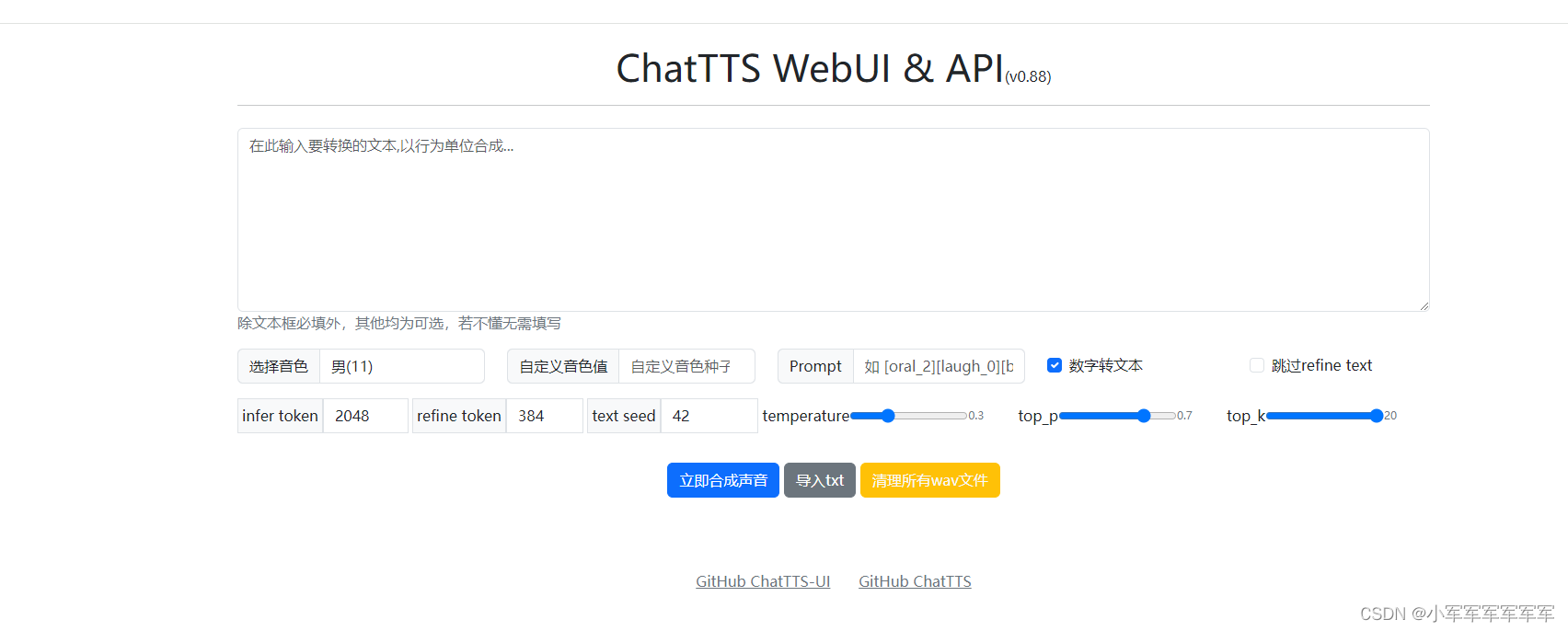
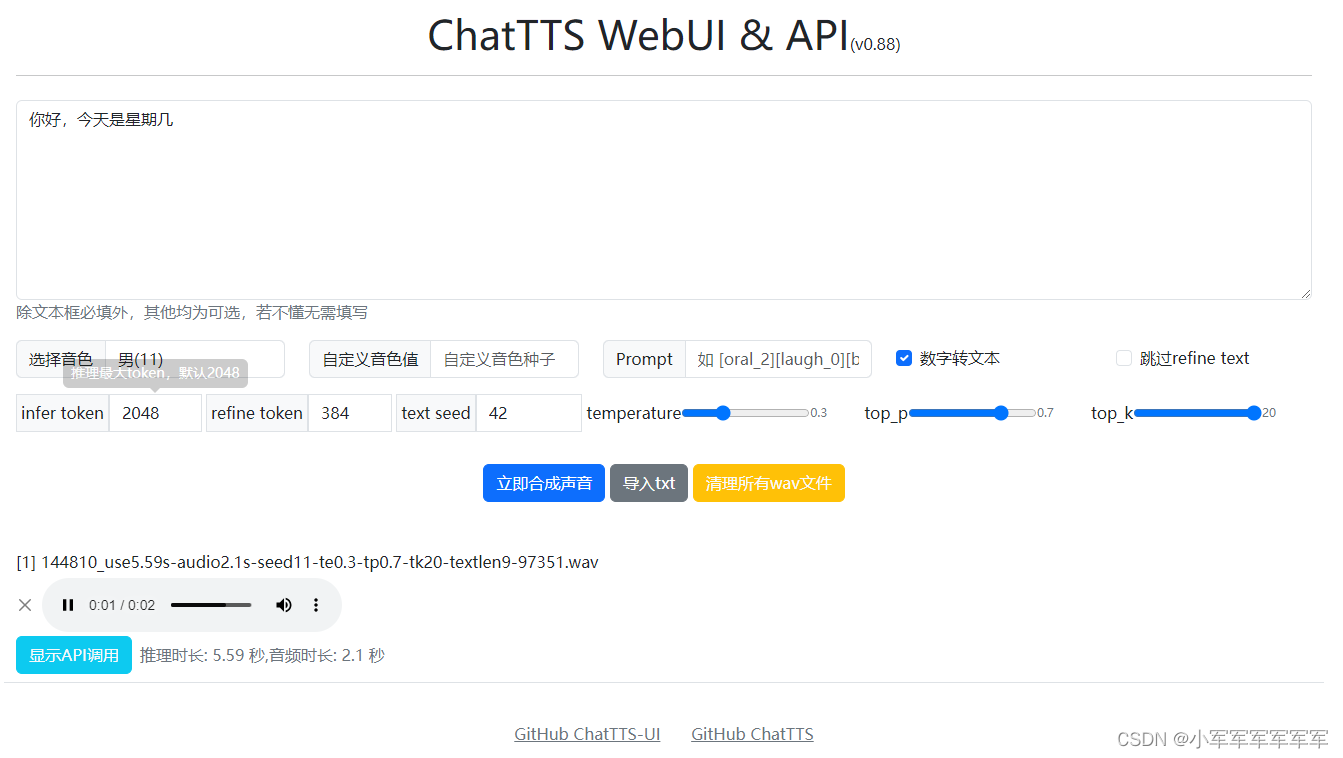
MLU体验感拉满了简直
、

魔乐社区(Modelers.cn) 是一个中立、公益的人工智能社区,提供人工智能工具、模型、数据的托管、展示与应用协同服务,为人工智能开发及爱好者搭建开放的学习交流平台。社区通过理事会方式运作,由全产业链共同建设、共同运营、共同享有,推动国产AI生态繁荣发展。
更多推荐


 6
6 0
0- 0


 已为社区贡献6条内容

所有评论(0)