吴恩达机器学习环境本地化构建(wsl+docker+tensorflow,我们用最详细的方式解析Linux运维消息机制的源码
1. WSL安装
在Win10/Win11下安装wsl毫无难度,因此不再赘述了。
可以参考微软官方文档How to install Linux on Windows with WSL
基本就是一句wsl --install就完事儿了。主要我们要用的是wsl2,默认情况下安装的就已经是wsl2了
# 1. wsl安装
PS C:\WINDOWS\system32> wsl --install
## 查看wsl版本
PS C:\WINDOWS\system32> wsl -l -v
## 指定wsl版本为wsl2
PS C:\WINDOWS\system32> wsl --set-default-version 2
For information on key differences with WSL 2 please visit https://aka.ms/wsl2
The operation completed successfully.

# 2. 安装Window下的ubuntu
PS C:\WINDOWS\system32> wsl --install -d Ubuntu
## 安装完后设置用户名和密码

PS C:\WINDOWS\system32> wsl -l
Windows Subsystem for Linux Distributions:
Ubuntu (Default)
2. docker安装
之前在windows下安装docker还挺麻烦的,现在有了docker desktop方便很多了。
参考Install Docker Desktop on Windows下载windows版本的安装包一路next即可
2.1 配置Docker Desktop
- Settings -> General
把Use the WSL 2 based engines的checkbox勾上

- Settings ->Resources->WSL integration
把Enable integration with my default WSL distro的checkbox勾上

- Settings ->Docker Engine
增加docker镜像源,提升镜像拉取速度

{
  "builder": {
    "gc": {
      "defaultKeepStorage": "20GB",
      "enabled": true
    }
  },
  "debug": true,
  "experimental": false,
  "insecure-registries": [],
  "registry-mirrors": [
    "http://hub-mirror.c.163.com",
    "https://registry.docker-cn.com",
    "https://docker.mirrors.ustc.edu.cn",
    "https://docker.m.daocloud.io",
    "https://dockerproxy.com",
    "https://docker.nju.edu.cn",
    "https://mirror.baidubce.com",
    "https://docker.mirrors.sjtug.sjtu.edu.cn"
  ],
  "runtimes": {
    "nvidia": {
      "args": [],
      "path": "nvidia-container-runtime"
    }
  }
}
2.2 WSL上的docker使用
最重要的是,不要 从windows主机上运行docker(不要在cmd里面直接调用docker命令),而是从Linux宿主机即WSL上启动docker,同样的文件也最好放在Linux宿主机的文件系统上3
2.3 Docker Destop的登陆
docker hub目前我注册不上……
不过目测不影响使用,主要问题是没法push自己的镜像上docker hub
2.4 测试一下
用docker run命令测试一下docker安装的情况
docker run hello-world

# Unable to find image 'hello-world:latest' locally
# latest: Pulling from library/hello-world
# 0e03bdcc26d7: Pull complete
# Digest: sha256:4cf9c47f86df71d48364001ede3a4fcd85ae80ce02ebad74156906caff5378bc
# Status: Downloaded newer image for hello-world:latest
#
# Hello from Docker!
# This message shows that your installation appears to be working correctly.
#
# To generate this message, Docker took the following steps:
# 1. The Docker client contacted the Docker daemon.
# 2. The Docker daemon pulled the "hello-world" image from the Docker Hub.
# (amd64)
# 3. The Docker daemon created a new container from that image which runs the
# executable that produces the output you are currently reading.
# 4. The Docker daemon streamed that output to the Docker client, which sent it
# to your terminal.
#
# To try something more ambitious, you can run an Ubuntu container with:
# $ docker run -it ubuntu bash
#
# Share images, automate workflows, and more with a free Docker ID:
# https://hub.docker.com/
#
# For more examples and ideas, visit:
# https://docs.docker.com/get-started/
打开powershell,可以看到有3个wsl的distribusion,后两个是docker desktop启动的,所以不用担心4
PS C:\WINDOWS\system32> wsl -l
Windows Subsystem for Linux Distributions:
Ubuntu (Default)
docker-desktop-data
docker-desktop
Note
Docker Desktop installs two special-purpose internal Linux distros docker-desktop and docker-desktop-data. The first (docker-desktop) is used to run the Docker engine (dockerd) while the second (docker-desktop-data) stores containers and images. Neither can be used for general development.
3. 在WSL上安装CUDA
按照英伟达的官方guideCUDA on WSL User Guide上的官方大图

我们需要在Windows上安装英伟达驱动,再在WSL上安装CUDA。
所以首先我们要把Windows上的英伟达驱动更新到最新。
请注意:根据官方说明:不要在WSL上安装任何Linux相关的GPU driver。 一旦在系统中安装了 Windows 英伟达™(NVIDIA®)GPU 驱动程序,CUDA 就可以在 WSL 2 中使用。Windows 主机上安装的 CUDA 驱动程序将作为
libcuda.so存根在 WSL 2 中,因此users must not install any NVIDIA GPU Linux driver within WSL 2。
3.1 Software list needed
请参考原表逐个进行安装NVIDIA Compute Software Support on WSL 2
| Package | Suggested Versions | Installation |
|---|---|---|
| 1. NVIDIA Windows Driver x86 | Use the latest Windows x86 production driver. R495 and later windows will have CUDA support for WSL 2. NVIDIA-SMI will have a Limited Feature Set on WSL 2. Legacy CUDA IPC APIs are support from R510. | Windows x86 drivers can be directly downloaded from https://www.nvidia.com/Download/index.aspx for WSL 2 support on Pascal or later GPUs. |
| 2. Docker support | Supported. | NVIDIA Container Toolkit - Minimum versions - v2.6.0 with libnvidia-container - 1.5.1+ CLI and Docker Desktop Supported. |
| 3. CUDA Toolkit and CUDA Developer Tools | Preview Support Compute Sanitizer - Pascal and later Nsight Systems CLI, and CUPTI (Trace) - Volta and later Developer tools - Debuggers - Pascal and later (Using driver r535+) Developer tools - Profilers - Volta and later (Using Windows 10 OS build 19044+ with driver r545+ or using Windows 11 with driver r525+ ) | Latest Linux CUDA toolkit package - WSL-Ubuntu from 12.x releases can be downloaded from https://developer.nvidia.com/cuda-downloads. |
| 4. RAPIDS | 22.04 or later 1.10 - Experimental Support for single GPU. | https://docs.rapids.ai/notices/rgn0024/ |
| 5. NCCL | 2.12 or later 1.4+ | Refer to the NCCL Installation guide for Linux x86. |
3.2 CUDA Support for WSL 2
本章直接参考 https://docs.nvidia.com/cuda/wsl-user-guide/index.html#cuda-support-for-wsl-2,总结一下方便各位使用。
1. Windows Driver安装
从NVIDIA Windows GPU Driver(上表第一项)安装符合你的显卡的Nvidia windows 驱动。安装完后可以在cmd用nvidia-smi查看
2. CUDA Toolkit安装
根据NVIDIA Container Toolkit,这部分的安装似乎可以在容器内执行,不过我还是在WSL上安装了。有兴趣的朋友可以试一下跳过这一节。

这节需要进入WSL中进行操作
- 删除GPG key
sudo apt-key del 7fa2af80
- 安装CUDA toolkit 12.4
按照 WSL-Ubuntu 的 CUDA 下载页面上的步骤操作,在 WSL 上安装不包含Linux GPU驱动程序的CUDA Toolkit。页面打开如下:

我这边的命令是:
wget https://developer.download.nvidia.com/compute/cuda/repos/wsl-ubuntu/x86_64/cuda-wsl-ubuntu.pin
sudo mv cuda-wsl-ubuntu.pin /etc/apt/preferences.d/cuda-repository-pin-600
wget https://developer.download.nvidia.com/compute/cuda/12.4.0/local_installers/cuda-repo-wsl-ubuntu-12-4-local_12.4.0-1_amd64.deb
sudo dpkg -i cuda-repo-wsl-ubuntu-12-4-local_12.4.0-1_amd64.deb
sudo cp /var/cuda-repo-wsl-ubuntu-12-4-local/cuda-*-keyring.gpg /usr/share/keyrings/
sudo apt-get update
sudo apt-get -y install cuda-toolkit-12-4
Trouble shooting
- 执行时遇到域名无法解析
--2024-03-06 14:01:41--  https://developer.download.nvidia.com/compute/cuda/repos/wsl-ubuntu/x86_64/cuda-wsl-ubuntu.pin
Resolving developer.download.nvidia.com (developer.download.nvidia.com)... failed: Temporary failure in name resolution.wget: unable to resolve host address ‘developer.download.nvidia.com’
此时的解决方案是
$ echo "nameserver 8.8.8.8" | sudo tee /etc/resolv.conf > /dev/null
#或
$ echo "nameserver 8.8.8.8" | sudo tee /etc/resolvconf/resolv.conf.d/base > /dev/null
立马有效,灵
- 国内网络环境往往不是太好,wget如果断了如果再执行一次是无法断点续传的,而是会生成原文件的.1文件,可以在原下载文件夹用
-t 0 -c参数进行断点续传如:
$ wget -t 0 -c https://developer.download.nvidia.com/compute/cuda/12.4.0/local_installers/cuda-repo-wsl-ubuntu-12-4-local_12.4.0-1_amd64.deb
- 缺了gcc
Failed to verify gcc version. See log at /var/log/cuda-installer.log for details.船新系统果然干净,啥也没有。安装一下就好了。
sudo apt update
sudo apt upgrade
sudo apt install gcc
3.3 docker 配置
根据 Configuring Docker的说明,需要用命令
sudo nvidia-ctk runtime configure --runtime=docker
修改配置/etc/docker/daemon.json
我们也可以直接在docker desktop的Settings ->Docker Engine里进行调整
  "runtimes": {
    "nvidia": {
      "args": [],
      "path": "nvidia-container-runtime"
    }
  }
3.4 测试一下
上面安装完记得重启一下wsl和docker。然后可以启动wsl执行(--runtime=-nvidia和--gpus all选项可以都带也可以二选一)5
$ docker run --runtime=nvidia --gpus all nvcr.io/nvidia/k8s/cuda-sample:nbody nbody -gpu -benchmark
Run "nbody -benchmark [-numbodies=<numBodies>]" to measure performance.
        -fullscreen       (run n-body simulation in fullscreen mode)
        -fp64             (use double precision floating point values for simulation)
        -hostmem          (stores simulation data in host memory)
        -benchmark        (run benchmark to measure performance)
        -numbodies=<N>    (number of bodies (>= 1) to run in simulation)
        -device=<d>       (where d=0,1,2.... for the CUDA device to use)
        -numdevices=<i>   (where i=(number of CUDA devices > 0) to use for simulation)
        -compare          (compares simulation results running once on the default GPU and once on the CPU)
        -cpu              (run n-body simulation on the CPU)
        -tipsy=<file.bin> (load a tipsy model file for simulation)

NOTE: The CUDA Samples are not meant for performance measurements. Results may vary when GPU Boost is enabled.

> Windowed mode
> Simulation data stored in video memory
> Single precision floating point simulation
> 1 Devices used for simulation
GPU Device 0: "Ampere" with compute capability 8.6

> Compute 8.6 CUDA device: [NVIDIA RTX A2000 Laptop GPU]
20480 bodies, total time for 10 iterations: 21.752 ms
= 192.826 billion interactions per second
= 3856.511 single-precision GFLOP/s at 20 flops per interaction
3.1415926 世界线变动之镜像构建
写了一个Dockerfile,用这个Dockerfile可以build出可用的docker image,这样就可以跳过下面的4,5两步直接启动可用的镜像了吴恩达ReinforcementLearning Docker镜像构筑
4 TensorFlow镜像
4.1 拉取官方TensorFlow镜像
到TensorFlow官方去拉他们的镜像6
$ docker pull tensorflow/tensorflow:latest-gpu-jupyter # latest release w/ GPU support and Jupyter
如果要拉取CPU版本或者其他版本可以参考官方对tag的说明:
| Tag | Description |
|---|---|
| latest | The latest release of TensorFlow CPU binary image. Default. |
| nightly | Nightly builds of the TensorFlow image. (Unstable.) |
| version | Specify the version of the TensorFlow binary image, for example: 2.8.3 |
每个tag还拥有tag-variant如下
| Tag Variants | Description |
|---|---|
| tag-gpu | The specified tag release with GPU support. (See below) |
| tag-jupyter | The specified tag release with Jupyter (includes TensorFlow tutorial notebooks) |
注意: tensorflow.google.cn是tensorflow.org的完整镜像,可以解决官方访问不了的问题,但是务必要选择English,中文的内容落后了好几个版本。
4.2 运行镜像
参数说明:
--runtime=nvidia --gpus all: 使用GPU
-p 10000:8888: 将容器内部端口8888映射到机器端口10000,稍后用浏览器打开127.0.0.1:10000就能访问jupyter的服务
--name tfGPU: 容器的名字叫做tfGPU
-v /mnt/d/Docker/jovyan:/data : 存储映射,将wsl的/mnt/d/Docker/jovyan文件夹映射为容器内的/data文件夹,wsl的/mnt/d/Docker/jovyan文件夹自然映射到Windows的D:/Docker/jovyan
$ docker run --runtime=nvidia --gpus all -it -p 10000:8888 --name tfGPU -v /mnt/d/Docker/jovyan:/data tensorflow/tensorflow:latest-gpu-jupyter
2024-03-14 16:18:48 [I 2024-03-14 08:18:48.279 ServerApp] Package notebook took 0.0000s to import
2024-03-14 16:18:48 [I 2024-03-14 08:18:48.311 ServerApp] Package jupyter_lsp took 0.0311s to import
2024-03-14 16:18:48 [W 2024-03-14 08:18:48.311 ServerApp] A `\_jupyter\_server\_extension\_points` function was not found in jupyter_lsp. Instead, a `\_jupyter\_server\_extension\_paths` function was found and will be used for now. This function name will be deprecated in future releases of Jupyter Server.
2024-03-14 16:18:48 [I 2024-03-14 08:18:48.321 ServerApp] Package jupyter_server_terminals took 0.0093s to import
2024-03-14 16:18:48 [I 2024-03-14 08:18:48.321 ServerApp] Package jupyterlab took 0.0000s to import
2024-03-14 16:18:48 [I 2024-03-14 08:18:48.352 ServerApp] Package notebook_shim took 0.0000s to import
2024-03-14 16:18:48 [W 2024-03-14 08:18:48.352 ServerApp] A `\_jupyter\_server\_extension\_points` function was not found in notebook_shim. Instead, a `\_jupyter\_server\_extension\_paths` function was found and will be used for now. This function name will be deprecated in future releases of Jupyter Server.
2024-03-14 16:18:48 [I 2024-03-14 08:18:48.353 ServerApp] jupyter_lsp | extension was successfully linked.
2024-03-14 16:18:48 [I 2024-03-14 08:18:48.358 ServerApp] jupyter_server_terminals | extension was successfully linked.
2024-03-14 16:18:48 [I 2024-03-14 08:18:48.361 ServerApp] jupyterlab | extension was successfully linked.
2024-03-14 16:18:48 [I 2024-03-14 08:18:48.366 ServerApp] notebook | extension was successfully linked.
2024-03-14 16:18:48 [I 2024-03-14 08:18:48.546 ServerApp] notebook_shim | extension was successfully linked.
2024-03-14 16:18:48 [I 2024-03-14 08:18:48.570 ServerApp] notebook_shim | extension was successfully loaded.
2024-03-14 16:18:48 [I 2024-03-14 08:18:48.571 ServerApp] jupyter_lsp | extension was successfully loaded.
2024-03-14 16:18:48 [I 2024-03-14 08:18:48.572 ServerApp] jupyter_server_terminals | extension was successfully loaded.
2024-03-14 16:18:48 [I 2024-03-14 08:18:48.580 LabApp] JupyterLab extension loaded from /usr/local/lib/python3.11/dist-packages/jupyterlab
2024-03-14 16:18:48 [I 2024-03-14 08:18:48.580 LabApp] JupyterLab application directory is /usr/local/share/jupyter/lab
2024-03-14 16:18:48 [I 2024-03-14 08:18:48.580 LabApp] Extension Manager is 'pypi'.
2024-03-14 16:18:48 [I 2024-03-14 08:18:48.582 ServerApp] jupyterlab | extension was successfully loaded.
2024-03-14 16:18:48 [I 2024-03-14 08:18:48.586 ServerApp] notebook | extension was successfully loaded.
2024-03-14 16:18:48 [I 2024-03-14 08:18:48.587 ServerApp] Serving notebooks from local directory: /tf
2024-03-14 16:18:48 [I 2024-03-14 08:18:48.587 ServerApp] Jupyter Server 2.12.0 is running at:
2024-03-14 16:18:48 [I 2024-03-14 08:18:48.587 ServerApp] http://bbb293112c81:8888/tree?token=4b8b48c880ddf2c80bb0307d693fda374d0f27e9c2213b44
2024-03-14 16:18:48 [I 2024-03-14 08:18:48.587 ServerApp]     http://127.0.0.1:8888/tree?token=4b8b48c880ddf2c80bb0307d693fda374d0f27e9c2213b44
2024-03-14 16:18:48 [I 2024-03-14 08:18:48.587 ServerApp] Use Control-C to stop this server and shut down all kernels (twice to skip confirmation).
2024-03-14 16:18:48 [C 2024-03-14 08:18:48.589 ServerApp]
2024-03-14 16:18:48
2024-03-14 16:18:48     To access the server, open this file in a browser:
2024-03-14 16:18:48         file:///root/.local/share/jupyter/runtime/jpserver-1-open.html
2024-03-14 16:18:48     Or copy and paste one of these URLs:
2024-03-14 16:18:48         http://bbb293112c81:8888/tree?token=4b8b48c880ddf2c80bb0307d693fda374d0f27e9c2213b44
2024-03-14 16:18:48         http://127.0.0.1:8888/tree?token=4b8b48c880ddf2c80bb0307d693fda374d0f27e9c2213b44
2024-03-14 16:18:48 [I 2024-03-14 08:18:48.602 ServerApp] Skipped non-installed server(s): bash-language-server, dockerfile-language-server-nodejs, javascript-typescript-langserver, jedi-language-server, julia-language-server, pyright, python-language-server, python-lsp-server, r-languageserver, sql-language-server, texlab, typescript-language-server, unified-language-server, vscode-css-languageserver-bin, vscode-html-languageserver-bin, vscode-json-languageserver-bin, yaml-language-server
2024-03-14 16:18:56 ^C[I 2024-03-14 08:18:56.542 ServerApp] interrupted
2024-03-14 16:18:56 [I 2024-03-14 08:18:56.542 ServerApp] Serving notebooks from local directory: /tf
2024-03-14 16:18:56     0 active kernels
2024-03-14 16:18:56     Jupyter Server 2.12.0 is running at:
2024-03-14 16:18:56     http://bbb293112c81:8888/tree?token=4b8b48c880ddf2c80bb0307d693fda374d0f27e9c2213b44
2024-03-14 16:18:56         http://127.0.0.1:8888/tree?token=4b8b48c880ddf2c80bb0307d693fda374d0f27e9c2213b44
2024-03-14 16:18:59 Shutdown this Jupyter server (y/[n])? N
2024-03-14 16:18:59 [I 2024-03-14 08:18:59.618 ServerApp] resuming operation...
2024-03-14 16:19:10 [I 2024-03-14 08:19:10.647 JupyterNotebookApp] 302 GET /tree/data/07.C3_W3_A1_Assignment%20work (@172.17.0.1) 0.99ms
2024-03-14 16:19:15 [I 2024-03-14 08:19:15.030 ServerApp] User b8a5075f37d24a42a65573d779a2b7e2 logged in.
2024-03-14 16:19:15 [I 2024-03-14 08:19:15.030 ServerApp] 302 POST /login?next=%2Ftree%2Fdata%2F07.C3_W3_A1_Assignment%2520work (b8a5075f37d24a42a65573d779a2b7e2@172.17.0.1) 50.95ms
2024-03-14 16:19:15 0.00s - Debugger warning: It seems that frozen modules are being used, which may
2024-03-14 16:19:15 0.00s - make the debugger miss breakpoints. Please pass -Xfrozen\_modules=off
2024-03-14 16:19:15 0.00s - to python to disable frozen modules.
2024-03-14 16:19:15 0.00s - Note: Debugging will proceed. Set PYDEVD\_DISABLE\_FILE\_VALIDATION=1 to disable this validation.
2024-03-14 16:19:28 [I 2024-03-14 08:19:28.542 ServerApp] Kernel started: b1ac7995-84c6-49bb-b371-2f1903c7b1c3
2024-03-14 16:19:28 0.00s - Debugger warning: It seems that frozen modules are being used, which may
2024-03-14 16:19:28 0.00s - make the debugger miss breakpoints. Please pass -Xfrozen\_modules=off
2024-03-14 16:19:28 0.00s - to python to disable frozen modules.
2024-03-14 16:19:28 0.00s - Note: Debugging will proceed. Set PYDEVD\_DISABLE\_FILE\_VALIDATION=1 to disable this validation.
2024-03-14 16:19:29 [I 2024-03-14 08:19:29.149 ServerApp] Connecting to kernel b1ac7995-84c6-49bb-b371-2f1903c7b1c3.
2024-03-14 16:20:17 2024-03-14 08:20:17.127559: I tensorflow/core/util/port.cc:113] oneDNN custom operations are on. You may see slightly different numerical results due to floating-point round-off errors from different computation orders. To turn them off, set the environment variable `TF\_ENABLE\_ONEDNN\_OPTS=0`.
2024-03-14 16:20:17 2024-03-14 08:20:17.172965: E external/local_xla/xla/stream_executor/cuda/cuda_dnn.cc:9261] Unable to register cuDNN factory: Attempting to register factory for plugin cuDNN when one has already been registered
2024-03-14 16:20:17 2024-03-14 08:20:17.173002: E external/local_xla/xla/stream_executor/cuda/cuda_fft.cc:607] Unable to register cuFFT factory: Attempting to register factory for plugin cuFFT when one has already been registered
2024-03-14 16:20:17 2024-03-14 08:20:17.176275: E external/local_xla/xla/stream_executor/cuda/cuda_blas.cc:1515] Unable to register cuBLAS factory: Attempting to register factory for plugin cuBLAS when one has already been registered
2024-03-14 16:20:17 2024-03-14 08:20:17.183555: I tensorflow/core/platform/cpu_feature_guard.cc:182] This TensorFlow binary is optimized to use available CPU instructions in performance-critical operations.
2024-03-14 16:20:17 To enable the following instructions: AVX2 AVX512F AVX512_VNNI FMA, in other operations, rebuild TensorFlow with the appropriate compiler flags.
2024-03-14 16:20:18 2024-03-14 08:20:18.132668: W tensorflow/compiler/tf2tensorrt/utils/py_utils.cc:38] TF-TRT Warning: Could not find TensorRT
2024-03-14 16:20:20 2024-03-14 08:20:19.976429: I external/local_xla/xla/stream_executor/cuda/cuda_executor.cc:887] could not open file to read NUMA node: /sys/bus/pci/devices/0000:01:00.0/numa_node
2024-03-14 16:20:20 Your kernel may have been built without NUMA support.
2024-03-14 16:20:20 2024-03-14 08:20:20.366150: I external/local_xla/xla/stream_executor/cuda/cuda_executor.cc:887] could not open file to read NUMA node: /sys/bus/pci/devices/0000:01:00.0/numa_node
2024-03-14 16:20:20 Your kernel may have been built without NUMA support.
2024-03-14 16:20:20 2024-03-14 08:20:20.366201: I external/local_xla/xla/stream_executor/cuda/cuda_executor.cc:887] could not open file to read NUMA node: /sys/bus/pci/devices/0000:01:00.0/numa_node
2024-03-14 16:20:20 Your kernel may have been built without NUMA support.
2024-03-14 16:20:21 2024-03-14 08:20:21.009327: I external/local_xla/xla/stream_executor/cuda/cuda_executor.cc:887] could not open file to read NUMA node: /sys/bus/pci/devices/0000:01:00.0/numa_node
2024-03-14 16:20:21 Your kernel may have been built without NUMA support.
2024-03-14 16:20:21 2024-03-14 08:20:21.009400: I external/local_xla/xla/stream_executor/cuda/cuda_executor.cc:887] could not open file to read NUMA node: /sys/bus/pci/devices/0000:01:00.0/numa_node
2024-03-14 16:20:21 Your kernel may have been built without NUMA support.
2024-03-14 16:20:21 2024-03-14 08:20:21.009417: I external/local_xla/xla/stream_executor/cuda/cuda_executor.cc:887] could not open file to read NUMA node: /sys/bus/pci/devices/0000:01:00.0/numa_node
2024-03-14 16:20:21 Your kernel may have been built without NUMA support.
2024-03-14 16:20:21 2024-03-14 08:20:21.228485: I external/local_xla/xla/stream_executor/cuda/cuda_executor.cc:887] could not open file to read NUMA node: /sys/bus/pci/devices/0000:01:00.0/numa_node
2024-03-14 16:20:21 Your kernel may have been built without NUMA support.
2024-03-14 16:20:21 2024-03-14 08:20:21.228547: I external/local_xla/xla/stream_executor/cuda/cuda_executor.cc:887] could not open file to read NUMA node: /sys/bus/pci/devices/0000:01:00.0/numa_node
2024-03-14 16:20:21 Your kernel may have been built without NUMA support.
2024-03-14 16:20:21 2024-03-14 08:20:21.228556: I tensorflow/core/common_runtime/gpu/gpu_device.cc:2022] Could not identify NUMA node of platform GPU id 0, defaulting to 0.  Your kernel may not have been built with NUMA support.
2024-03-14 16:20:21 2024-03-14 08:20:21.228586: I external/local_xla/xla/stream_executor/cuda/cuda_executor.cc:887] could not open file to read NUMA node: /sys/bus/pci/devices/0000:01:00.0/numa_node
2024-03-14 16:20:21 Your kernel may have been built without NUMA support.
2024-03-14 16:20:21 2024-03-14 08:20:21.228609: I tensorflow/core/common_runtime/gpu/gpu_device.cc:1929] Created device /job:localhost/replica:0/task:0/device:GPU:0 with 1753 MB memory:  -> device: 0, name: NVIDIA RTX A2000 Laptop GPU, pci bus id: 0000:01:00.0, compute capability: 8.6
2024-03-14 16:20:22 2024-03-14 08:20:22.988820: I external/local_xla/xla/service/service.cc:168] XLA service 0x7f1fd59f3190 initialized for platform CUDA (this does not guarantee that XLA will be used). Devices:
2024-03-14 16:20:22 2024-03-14 08:20:22.988862: I external/local_xla/xla/service/service.cc:176]   StreamExecutor device (0): NVIDIA RTX A2000 Laptop GPU, Compute Capability 8.6
2024-03-14 16:20:22 2024-03-14 08:20:22.997062: I tensorflow/compiler/mlir/tensorflow/utils/dump_mlir_util.cc:269] disabling MLIR crash reproducer, set env var `MLIR\_CRASH\_REPRODUCER\_DIRECTORY` to enable.
2024-03-14 16:20:23 2024-03-14 08:20:23.029062: I external/local_xla/xla/stream_executor/cuda/cuda_dnn.cc:454] Loaded cuDNN version 8904
2024-03-14 16:20:23 WARNING: All log messages before absl::InitializeLog() is called are written to STDERR
2024-03-14 16:20:23 I0000 00:00:1710404423.113098     148 device_compiler.h:186] Compiled cluster using XLA!  This line is logged at most once for the lifetime of the process.
2024-03-14 16:21:28 [I 2024-03-14 08:21:28.096 ServerApp] Saving file at /data/07.C3_W3_A1_Assignment work/C3_W3_A1_Assignment.ipynb
2024-03-14 16:23:28 [I 2024-03-14 08:23:28.149 ServerApp] Saving file at /data/07.C3_W3_A1_Assignment work/C3_W3_A1_Assignment.ipynb
2024-03-14 16:25:28 [I 2024-03-14 08:25:28.193 ServerApp] Saving file at /data/07.C3_W3_A1_Assignment work/C3_W3_A1_Assignment.ipynb
2024-03-14 16:27:28 [I 2024-03-14 08:27:28.232 ServerApp] Saving file at /data/07.C3_W3_A1_Assignment work/C3_W3_A1_Assignment.ipynb
2024-03-14 16:29:28 [I 2024-03-14 08:29:28.270 ServerApp] Saving file at /data/07.C3_W3_A1_Assignment work/C3_W3_A1_Assignment.ipynb
2024-03-14 16:31:28 [I 2024-03-14 08:31:28.322 ServerApp] Saving file at /data/07.C3_W3_A1_Assignment work/C3_W3_A1_Assignment.ipynb
2024-03-14 16:33:28 [I 2024-03-14 08:33:28.567 ServerApp] Saving file at /data/07.C3_W3_A1_Assignment work/C3_W3_A1_Assignment.ipynb
2024-03-14 16:35:28 [I 2024-03-14 08:35:28.603 ServerApp] Saving file at /data/07.C3_W3_A1_Assignment work/C3_W3_A1_Assignment.ipynb
2024-03-14 16:37:28 [I 2024-03-14 08:37:28.644 ServerApp] Saving file at /data/07.C3_W3_A1_Assignment work/C3_W3_A1_Assignment.ipynb
2024-03-14 16:39:28 [I 2024-03-14 08:39:28.706 ServerApp] Saving file at /data/07.C3_W3_A1_Assignment work/C3_W3_A1_Assignment.ipynb
2024-03-14 16:41:28 [I 2024-03-14 08:41:28.754 ServerApp] Saving file at /data/07.C3_W3_A1_Assignment work/C3_W3_A1_Assignment.ipynb
2024-03-14 16:43:28 [I 2024-03-14 08:43:28.808 ServerApp] Saving file at /data/07.C3_W3_A1_Assignment work/C3_W3_A1_Assignment.ipynb
2024-03-14 16:45:27 [swscaler @ 0x6f6b540] Warning: data is not aligned! This can lead to a speed loss
2024-03-14 16:45:28 [I 2024-03-14 08:45:28.851 ServerApp] Saving file at /data/07.C3_W3_A1_Assignment work/C3_W3_A1_Assignment.ipynb
2024-03-14 16:47:28 [I 2024-03-14 08:47:28.912 ServerApp] Saving file at /data/07.C3_W3_A1_Assignment work/C3_W3_A1_Assignment.ipynb
2024-03-14 16:55:24 [I 2024-03-14 08:55:24.246 ServerApp] Starting buffering for b1ac7995-84c6-49bb-b371-2f1903c7b1c3:96ca9b8c-adbe-4be8-80a2-2e5a84a1b06c
2024-03-14 17:03:23 [I 2024-03-14 09:03:23.789 LabApp] 302 GET /lab (@172.17.0.1) 0.71ms
2024-03-14 17:03:51 [I 2024-03-14 09:03:51.072 ServerApp] User 232df10b534c4fea96893811c8da4181 logged in.
2024-03-14 17:03:51 [I 2024-03-14 09:03:51.072 ServerApp] 302 POST /login?next=%2Flab (232df10b534c4fea96893811c8da4181@172.17.0.1) 1.09ms
2024-03-14 17:03:53 [W 2024-03-14 09:03:53.182 LabApp] Could not determine jupyterlab build status without nodejs
2024-03-14 17:03:53 [I 2024-03-14 09:03:53.263 ServerApp] Connecting to kernel b1ac7995-84c6-49bb-b371-2f1903c7b1c3.
2024-03-14 17:03:53 [I 2024-03-14 09:03:53.445 ServerApp] Starting buffering for b1ac7995-84c6-49bb-b371-2f1903c7b1c3:85a729d9-b805-4c8c-8cc4-bd3e4e052a0c
2024-03-14 17:04:02 [W 2024-03-14 09:04:02.985 ServerApp] 403 GET /static/lab/481e39042508ae313a60.woff (172.17.0.1): 481e39042508ae313a60.woff is not in root static directory
2024-03-14 17:04:03 [W 2024-03-14 09:04:02.995 ServerApp] 403 GET /static/lab/481e39042508ae313a60.woff (232df10b534c4fea96893811c8da4181@172.17.0.1) 13.44ms referer=http://127.0.0.1:10005/lab
2024-03-14 17:04:03 [I 2024-03-14 09:04:03.001 ServerApp] Connecting to kernel b1ac7995-84c6-49bb-b371-2f1903c7b1c3.
2024-03-14 17:04:03 [W 2024-03-14 09:04:03.101 ServerApp] 403 GET /static/lab/1cb1c39ea642f26a4dfe.woff (172.17.0.1): 1cb1c39ea642f26a4dfe.woff is not in root static directory
2024-03-14 17:04:03 [W 2024-03-14 09:04:03.103 ServerApp] 403 GET /static/lab/1cb1c39ea642f26a4dfe.woff (232df10b534c4fea96893811c8da4181@172.17.0.1) 2.14ms referer=http://127.0.0.1:10005/lab
2024-03-14 17:04:03 [W 2024-03-14 09:04:03.103 ServerApp] 403 GET /static/lab/a009bea404f7a500ded4.woff (172.17.0.1): a009bea404f7a500ded4.woff is not in root static directory
2024-03-14 17:04:03 [W 2024-03-14 09:04:03.105 ServerApp] 403 GET /static/lab/a009bea404f7a500ded4.woff (232df10b534c4fea96893811c8da4181@172.17.0.1) 3.75ms referer=http://127.0.0.1:10005/lab
2024-03-14 17:04:03 [W 2024-03-14 09:04:03.327 ServerApp] 403 GET /static/lab/c49810b53ecc0d87d802.woff (172.17.0.1): c49810b53ecc0d87d802.woff is not in root static directory
2024-03-14 17:04:03 [W 2024-03-14 09:04:03.330 ServerApp] 403 GET /static/lab/c49810b53ecc0d87d802.woff (232df10b534c4fea96893811c8da4181@172.17.0.1) 4.02ms referer=http://127.0.0.1:10005/lab
2024-03-14 17:04:03 [W 2024-03-14 09:04:03.370 ServerApp] 403 GET /static/lab/3bc6ecaae7ecf6f8d7f8.woff (172.17.0.1): 3bc6ecaae7ecf6f8d7f8.woff is not in root static directory
2024-03-14 17:04:03 [W 2024-03-14 09:04:03.372 ServerApp] 403 GET /static/lab/3bc6ecaae7ecf6f8d7f8.woff (232df10b534c4fea96893811c8da4181@172.17.0.1) 5.23ms referer=http://127.0.0.1:10005/lab
2024-03-14 17:04:03 [W 2024-03-14 09:04:03.603 ServerApp] 403 GET /static/lab/5cda41563a095bd70c78.woff (172.17.0.1): 5cda41563a095bd70c78.woff is not in root static directory
2024-03-14 17:04:03 [W 2024-03-14 09:04:03.604 ServerApp] 403 GET /static/lab/5cda41563a095bd70c78.woff (232df10b534c4fea96893811c8da4181@172.17.0.1) 1.76ms referer=http://127.0.0.1:10005/lab
2024-03-14 17:06:02 [I 2024-03-14 09:06:02.688 ServerApp] Saving file at /data/07.C3_W3_A1_Assignment work/C3_W3_A1_Assignment.ipynb
2024-03-14 17:08:02 [I 2024-03-14 09:08:02.745 ServerApp] Saving file at /data/07.C3_W3_A1_Assignment work/C3_W3_A1_Assignment.ipynb
2024-03-14 17:09:54 [I 2024-03-14 09:09:54.848 ServerApp] Kernel interrupted: b1ac7995-84c6-49bb-b371-2f1903c7b1c3
2024-03-14 17:10:09 [C 2024-03-14 09:10:09.364 ServerApp] received signal 15, stopping
2024-03-14 17:10:09 [I 2024-03-14 09:10:09.365 ServerApp] Shutting down 5 extensions
2024-03-14 17:10:09 [I 2024-03-14 09:10:09.365 ServerApp] Shutting down 1 kernel
2024-03-14 17:10:09 [I 2024-03-14 09:10:09.365 ServerApp] Kernel shutdown: b1ac7995-84c6-49bb-b371-2f1903c7b1c3
2024-03-15 11:15:04 [I 2024-03-15 03:15:04.553 ServerApp] Package notebook took 0.0000s to import
2024-03-15 11:15:04 [I 2024-03-15 03:15:04.572 ServerApp] Package jupyter_lsp took 0.0183s to import
2024-03-15 11:15:04 [W 2024-03-15 03:15:04.572 ServerApp] A `\_jupyter\_server\_extension\_points` function was not found in jupyter_lsp. Instead, a `\_jupyter\_server\_extension\_paths` function was found and will be used for now. This function name will be deprecated in future releases of Jupyter Server.
2024-03-15 11:15:04 [I 2024-03-15 03:15:04.582 ServerApp] Package jupyter_server_terminals took 0.0097s to import
2024-03-15 11:15:04 [I 2024-03-15 03:15:04.582 ServerApp] Package jupyterlab took 0.0000s to import
2024-03-15 11:15:04 [I 2024-03-15 03:15:04.672 ServerApp] Package notebook_shim took 0.0000s to import
2024-03-15 11:15:04 [W 2024-03-15 03:15:04.672 ServerApp] A `\_jupyter\_server\_extension\_points` function was not found in notebook_shim. Instead, a `\_jupyter\_server\_extension\_paths` function was found and will be used for now. This function name will be deprecated in future releases of Jupyter Server.
2024-03-15 11:15:04 [I 2024-03-15 03:15:04.673 ServerApp] jupyter_lsp | extension was successfully linked.
2024-03-15 11:15:04 [I 2024-03-15 03:15:04.676 ServerApp] jupyter_server_terminals | extension was successfully linked.
2024-03-15 11:15:04 [I 2024-03-15 03:15:04.679 ServerApp] jupyterlab | extension was successfully linked.
2024-03-15 11:15:04 [I 2024-03-15 03:15:04.682 ServerApp] notebook | extension was successfully linked.
2024-03-15 11:15:04 [I 2024-03-15 03:15:04.997 ServerApp] notebook_shim | extension was successfully linked.
2024-03-15 11:15:05 [I 2024-03-15 03:15:05.016 ServerApp] notebook_shim | extension was successfully loaded.
2024-03-15 11:15:05 [I 2024-03-15 03:15:05.017 ServerApp] jupyter_lsp | extension was successfully loaded.
2024-03-15 11:15:05 [I 2024-03-15 03:15:05.018 ServerApp] jupyter_server_terminals | extension was successfully loaded.
2024-03-15 11:15:05 [I 2024-03-15 03:15:05.023 LabApp] JupyterLab extension loaded from /usr/local/lib/python3.11/dist-packages/jupyterlab
2024-03-15 11:15:05 [I 2024-03-15 03:15:05.023 LabApp] JupyterLab application directory is /usr/local/share/jupyter/lab
2024-03-15 11:15:05 [I 2024-03-15 03:15:05.024 LabApp] Extension Manager is 'pypi'.
2024-03-15 11:15:05 [I 2024-03-15 03:15:05.026 ServerApp] jupyterlab | extension was successfully loaded.
2024-03-15 11:15:05 [I 2024-03-15 03:15:05.027 ServerApp] notebook | extension was successfully loaded.
2024-03-15 11:15:05 [I 2024-03-15 03:15:05.028 ServerApp] Serving notebooks from local directory: /tf
2024-03-15 11:15:05 [I 2024-03-15 03:15:05.028 ServerApp] Jupyter Server 2.12.0 is running at:
2024-03-15 11:15:05 [I 2024-03-15 03:15:05.028 ServerApp] http://bbb293112c81:8888/tree?token=eaf9f279cde54f16ad174bc938321ba9eb9bb7ef56b87666
2024-03-15 11:15:05 [I 2024-03-15 03:15:05.028 ServerApp]     http://127.0.0.1:8888/tree?token=eaf9f279cde54f16ad174bc938321ba9eb9bb7ef56b87666
2024-03-15 11:15:05 [I 2024-03-15 03:15:05.028 ServerApp] Use Control-C to stop this server and shut down all kernels (twice to skip confirmation).
2024-03-15 11:15:05 [C 2024-03-15 03:15:05.030 ServerApp]
2024-03-15 11:15:05
2024-03-15 11:15:05     To access the server, open this file in a browser:
2024-03-15 11:15:05         file:///root/.local/share/jupyter/runtime/jpserver-1-open.html
2024-03-15 11:15:05     Or copy and paste one of these URLs:
2024-03-15 11:15:05         http://bbb293112c81:8888/tree?token=eaf9f279cde54f16ad174bc938321ba9eb9bb7ef56b87666
2024-03-15 11:15:05         http://127.0.0.1:8888/tree?token=eaf9f279cde54f16ad174bc938321ba9eb9bb7ef56b87666
2024-03-15 11:15:05 [I 2024-03-15 03:15:05.040 ServerApp] Skipped non-installed server(s): bash-language-server, dockerfile-language-server-nodejs, javascript-typescript-langserver, jedi-language-server, julia-language-server, pyright, python-language-server, python-lsp-server, r-languageserver, sql-language-server, texlab, typescript-language-server, unified-language-server, vscode-css-languageserver-bin, vscode-html-languageserver-bin, vscode-json-languageserver-bin, yaml-language-server
2024-03-15 18:00:57 [C 2024-03-15 10:00:57.650 ServerApp] received signal 15, stopping
2024-03-15 18:00:57 [I 2024-03-15 10:00:57.652 ServerApp] Shutting down 5 extensions
2024-03-18 15:30:56 [I 2024-03-18 07:30:56.279 ServerApp] Package notebook took 0.0000s to import
2024-03-18 15:30:56 [I 2024-03-18 07:30:56.302 ServerApp] Package jupyter_lsp took 0.0229s to import
2024-03-18 15:30:56 [W 2024-03-18 07:30:56.302 ServerApp] A `\_jupyter\_server\_extension\_points` function was not found in jupyter_lsp. Instead, a `\_jupyter\_server\_extension\_paths` function was found and will be used for now. This function name will be deprecated in future releases of Jupyter Server.
2024-03-18 15:30:56 [I 2024-03-18 07:30:56.314 ServerApp] Package jupyter_server_terminals took 0.0119s to import
2024-03-18 15:30:56 [I 2024-03-18 07:30:56.315 ServerApp] Package jupyterlab took 0.0000s to import
2024-03-18 15:30:56 [I 2024-03-18 07:30:56.425 ServerApp] Package notebook_shim took 0.0000s to import
2024-03-18 15:30:56 [W 2024-03-18 07:30:56.425 ServerApp] A `\_jupyter\_server\_extension\_points` function was not found in notebook_shim. Instead, a `\_jupyter\_server\_extension\_paths` function was found and will be used for now. This function name will be deprecated in future releases of Jupyter Server.
2024-03-18 15:30:56 [I 2024-03-18 07:30:56.426 ServerApp] jupyter_lsp | extension was successfully linked.
2024-03-18 15:30:56 [I 2024-03-18 07:30:56.428 ServerApp] jupyter_server_terminals | extension was successfully linked.
2024-03-18 15:30:56 [I 2024-03-18 07:30:56.431 ServerApp] jupyterlab | extension was successfully linked.
2024-03-18 15:30:56 [I 2024-03-18 07:30:56.434 ServerApp] notebook | extension was successfully linked.
2024-03-18 15:30:56 [I 2024-03-18 07:30:56.776 ServerApp] notebook_shim | extension was successfully linked.
2024-03-18 15:30:56 [I 2024-03-18 07:30:56.798 ServerApp] notebook_shim | extension was successfully loaded.
2024-03-18 15:30:56 [I 2024-03-18 07:30:56.800 ServerApp] jupyter_lsp | extension was successfully loaded.
2024-03-18 15:30:56 [I 2024-03-18 07:30:56.801 ServerApp] jupyter_server_terminals | extension was successfully loaded.
2024-03-18 15:30:56 [I 2024-03-18 07:30:56.808 LabApp] JupyterLab extension loaded from /usr/local/lib/python3.11/dist-packages/jupyterlab
2024-03-18 15:30:56 [I 2024-03-18 07:30:56.808 LabApp] JupyterLab application directory is /usr/local/share/jupyter/lab
2024-03-18 15:30:56 [I 2024-03-18 07:30:56.809 LabApp] Extension Manager is 'pypi'.
2024-03-18 15:30:56 [I 2024-03-18 07:30:56.811 ServerApp] jupyterlab | extension was successfully loaded.
2024-03-18 15:30:56 [I 2024-03-18 07:30:56.812 ServerApp] notebook | extension was successfully loaded.
2024-03-18 15:30:56 [I 2024-03-18 07:30:56.813 ServerApp] Serving notebooks from local directory: /tf
2024-03-18 15:30:56 [I 2024-03-18 07:30:56.813 ServerApp] Jupyter Server 2.12.0 is running at:
2024-03-18 15:30:56 [I 2024-03-18 07:30:56.813 ServerApp] http://bbb293112c81:8888/tree?token=76bca2a3f256ee976ca8194aa95a845d625737dd501450aa
2024-03-18 15:30:56 [I 2024-03-18 07:30:56.813 ServerApp]     http://127.0.0.1:8888/tree?token=76bca2a3f256ee976ca8194aa95a845d625737dd501450aa
2024-03-18 15:30:56 [I 2024-03-18 07:30:56.813 ServerApp] Use Control-C to stop this server and shut down all kernels (twice to skip confirmation).
2024-03-18 15:30:56 [C 2024-03-18 07:30:56.815 ServerApp]
2024-03-18 15:30:56
2024-03-18 15:30:56     To access the server, open this file in a browser:
2024-03-18 15:30:56         file:///root/.local/share/jupyter/runtime/jpserver-1-open.html
2024-03-18 15:30:56     Or copy and paste one of these URLs:
2024-03-18 15:30:56         http://bbb293112c81:8888/tree?token=76bca2a3f256ee976ca8194aa95a845d625737dd501450aa
2024-03-18 15:30:56         http://127.0.0.1:8888/tree?token=76bca2a3f256ee976ca8194aa95a845d625737dd501450aa
2024-03-18 15:30:56 [I 2024-03-18 07:30:56.828 ServerApp] Skipped non-installed server(s): bash-language-server, dockerfile-language-server-nodejs, javascript-typescript-langserver, jedi-language-server, julia-language-server, pyright, python-language-server, python-lsp-server, r-languageserver, sql-language-server, texlab, typescript-language-server, unified-language-server, vscode-css-languageserver-bin, vscode-html-languageserver-bin, vscode-json-languageserver-bin, yaml-language-server
5 运行Jupyter
5.1 打开Jupyter
打开chrome或其他浏览器,输入127.0.0.1:10000,需要你输入token,注意上面log的最后token=的字样,将它copy进去就可以使用了。
或者直接copy上面token的URL,改一下端口也可以访问。
5.2 测试tensorflow
在Jupyter里面New一个notebook,输入
import tensorflow as tf

print(tf.config.list_physical_devices('GPU'))
print(tf.test.is_built_with_cuda())

from tensorflow.python.platform import build_info as tf_build_info

print("cudnn\_version",tf_build_info.build_info['cudnn\_version'])
print("cuda\_version",tf_build_info.build_info['cuda\_version'])
可得到如下输出,则说明可以用GPU加速tensorflow了
[PhysicalDevice(name='/physical\_device:GPU:0', device_type='GPU')]
True
cudnn_version 8
cuda_version 12.2
6. 安装TensorFlow+CUDA
如果上面看不到相关的GPU,可能是CUDA等在容器内的安装有问题。Nvidia的CUDA软件架构一直在调整,安装确实各种不便。
发现TensorFlow已经发布2.15.0RC版了,更新介绍通过pip一次就可以安装TensorFlow和对应的CUDA。参见Install TensorFlow with pip
先从WSL通过
$ docker exec -it tfGPU bash
进入container。
再在container内执行以下命令:
$ pip install --upgrade pip
$ pip install tensorflow[and-cuda]
装完后执行4.4的测试应该就能通过了。
7. 问题
7. 1 NUMA Support problem
这个问题我尝试在WSL里安装NUMA包了,但是仍然没解决,但是根据nvidia官方回复If you are asking about the NUMA message, it is a harmless warning.7
Problem like this
2022-06-15 12:26:38.641299: I tensorflow/stream_executor/cuda/cuda_gpu_executor.cc:961] could not open file to read NUMA node: /sys/bus/pci/devices/0000:01:00.0/numa_node
Your kernel may have been built without NUMA support.
2022-06-15 12:26:38.663494: I tensorflow/stream_executor/cuda/cuda_gpu_executor.cc:961] could not open file to read NUMA node: /sys/bus/pci/devices/0000:01:00.0/numa_node
Your kernel may have been built without NUMA support.
2022-06-15 12:26:38.663891: I tensorflow/stream_executor/cuda/cuda_gpu_executor.cc:961] could not open file to read NUMA node: /sys/bus/pci/devices/0000:01:00.0/numa_node
Your kernel may have been built without NUMA support.
2022-06-15 12:26:38.664215: I tensorflow/core/platform/cpu_feature_guard.cc:193] This TensorFlow binary is optimized with oneAPI Deep Neural Network Library (oneDNN) to use the following CPU instructions in performance-critical operations:  AVX2 FMA
To enable them in other operations, rebuild TensorFlow with the appropriate compiler flags.
2022-06-15 12:26:38.665784: I tensorflow/stream_executor/cuda/cuda_gpu_executor.cc:961] could not open file to read NUMA node: /sys/bus/pci/devices/0000:01:00.0/numa_node
Your kernel may have been built without NUMA support.
2022-06-15 12:26:38.666145: I tensorflow/stream_executor/cuda/cuda_gpu_executor.cc:961] could not open file to read NUMA node: /sys/bus/pci/devices/0000:01:00.0/numa_node
Your kernel may have been built without NUMA support.
2022-06-15 12:26:38.666447: I tensorflow/stream_executor/cuda/cuda_gpu_executor.cc:961] could not open file to read NUMA node: /sys/bus/pci/devices/0000:01:00.0/numa_node
Your kernel may have been built without NUMA support.
2022-06-15 12:26:39.086758: I tensorflow/stream_executor/cuda/cuda_gpu_executor.cc:961] could not open file to read NUMA node: /sys/bus/pci/devices/0000:01:00.0/numa_node
Your kernel may have been built without NUMA support.
2022-06-15 12:26:39.087183: I tensorflow/stream_executor/cuda/cuda_gpu_executor.cc:961] could not open file to read NUMA node: /sys/bus/pci/devices/0000:01:00.0/numa_node
Your kernel may have been built without NUMA support.
2022-06-15 12:26:39.087209: I tensorflow/core/common_runtime/gpu/gpu_device.cc:1616] Could not identify NUMA node of platform GPU id 0, defaulting to 0.  Your kernel may not have been built with NUMA support.
2022-06-15 12:26:39.087578: I tensorflow/stream_executor/cuda/cuda_gpu_executor.cc:961] could not open file to read NUMA node: /sys/bus/pci/devices/0000:01:00.0/numa_node
Your kernel may have been built without NUMA support.
建议忽略这个warning (参见 8. TensorFlow的warning抑制)
7.2 TF_ENABLE_ONEDNN_OPTS
Problem like this
2024-03-18 07:42:53.040059: I tensorflow/core/util/port.cc:113] oneDNN custom operations are on. You may see slightly different numerical results due to floating-point round-off errors from different computation orders. To turn them off, set the environment variable `TF\_ENABLE\_ONEDNN\_OPTS=0`.
看起来是一些精度问题,如果介意的话,可以在python代码顶部用
import os
os.environ['TF\_ENABLE\_ONEDNN\_OPTS'] = '0'
来解决,或者忽略这个warning参见8. TensorFlow的warning抑制
7.3 cuDNN/cuFFT/cuBLAS插件冲突
Problem like this
2024-03-11 08:23:27.237450: E external/local_xla/xla/stream_executor/cuda/cuda_dnn.cc:9261] Unable to register cuDNN factory: Attempting to register factory for plugin cuDNN when one has already been registered
2024-03-11 08:23:27.237475: E external/local_xla/xla/stream_executor/cuda/cuda_fft.cc:607] Unable to register cuFFT factory: Attempting to register factory for plugin cuFFT when one has already been registered
2024-03-11 08:23:27.238122: E external/local_xla/xla/stream_executor/cuda/cuda_blas.cc:1515] Unable to register cuBLAS factory: Attempting to register factory for plugin cuBLAS when one has already been registered
cuDNN, cuFFT, and cuBLAS Errors
据说是:Starting from TF2.14 tensorflow provides CUDA package which can install all the cuDNN,cuFFT and cubLas libraries.
TF默认装了cu的包,所以冲突了?当然,我独立安装了cuda toolkit和cuDNN模块,看起来是包重复的问题。
可以用7. TensorFlow的warning抑制的方法加以忽视。
如果介意的话,就只能uninstall手动安装的cuda toolkit和cuDNN了。
7.4 sklearn的安装
要用-U的option,否则总是失败
pip install -U scikit-learn
8. TensorFlow的warning抑制
抑制TF的warning信息,避免反复跳出。
import os
os.environ['TF\_CPP\_MIN\_LOG\_LEVEL'] = '3' # or any {‘0’, ‘1’, ‘2’}
当然,还是建议好好看一下warning是不是真的不是你关心的点了
Annex
最后,给出容器内的配置清单供各位参考
A1. pip的安装清单
$ pip list
Package Version
---------------------------- -------------
absl-py 2.0.0
anyio 4.1.0
argon2-cffi 23.1.0
argon2-cffi-bindings 21.2.0
arrow 1.3.0
asttokens 2.4.1
astunparse 1.6.3
async-lru 2.0.4
attrs 23.1.0
av 11.0.0
Babel 2.13.1
beautifulsoup4 4.12.2
bleach 6.1.0
blinker 1.4
bokeh 3.3.4
box2d-py 2.3.5
cachetools 5.3.2
certifi 2023.11.17
cffi 1.16.0
charset-normalizer 3.3.2
cloudpickle 3.0.0
comm 0.2.0
contourpy 1.2.0
cryptography 3.4.8
cuda-python 12.4.0
cycler 0.12.1
Cython 3.0.9
dbus-python 1.2.18
debugpy 1.8.0
decorator 5.1.1
defusedxml 0.7.1
distro 1.7.0
executing 2.0.1
Farama-Notifications 0.0.4
fastjsonschema 2.19.0
flatbuffers 23.5.26
fonttools 4.46.0
fqdn 1.5.1
gast 0.5.4
google-auth 2.25.1
google-auth-oauthlib 1.1.0
google-pasta 0.2.0
grpcio 1.59.3
gym 0.26.2
gym-notices 0.0.8
gymnasium 0.29.1
h5py 3.10.0
httplib2 0.20.2
idna 3.6
imageio 2.34.0
imageio-ffmpeg 0.4.9
importlib-metadata 4.6.4
ipykernel 6.27.1
ipython 8.18.1
ipywidgets 8.1.1
isoduration 20.11.0
jedi 0.19.1
jeepney 0.7.1
Jinja2 3.1.2
joblib 1.3.2
json5 0.9.14
jsonpointer 2.4
jsonschema 4.20.0
jsonschema-specifications 2023.11.2
jupyter 1.0.0
jupyter_client 8.6.0
jupyter-console 6.6.3
jupyter_core 5.5.0
jupyter-events 0.9.0
jupyter-http-over-ws 0.0.8
jupyter-lsp 2.2.1
jupyter_server 2.12.0
jupyter_server_terminals 0.4.4
jupyterlab 4.0.9
**自我介绍一下,小编13年上海交大毕业,曾经在小公司待过,也去过华为、OPPO等大厂,18年进入阿里一直到现在。**
**深知大多数Linux运维工程师,想要提升技能,往往是自己摸索成长或者是报班学习,但对于培训机构动则几千的学费,着实压力不小。自己不成体系的自学效果低效又漫长,而且极易碰到天花板技术停滞不前!**
**因此收集整理了一份《2024年Linux运维全套学习资料》,初衷也很简单,就是希望能够帮助到想自学提升又不知道该从何学起的朋友,同时减轻大家的负担。**
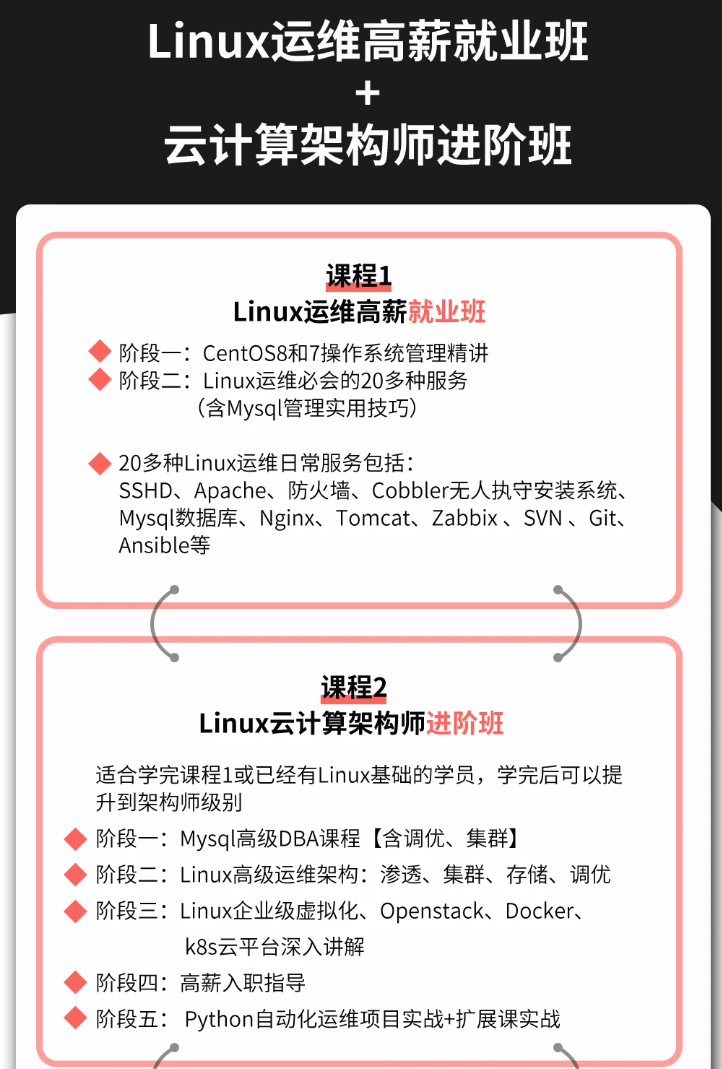
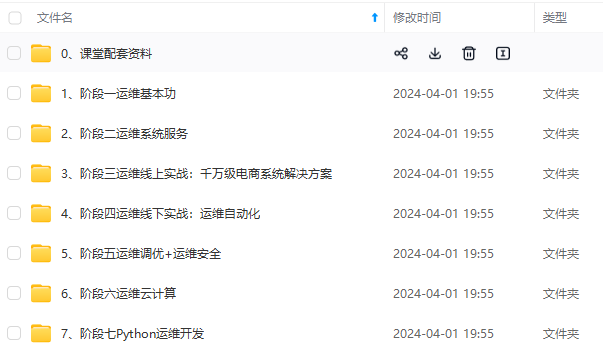
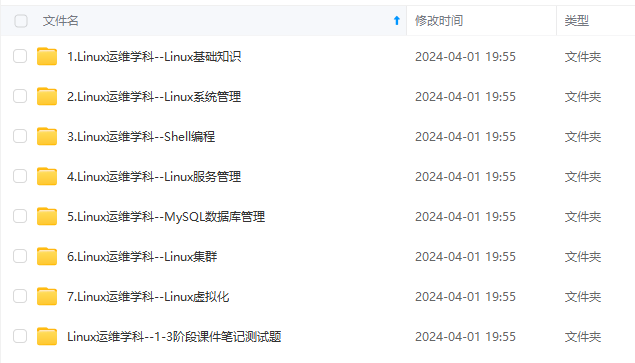
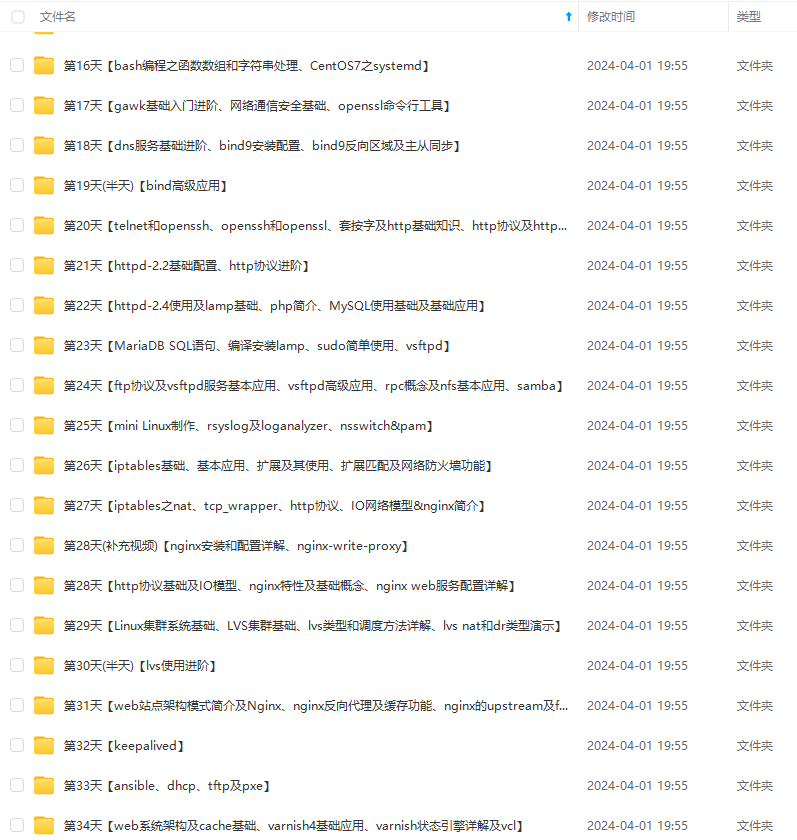
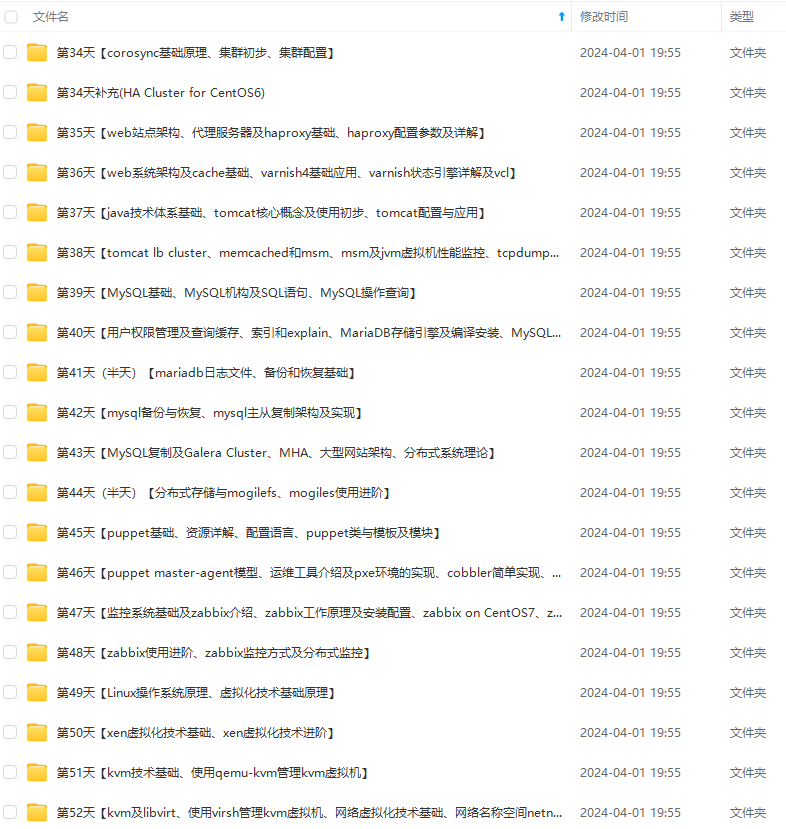
**既有适合小白学习的零基础资料,也有适合3年以上经验的小伙伴深入学习提升的进阶课程,基本涵盖了95%以上Linux运维知识点,真正体系化!**
**由于文件比较大,这里只是将部分目录大纲截图出来,每个节点里面都包含大厂面经、学习笔记、源码讲义、实战项目、讲解视频,并且后续会持续更新**
**如果你觉得这些内容对你有帮助,可以添加VX:vip1024b (备注Linux运维获取)**

### 最后的话
最近很多小伙伴找我要Linux学习资料,于是我翻箱倒柜,整理了一些优质资源,涵盖视频、电子书、PPT等共享给大家!
### 资料预览
给大家整理的视频资料:
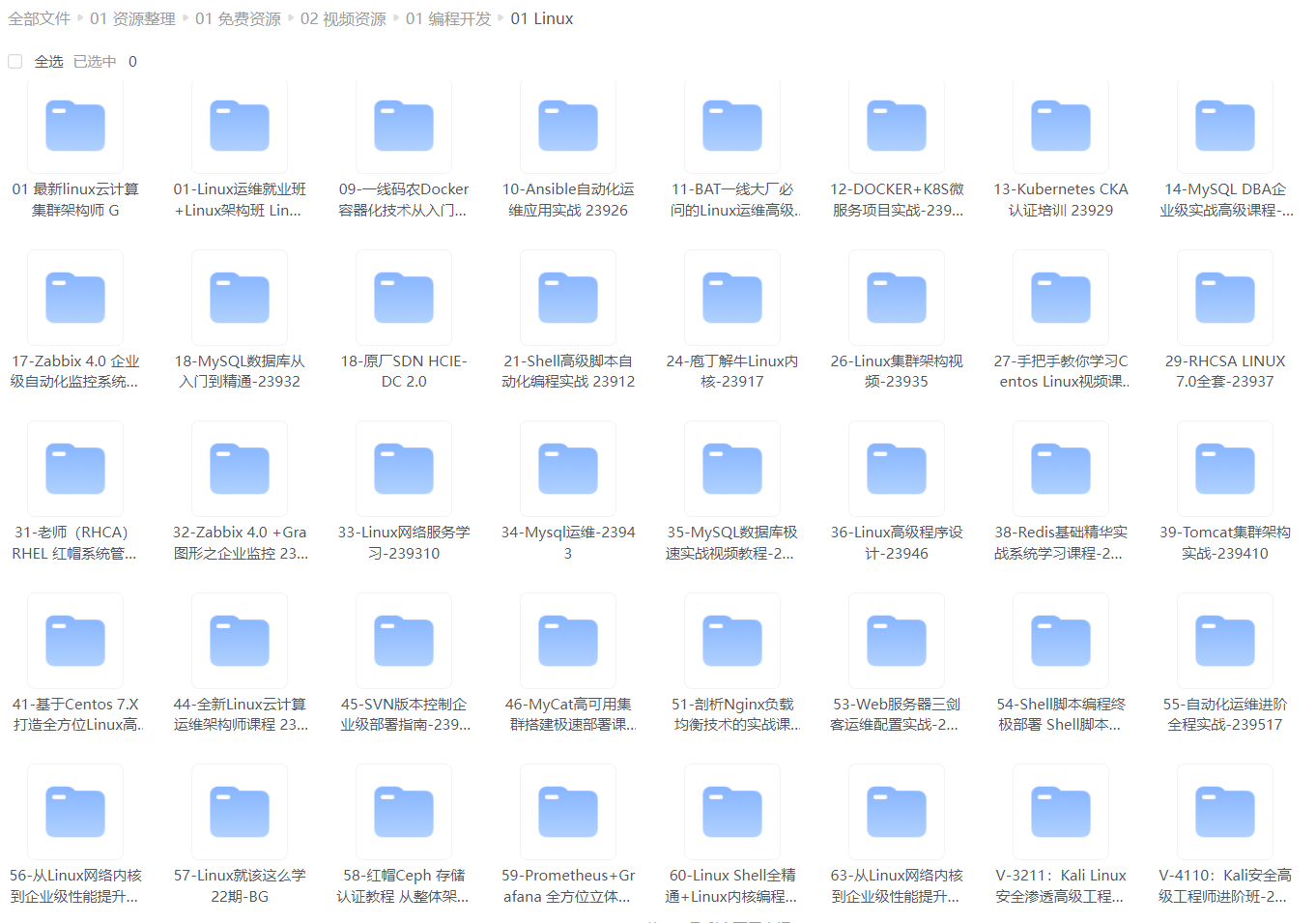
给大家整理的电子书资料:
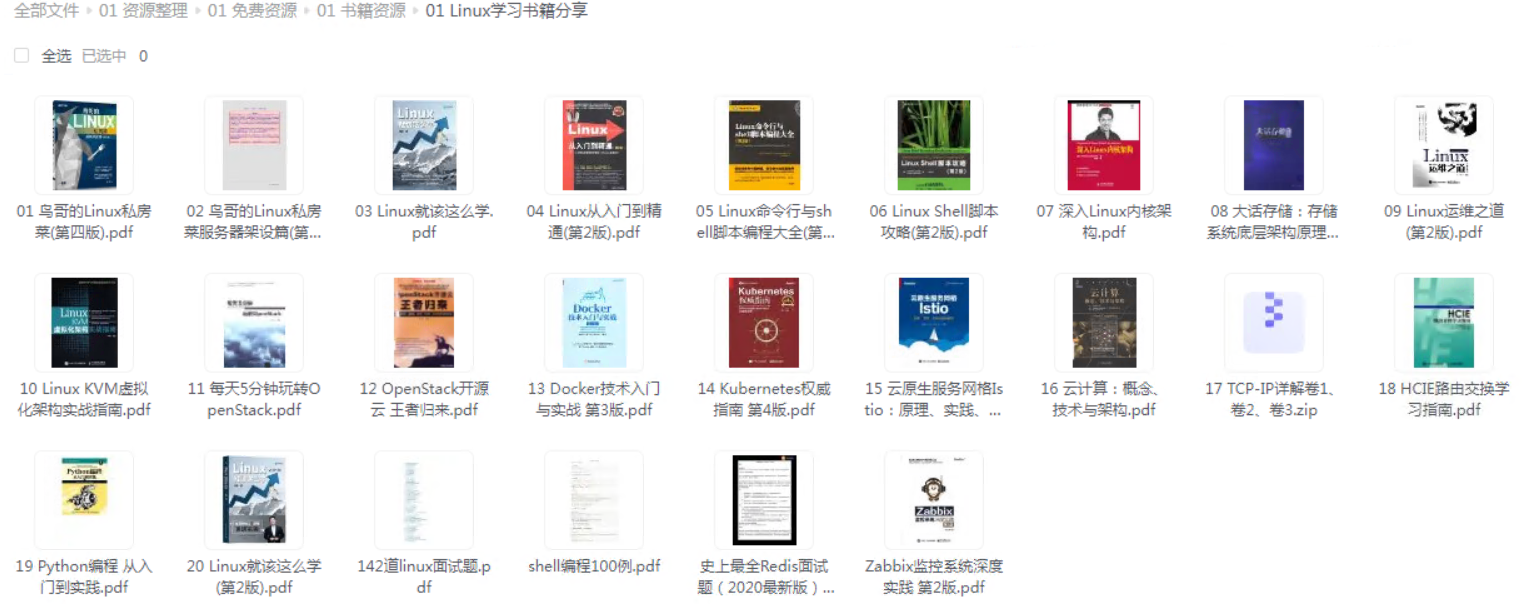
**如果本文对你有帮助,欢迎点赞、收藏、转发给朋友,让我有持续创作的动力!**
**一个人可以走的很快,但一群人才能走的更远。不论你是正从事IT行业的老鸟或是对IT行业感兴趣的新人,都欢迎扫码加入我们的的圈子(技术交流、学习资源、职场吐槽、大厂内推、面试辅导),让我们一起学习成长!**

份《2024年Linux运维全套学习资料》,初衷也很简单,就是希望能够帮助到想自学提升又不知道该从何学起的朋友,同时减轻大家的负担。**
[外链图片转存中...(img-Z8chT3yf-1712789400020)]
[外链图片转存中...(img-0GufswYf-1712789400021)]
[外链图片转存中...(img-f5lFNITA-1712789400021)]
[外链图片转存中...(img-QemW9Q35-1712789400021)]
[外链图片转存中...(img-2DINV6gQ-1712789400021)]
**既有适合小白学习的零基础资料,也有适合3年以上经验的小伙伴深入学习提升的进阶课程,基本涵盖了95%以上Linux运维知识点,真正体系化!**
**由于文件比较大,这里只是将部分目录大纲截图出来,每个节点里面都包含大厂面经、学习笔记、源码讲义、实战项目、讲解视频,并且后续会持续更新**
**如果你觉得这些内容对你有帮助,可以添加VX:vip1024b (备注Linux运维获取)**
[外链图片转存中...(img-mqjdKLub-1712789400021)]
### 最后的话
最近很多小伙伴找我要Linux学习资料,于是我翻箱倒柜,整理了一些优质资源,涵盖视频、电子书、PPT等共享给大家!
### 资料预览
给大家整理的视频资料:
[外链图片转存中...(img-JGOZdjDV-1712789400022)]
给大家整理的电子书资料:
[外链图片转存中...(img-bEjW2jyi-1712789400022)]
**如果本文对你有帮助,欢迎点赞、收藏、转发给朋友,让我有持续创作的动力!**
**一个人可以走的很快,但一群人才能走的更远。不论你是正从事IT行业的老鸟或是对IT行业感兴趣的新人,都欢迎扫码加入我们的的圈子(技术交流、学习资源、职场吐槽、大厂内推、面试辅导),让我们一起学习成长!**
[外链图片转存中...(img-JUqHZwyH-1712789400022)]

魔乐社区(Modelers.cn) 是一个中立、公益的人工智能社区,提供人工智能工具、模型、数据的托管、展示与应用协同服务,为人工智能开发及爱好者搭建开放的学习交流平台。社区通过理事会方式运作,由全产业链共同建设、共同运营、共同享有,推动国产AI生态繁荣发展。
更多推荐


 26
26 0
0- 0


 已为社区贡献2条内容

所有评论(0)